View FPS Mod
- 10-12-2025, 05:08
- 560
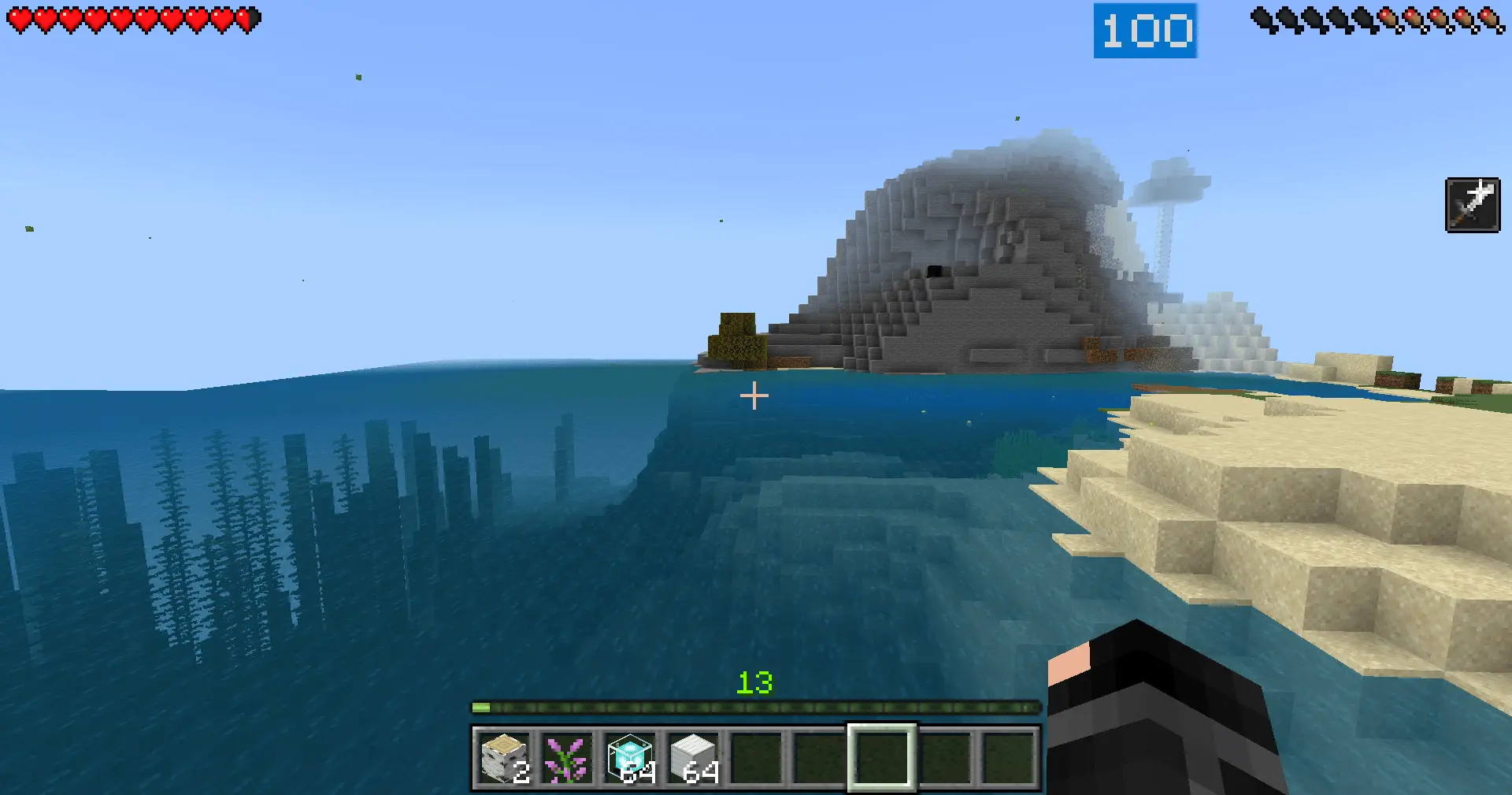
View FPS Mod is for players who actually care how smooth their game feels, not just how it looks. Once you turn it on, you get a live FPS readout on your screen, so you always know if your world, texture pack, or crazy redstone build is tanking performance or running fine. The nice part is that it works everywhere: solo worlds, multiplayer servers, and Realms, and you can even just enable it as a local texture while playing on someone else’s world.
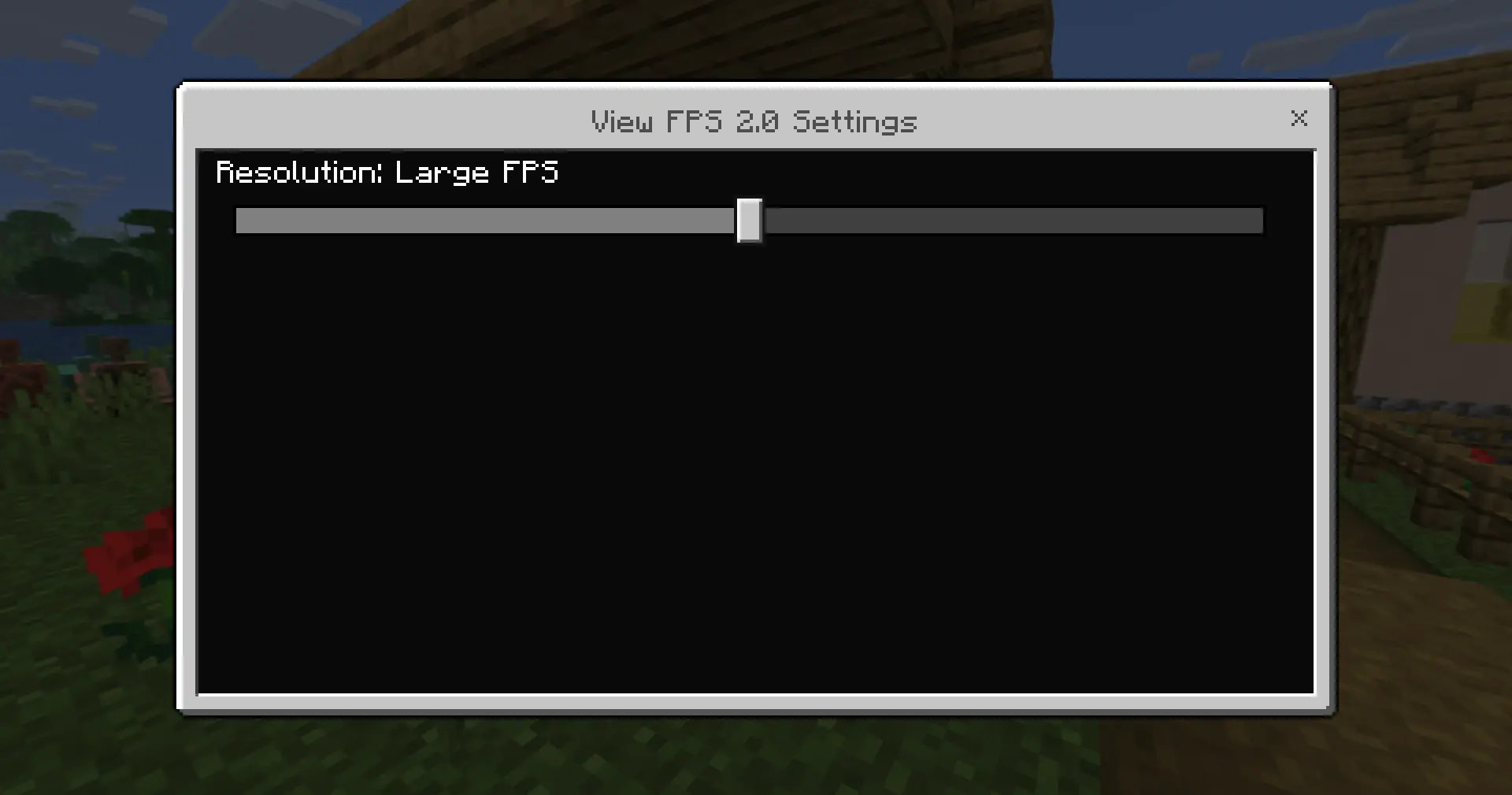
Because it’s built as a UI-style overlay instead of a hacky replacement, it doesn’t strip your cosmetics. You can still rock your favorite cape while using View FPS Mod, which is a big deal if you’re on community servers or recorded worlds where visuals matter. A lot of FPS packs force you to pick between stats or style; this one lets you keep both.
For testing heavy maps, shader combos, or mod packs on MCPE and Bedrock, View FPS Mod is super handy. You can swap settings, move around big areas, and instantly see what actually hits your frames instead of guessing, making it way easier to tune your setup for smooth survival or PvP.
Installation guile:
- Download file Addon;
- Use minecraft
- Open the downloaded file to install;
- Activate the settings;
- Play with the new mod!
Comments (0)