QB Furniture Mod
- 16-12-2025, 05:23
- 512
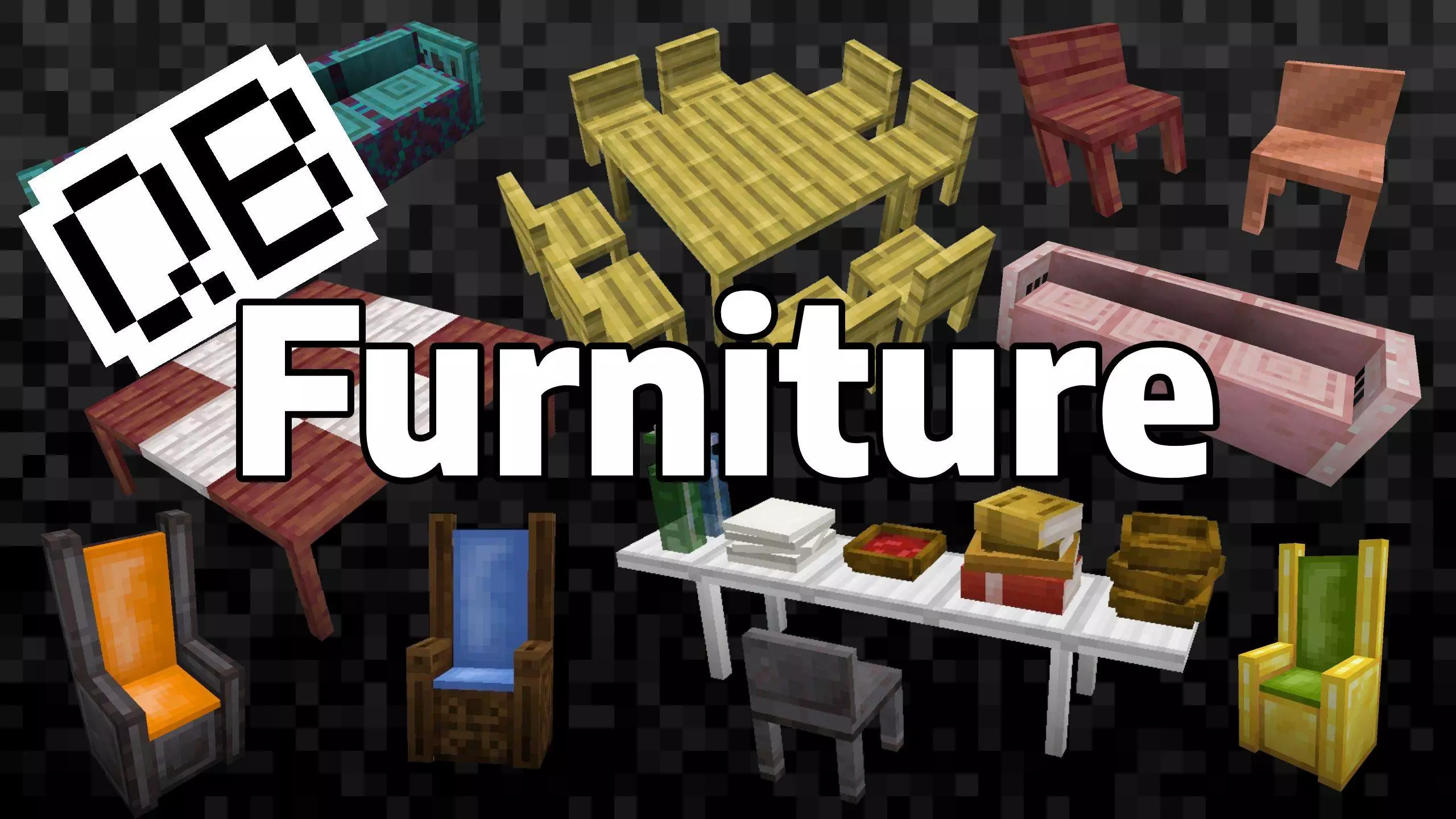
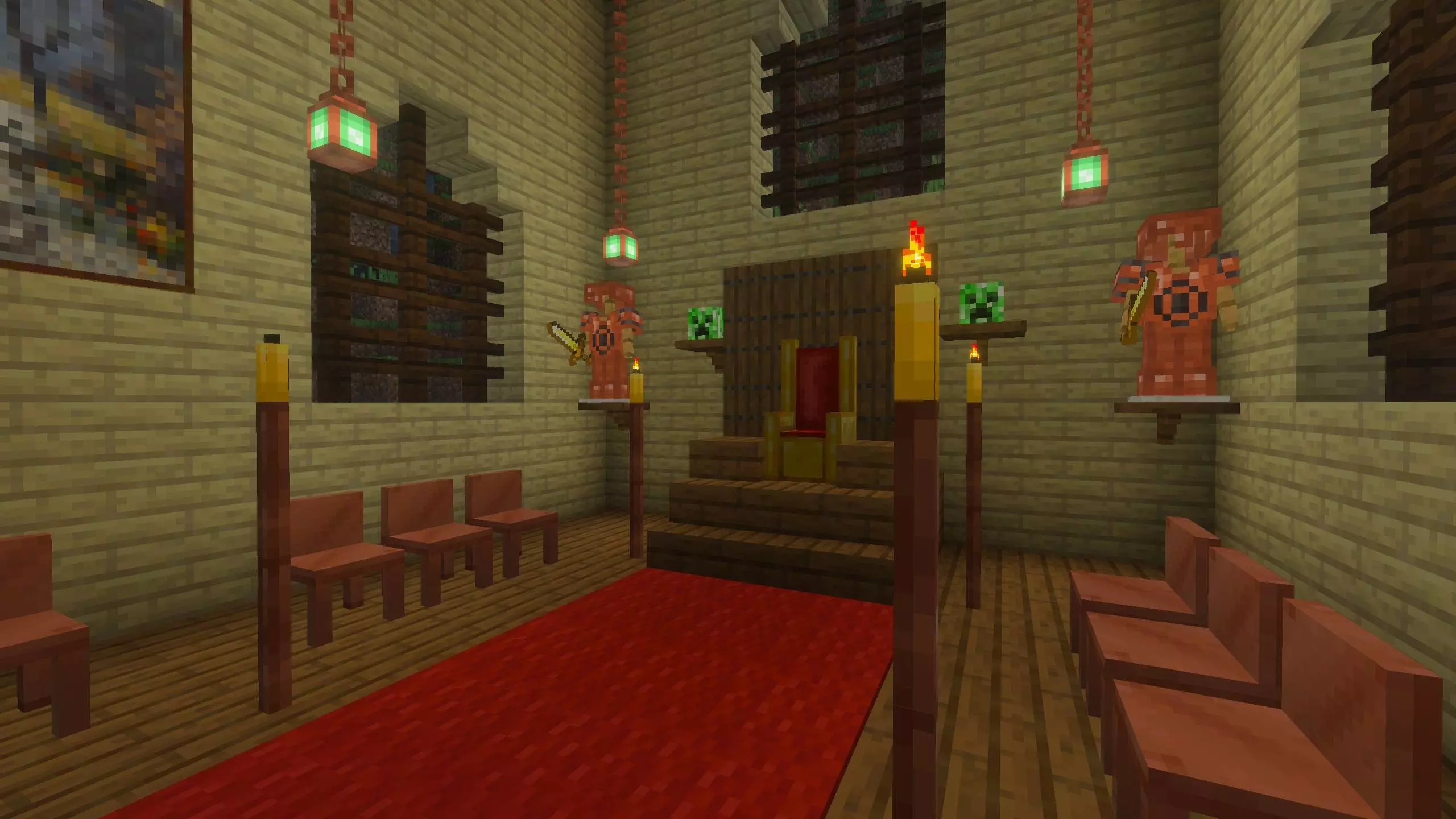
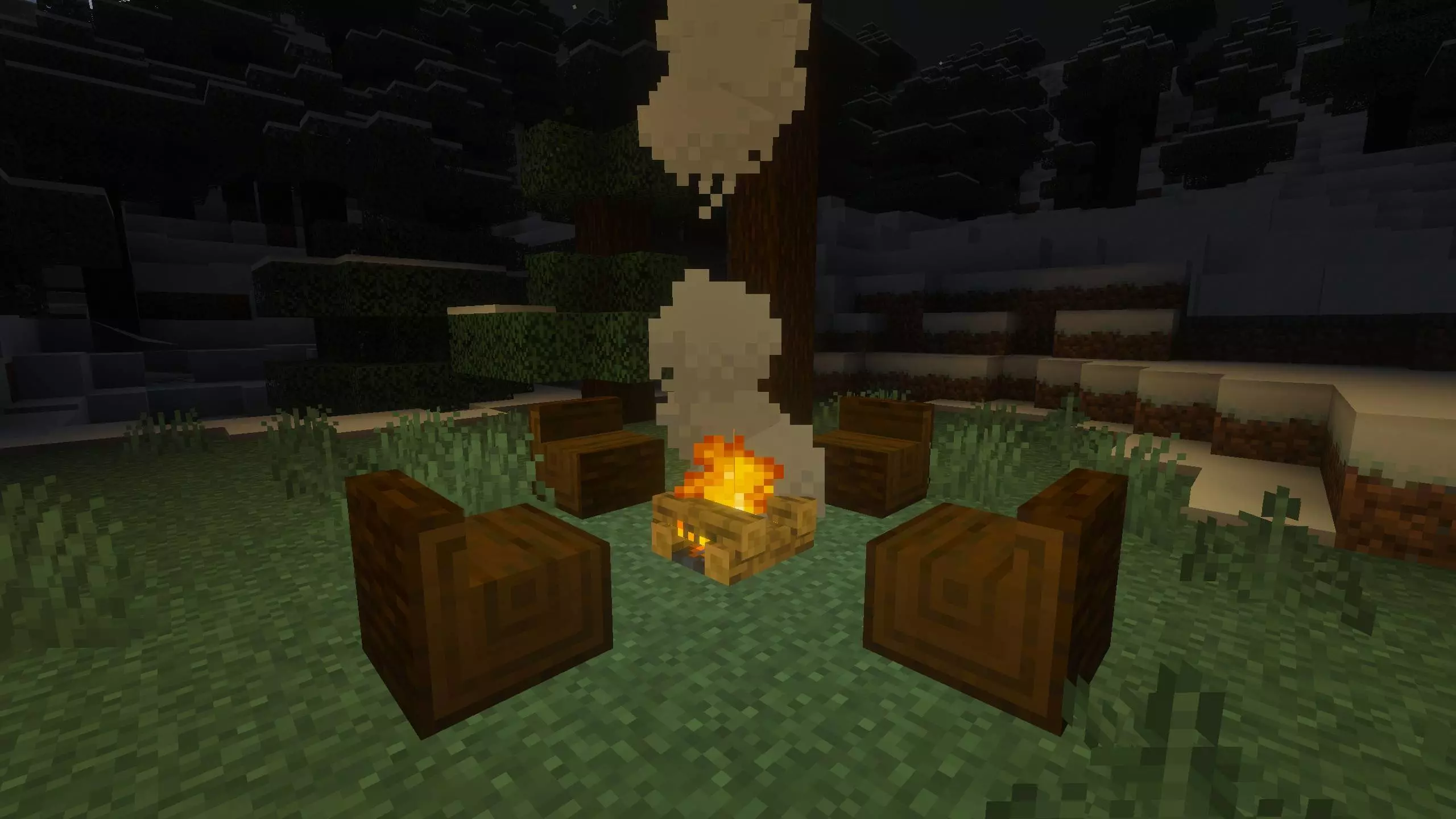
QB Furniture Mod is the kind of addon that makes your base stop looking like a storage warehouse and start feeling like a place you’d actually hang out in. Everything’s built to blend into a normal Minecraft Bedrock world, so it doesn’t scream “modded,” whether you’re grinding survival or decorating in creative. You’re getting a ton of seating options—chairs, log benches, and thrones—plus tables and wall-mounted shelves that fit most building styles without you needing to redesign your whole house.
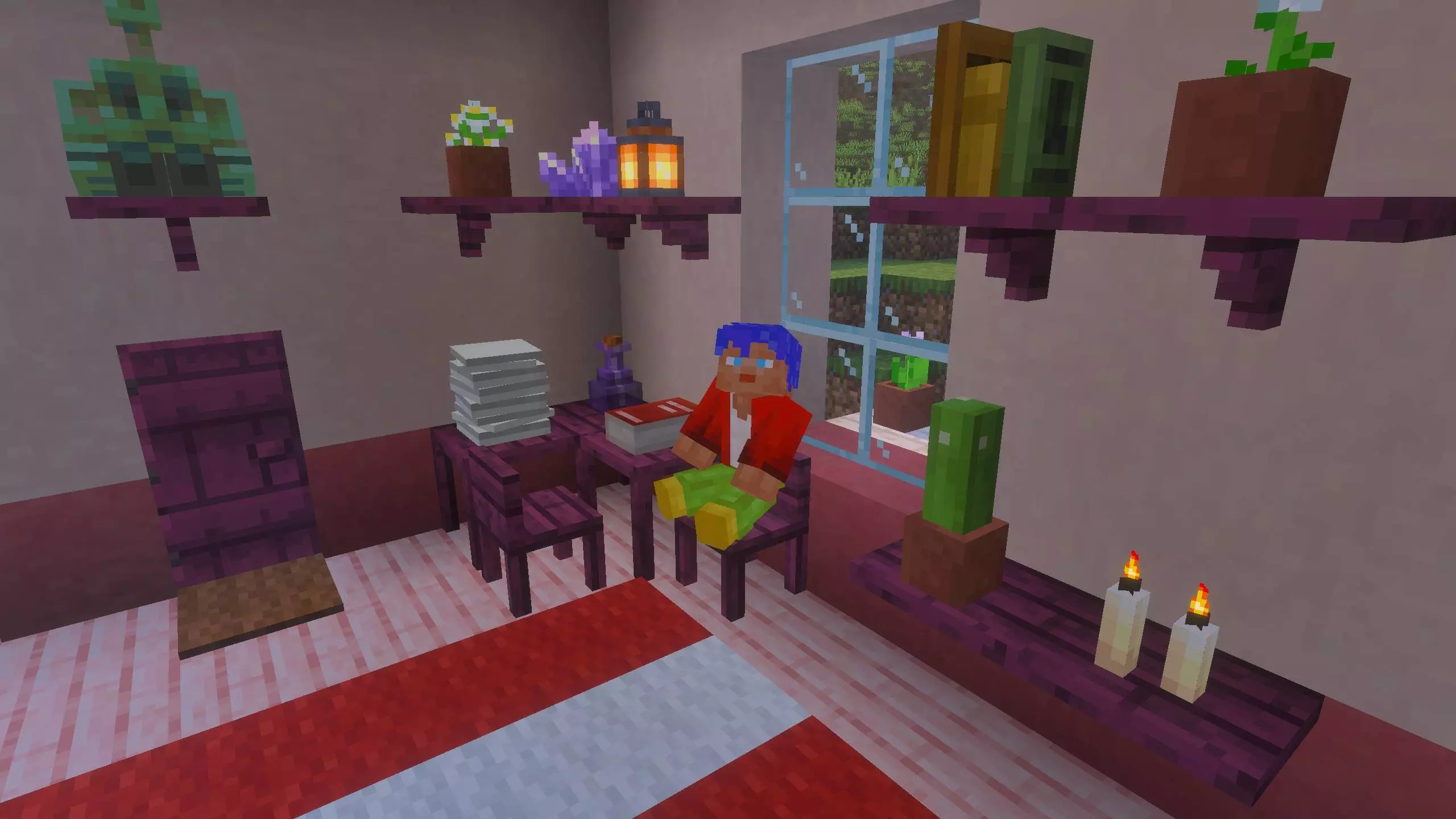
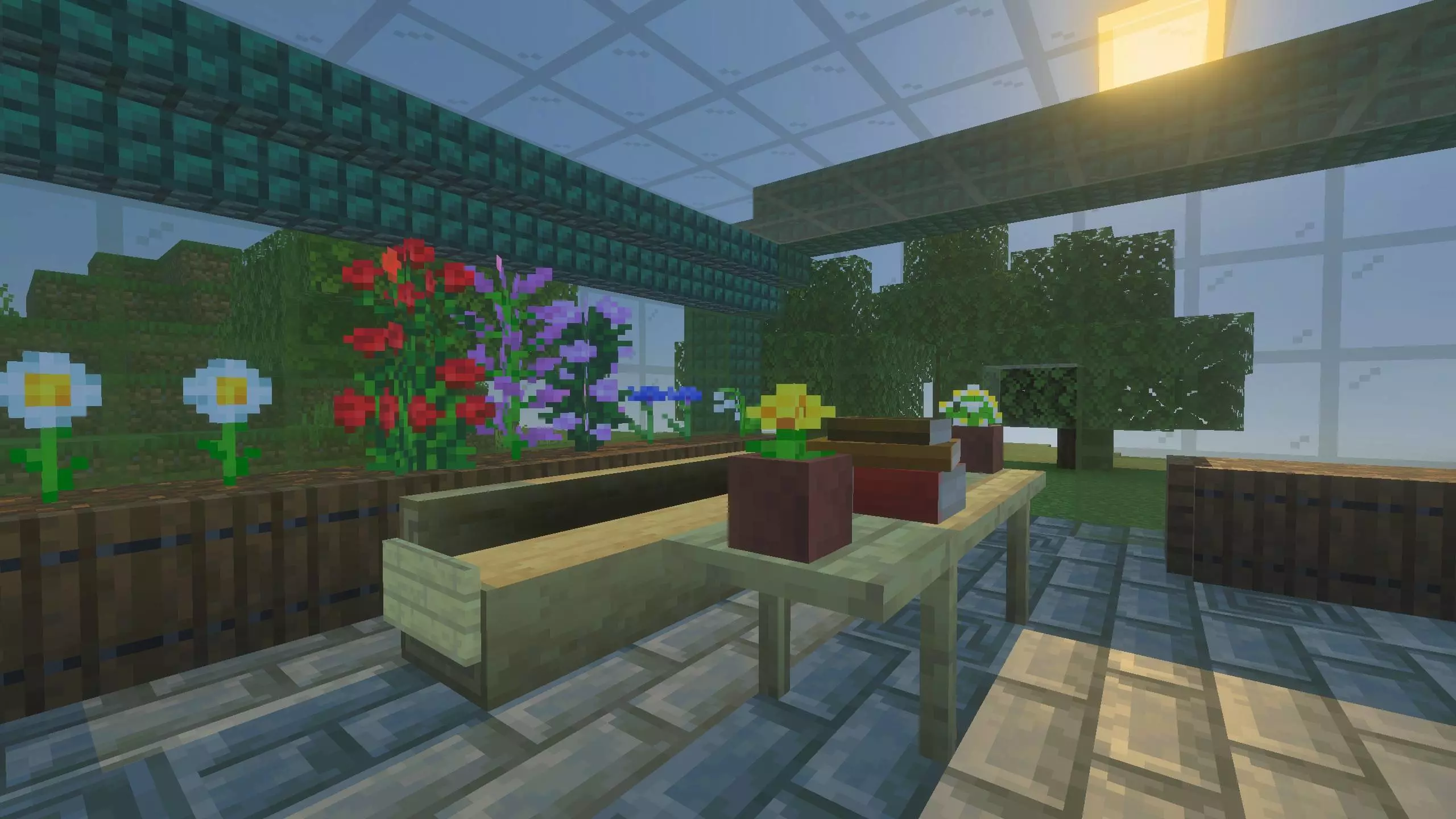
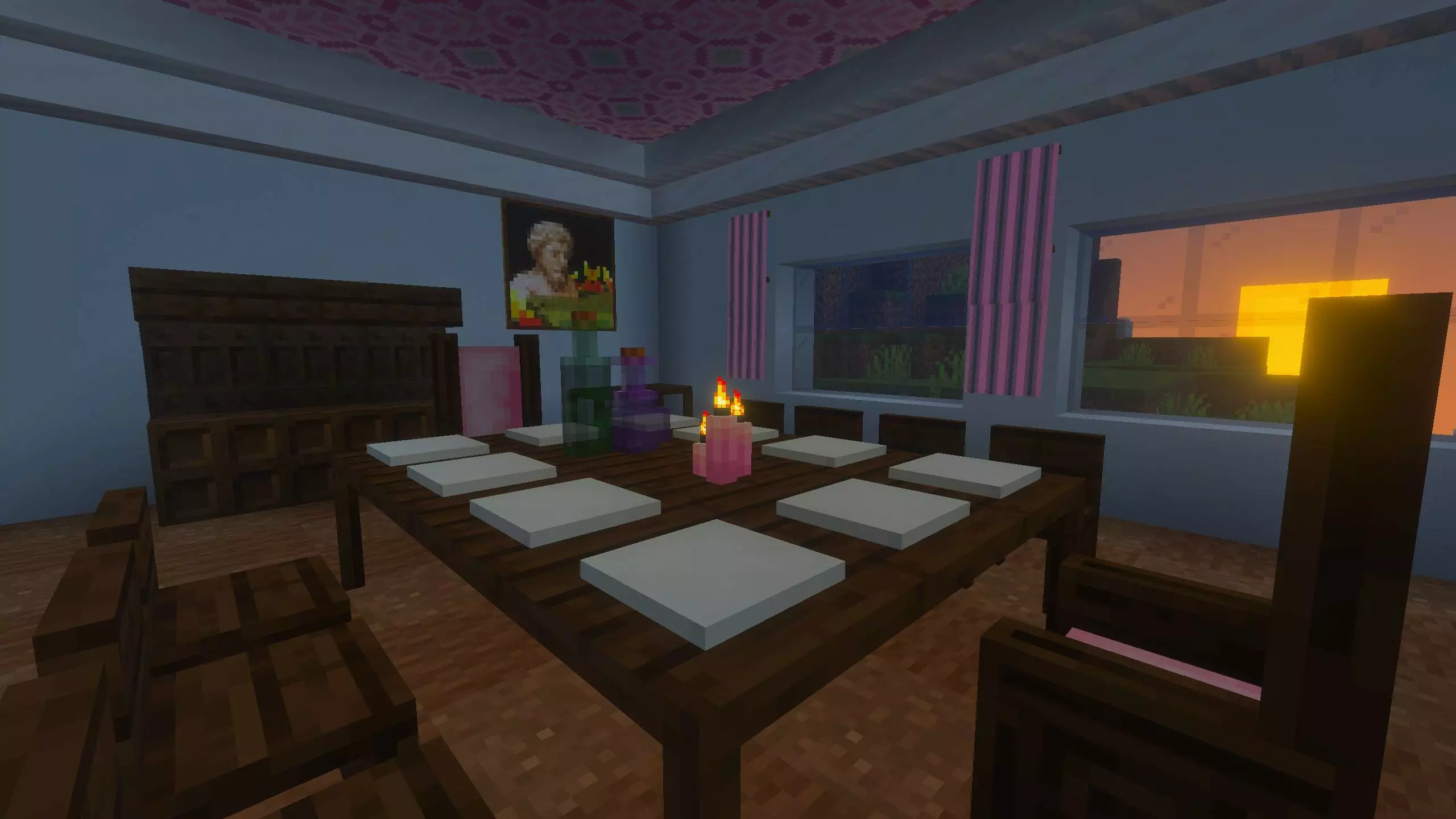
The interaction is what sells it. You can sit in any seat, and tables aren’t just props either—you can interact with a table to crawl under it, which is weirdly fun for secret passages, roleplay builds, or just messing around on a server. Decoration is simple but super satisfying: certain standard items can be placed on tables and shelves, like bowls and stews, stacks of paper or empty maps, bottles, and books you can stack up or arrange.
Crafting stays straightforward: wood furniture uses sticks plus slabs, metal furniture uses sticks plus ingots, log benches use logs or stripped logs, and netherite furniture upgrades from gold using Netherite Scraps. Thrones use wool for the padding, and you can recolor them by crafting with another dye. Placement has smart touches too—thrones are two blocks tall, tables connect by removing inner legs, and shelves can bend around corners—so bigger builds look clean without extra work.
Installation guile:
- Download file Addon;
- Use minecraft
- Open the downloaded file to install;
- Activate the settings;
- Play with the new mod!
Comments (0)