Survival P2W Mod
- 5-01-2026, 13:30
- 426
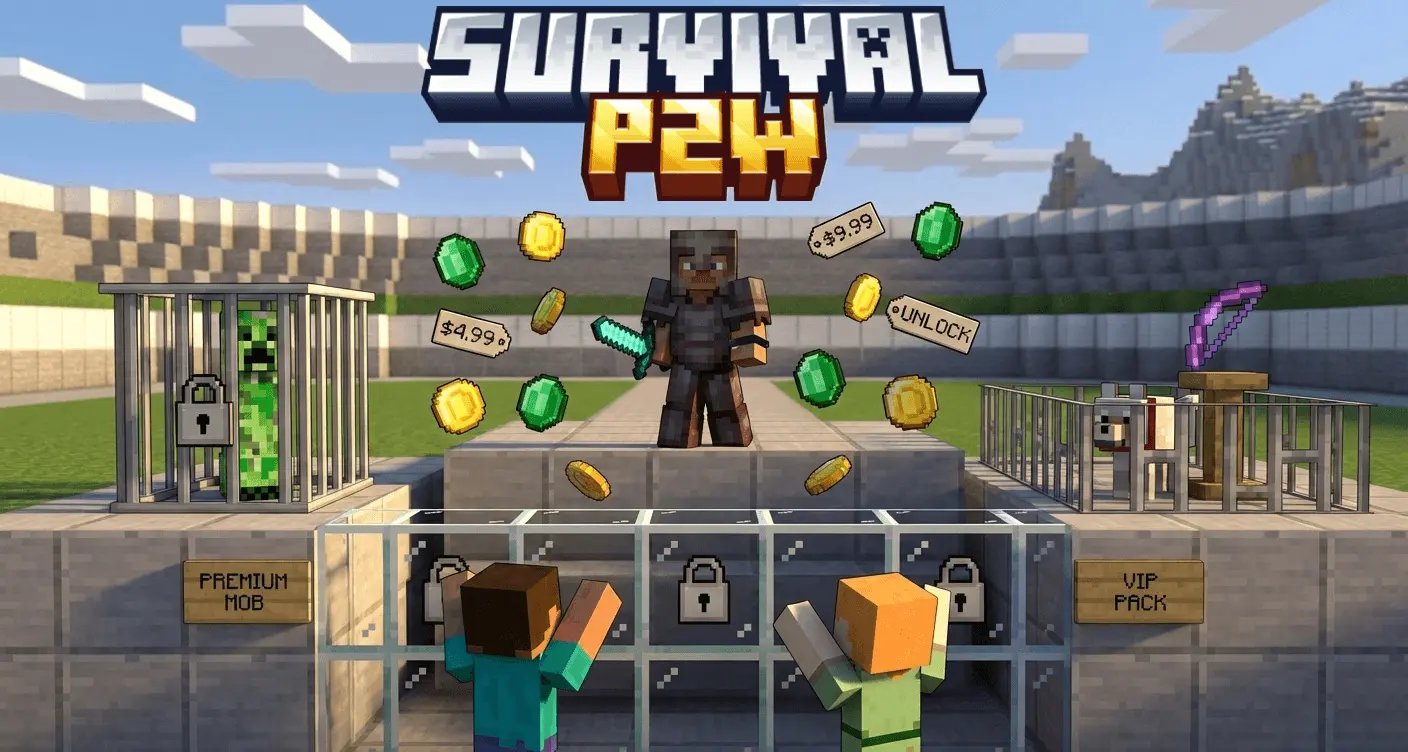
Survival P2W Mod is basically survival mode with a paywall rulebook, and it’s meant to hurt in a fun way. You spawn in with 100 gold and almost nothing unlocked, then the world becomes a strategy grind where every action is tied to a license you have to purchase. There are 100+ licenses covering stuff like wood types, stone variants, ore mining, tool tiers, weapons, armor sets, crops, and utility blocks. Want to open a chest, mine diamond, swing a netherite sword, or build with specific blocks? You pay first, or the addon shuts you down.
The enforcement is the whole point. Unauthorized armor gets removed every second, unlicensed combat damage instantly heals back, and portal access is blocked unless you’ve purchased dimension licenses—otherwise you’re physically pushed back. It’s designed to be “no bypass, no loopholes,� with restrictions applied across mining, placing, breaking, opening, riding, taming, breeding, throwing, and basically every interaction you’d normally take for granted.


Gold income is limited on purpose: ores pay 4–11 gold depending on rarity, mobs pay 5–8 with bosses dropping 40–100, and fishing pays 3–6 per catch. That harsh economy is why bundles exist—40 time-limited bundles give temporary access for 3 hours, like Starter Pack (300G), Complete Ores Bundle (2200G), Combat Master (5000G), and Ultimate VIP (20000G) that removes restrictions temporarily. The UI is built to guide purchases: if you try something without a license, it pops an interactive menu showing the cost, your balance, what bundles include it, and quick purchase options, plus real-time action bar info for gold, owned licenses, and active bundles.
If you want a hardcore challenge where survival is less about gear luck and more about planning, optimization, and grinding smart, Survival P2W Mod is that experience. You use /menu to open the shop and /gold to check your stats, then it’s on you to budget your way from broke to endgame.
Installation guile:
- Download file Addon;
- Use minecraft
- Open the downloaded file to install;
- Activate the settings;
- Play with the new mod!
Comments (0)