New Weapons Overhaul Mod
- 7-10-2026, 00:20
- 607
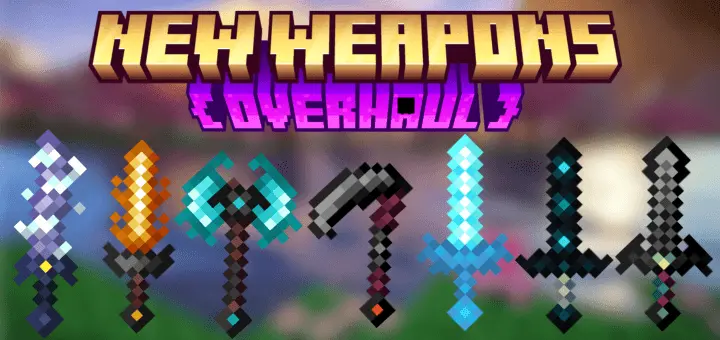
New Weapons Overhaul Mod is for players who want every swing to feel like an ability, not just a hitbox check. The whole addon leans into ritual-style combat—geometric seals, expanding particle glyphs, and themed debuffs that make fights look and feel louder, especially when you’re clearing mobs in tight caves or getting rushed in a survival world. It’s not trying to be subtle. It’s built around high-impact, dark-fantasy energy where your weapon choice changes how you control a fight.
The Allay set plays more supportive and radiant. The Allay Sword hits with a bright burst that weakens targets, the Allay Axe feels heavy with a luminous shockwave, and the Allay Scythe brings healing aura control so you can stay in the mix longer. Breeze weapons are more movement-focused: the Breeze Sword pushes a wind dash vibe with slowing rings, while the Breeze Axe goes for vortex lift and knockback to break up crowds or peel enemies off you.
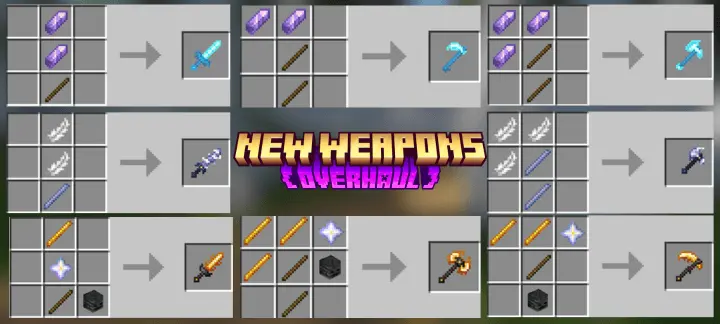
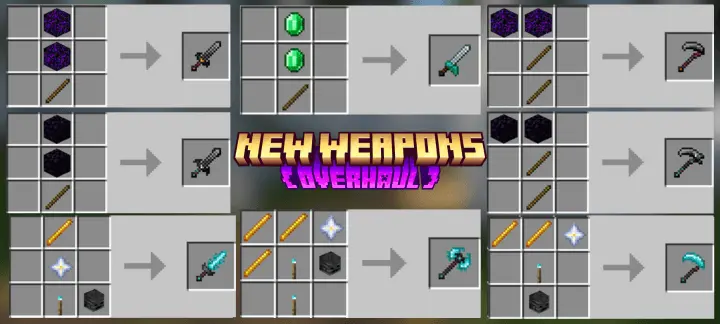
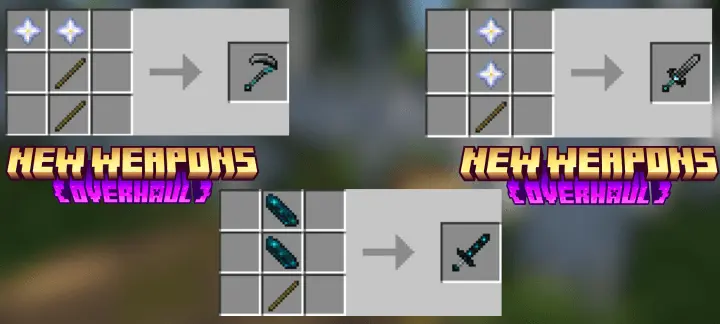
Then you’ve got the darker side: Sculk Sword throws out an echo wave with sculk spread, which fits that creeping, corrupt feel. The Demon line is pure control and pressure—Demon Sword traps with an abyssal cage and wither, and the Demon Scythe pulls with soul drain. Demon Fire variants add burn and binding effects, with different flavors like possession sigils, infernal brands, and reaper-style binds. Blue Demon Fire weapons shift into prism/hex visuals with slows, staggers, and exhausting spiral seals, while Black Demon weapons lean into void dominion, darkness, and heavy weakening drains. Even the Rascal Sword keeps things tricky with a blink burst, and the Top Demon Sword and Scythe sound like the “boss tier� picks with royal dominion fire pressure and a reaper rite ritual pull. New Weapons Overhaul Mod is basically a full weapon fantasy kit for Minecraft Bedrock—pick a theme, learn the crowd control style, and turn normal fights into little ritual duels.
Installation guile:
- Download file Addon;
- Use minecraft
- Open the downloaded file to install;
- Activate the settings;
- Play with the new mod!
Comments (0)