WATERFALL MOD
- 27-07-2026, 11:10
- 166
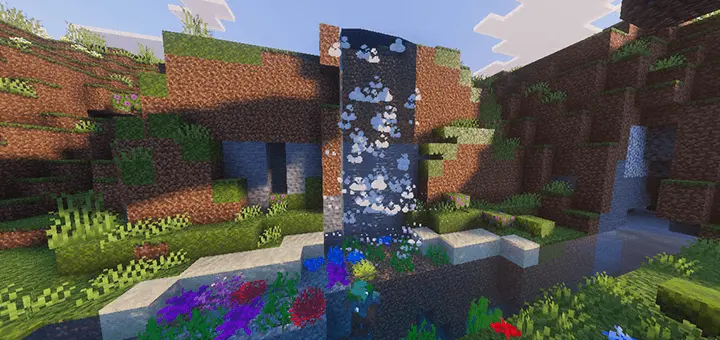
WATERFALL Addon - Stop staring at completely lifeless vanilla water blocks and inject high-fidelity particles and dynamic ambient audio directly into your fluid physics.
The Death of Static Water
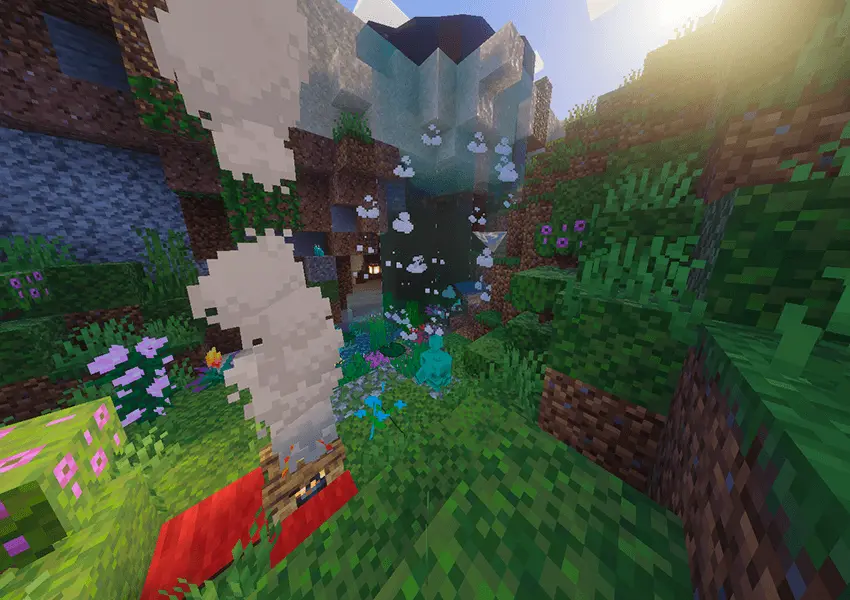
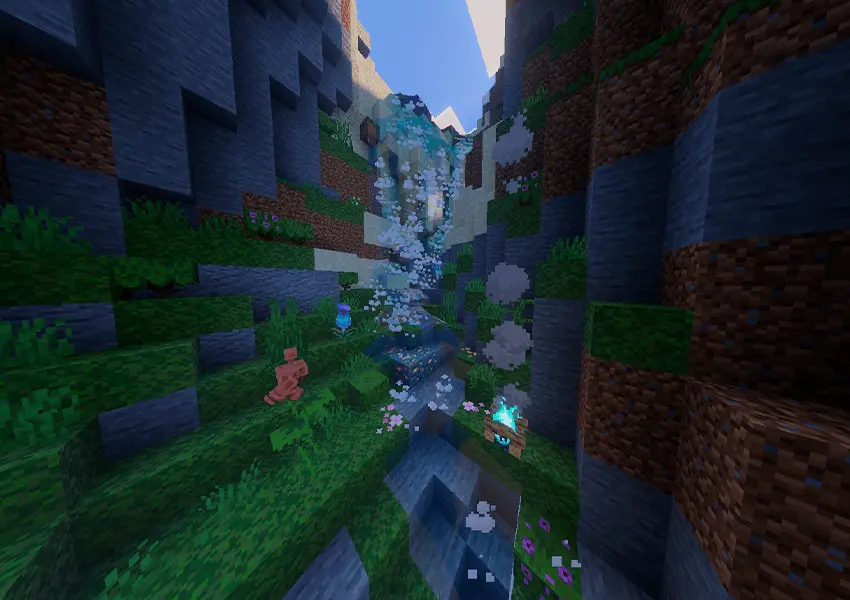
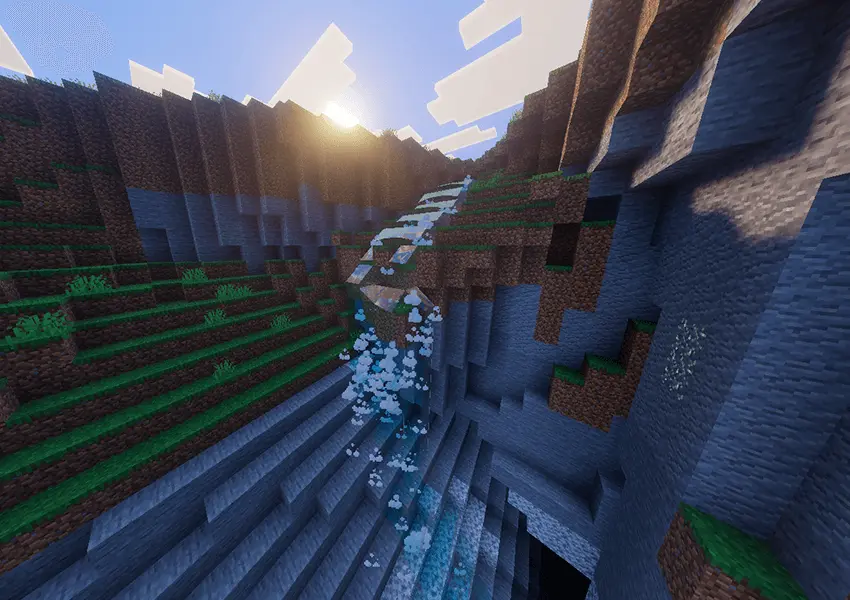
Let's be completely honest, vanilla Minecraft fluid dynamics are an absolute joke. Staring at a static, silent blue texture slowly cascading down a mountain completely kills your immersion and makes massive terraforming projects look incredibly cheap. This add-on completely trashes that outdated visual engine by globally injecting highly active, dynamic particle systems and authentic ambient audio into every single naturally generating waterfall in your world. You don't have to place any custom blocks or rely on laggy command blocks; the moment you load in, flowing water actually looks and sounds like a legitimate, physical force.
Total Rendering Control
Visual overhauls in Bedrock usually mean completely destroying your device's framerate, but this pack hands you absolute technical control over the rendering engine. By crafting the highly accessible Laguz Rune (requiring just a single stick and a piece of cobblestone), you can actively modify every single waterfall's configuration on the fly. You can instantly toggle the ambient audio, swap out the specific particle types, and manually override the exact particle density and render distance limits to perfectly match your environment.
Hyper-Optimized Performance
The creator specifically engineered this system to avoid bricking your server. The default render values are locked extremely low to guarantee zero performance loss on lower-end devices, completely bypassing the massive lag spikes usually associated with heavy visual mods. But if you have the hardware to push it, you can utilize the Laguz Rune to aggressively scale the engine up to a recommended 350-500 particles with a 50-block render distance. It allows technical builders to construct massive, hyper-realistic aquatic landscapes without sacrificing a single frame of performance.
Installation guile:
- Download file Addon;
- Use minecraft
- Open the downloaded file to install;
- Activate the settings;
- Play with the new mod!
Comments (0)