EARDING WEAPON Addon
- 3-09-2026, 06:30
- 237
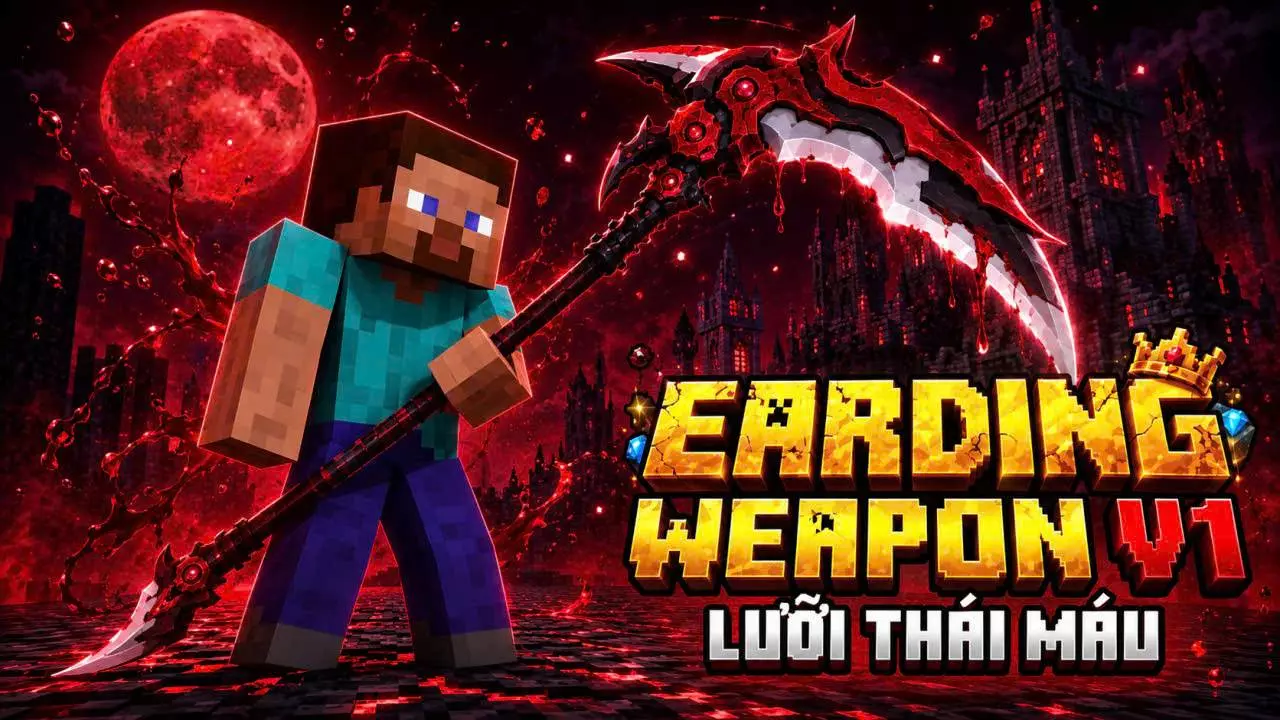
EARDING WEAPON Addon - Trap Your Rivals in a Dark Fantasy Arena
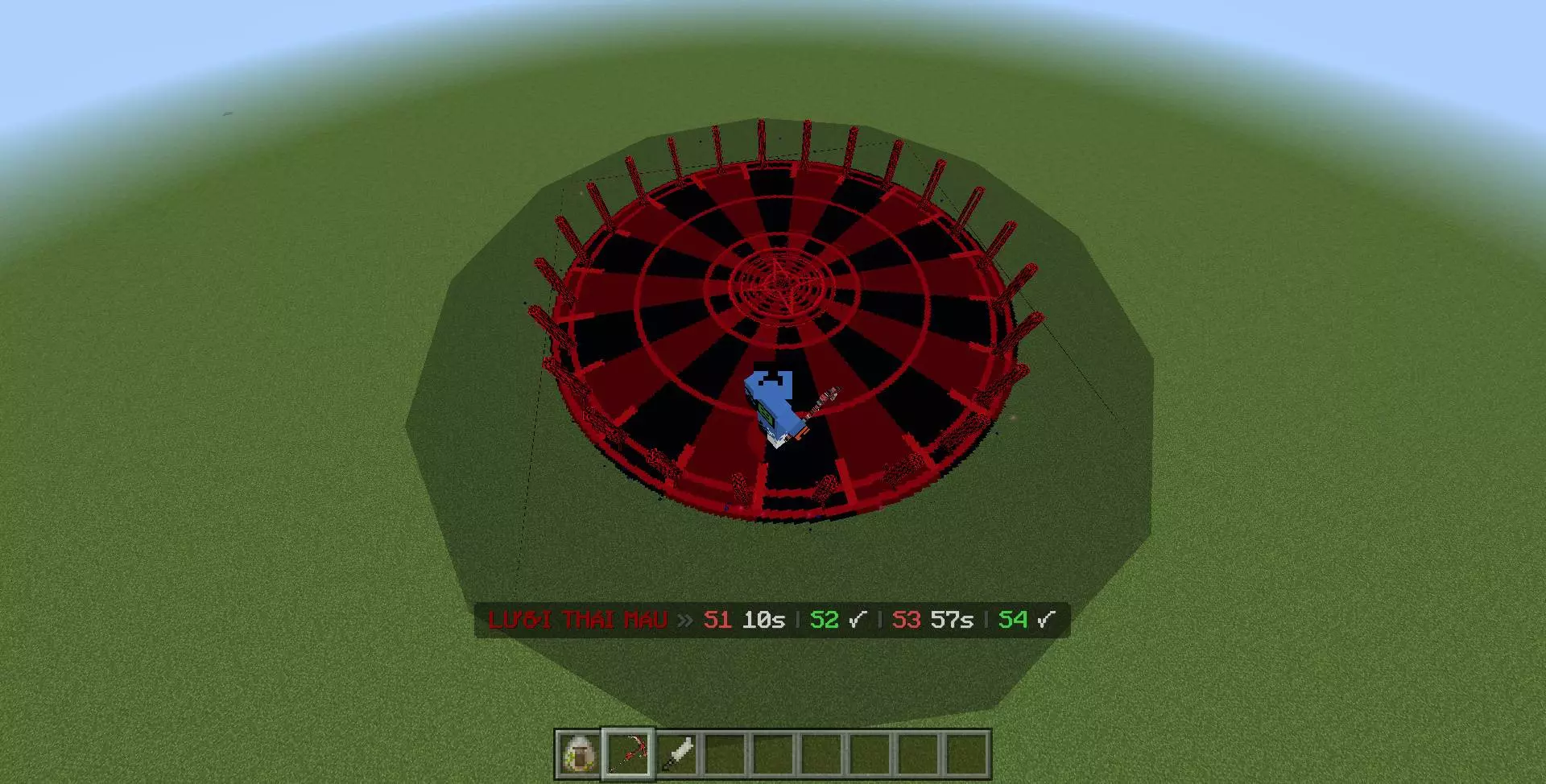
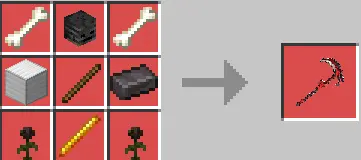
Getting absolutely styled on by a massive, multi-hit combo in a block game is the ultimate humbling experience. If you are thoroughly exhausted by the clunky, left-click spam meta, injecting this dark fantasy arsenal into your client completely rewrites the entire combat engine. We are talking about equipping the Blood Blade and literally dragging terrified opponents across the map with telekinetic pulls before dropping a highly explosive crimson orb directly onto their heads. The absolute peak of disrespect happens when you trigger your ultimate skill, trapping the enemy faction inside a massive custom Blood Domain surrounded by terrifying visual pillars. It forces your rivals to fight you on your territory while eating severe debuffs, elevating a standard server duel into an insane, high-stakes anime boss fight.
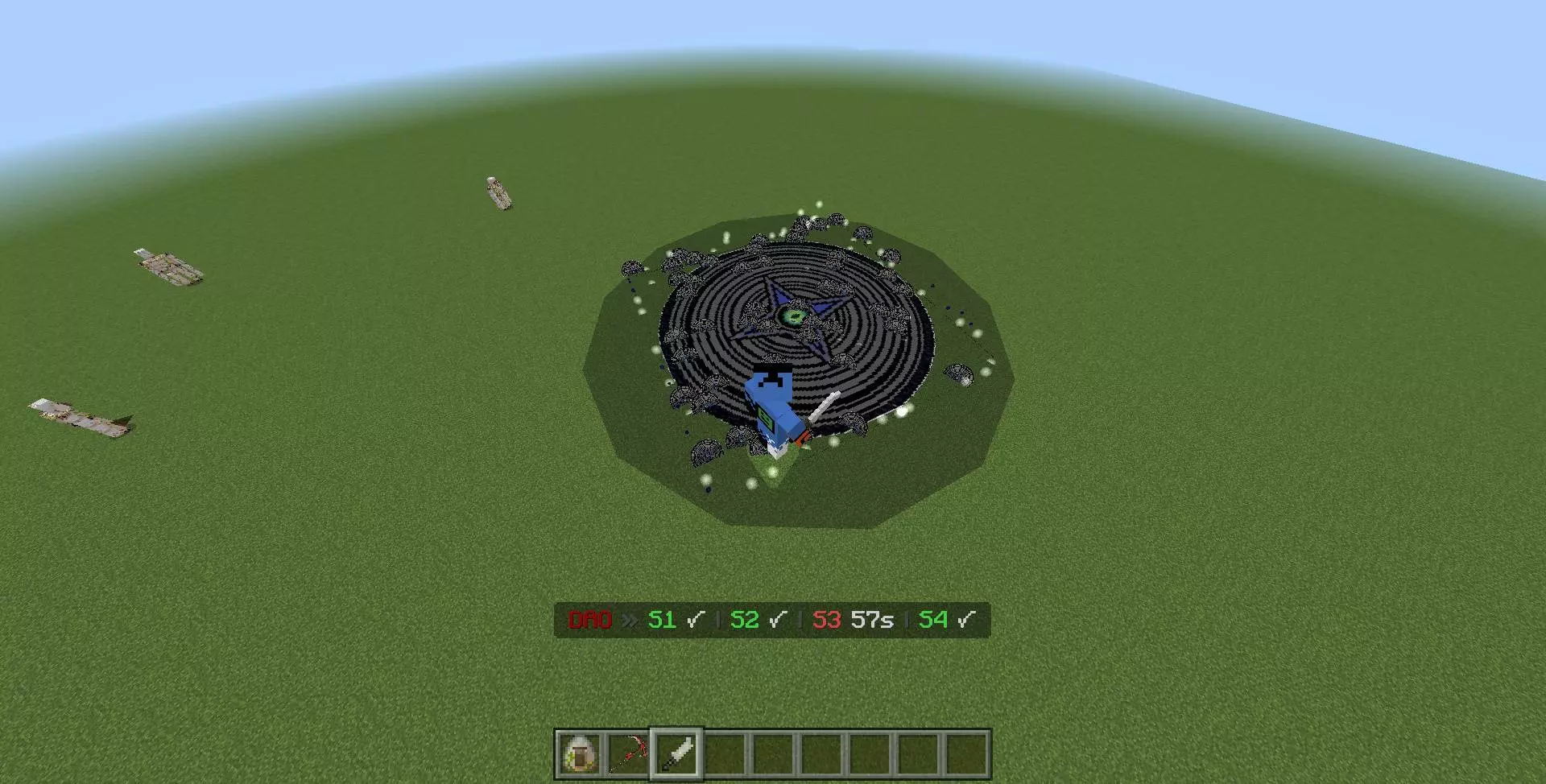
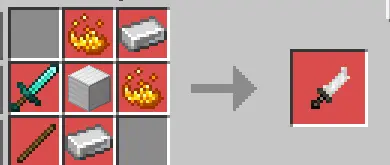
If you prefer outplaying your opponents with raw speed and agility, swapping over to the Dao completely kicks your movement mechanics into overdrive. Launching a triple knife spread before executing a massive aerial dash lets you weave in and out of striking distance like an absolute phantom. Triggering the Dao Domain floods a massive twenty-block radius with suffocating ash and nausea, heavily punishing anyone who tries to turtle behind a shield and heal. Bringing this level of intense tactical depth to your arenas easily secures this expansion a spot among the best Minecraft Bedrock weapon mods ever coded. Anyone running an intense faction realm will quickly realize this is the exact top multiplayer roleplay content needed to make server-wide clan wars feel legendary. It operates flawlessly as one of the most oppressive best Minecraft Bedrock PvP addons because the advanced movement tech allows high-skill players to completely dismantle anyone still relying on standard vanilla diamond gear.
The most impressive part about this overhaul is how smoothly the creator mapped these complex, fighting-game-style inputs directly onto standard layouts.
Installation guile:
- Download file Addon;
- Use minecraft
- Open the downloaded file to install;
- Activate the settings;
- Play with the new mod!
Comments (0)