Tank Mod
- 16-09-2026, 16:11
- 177
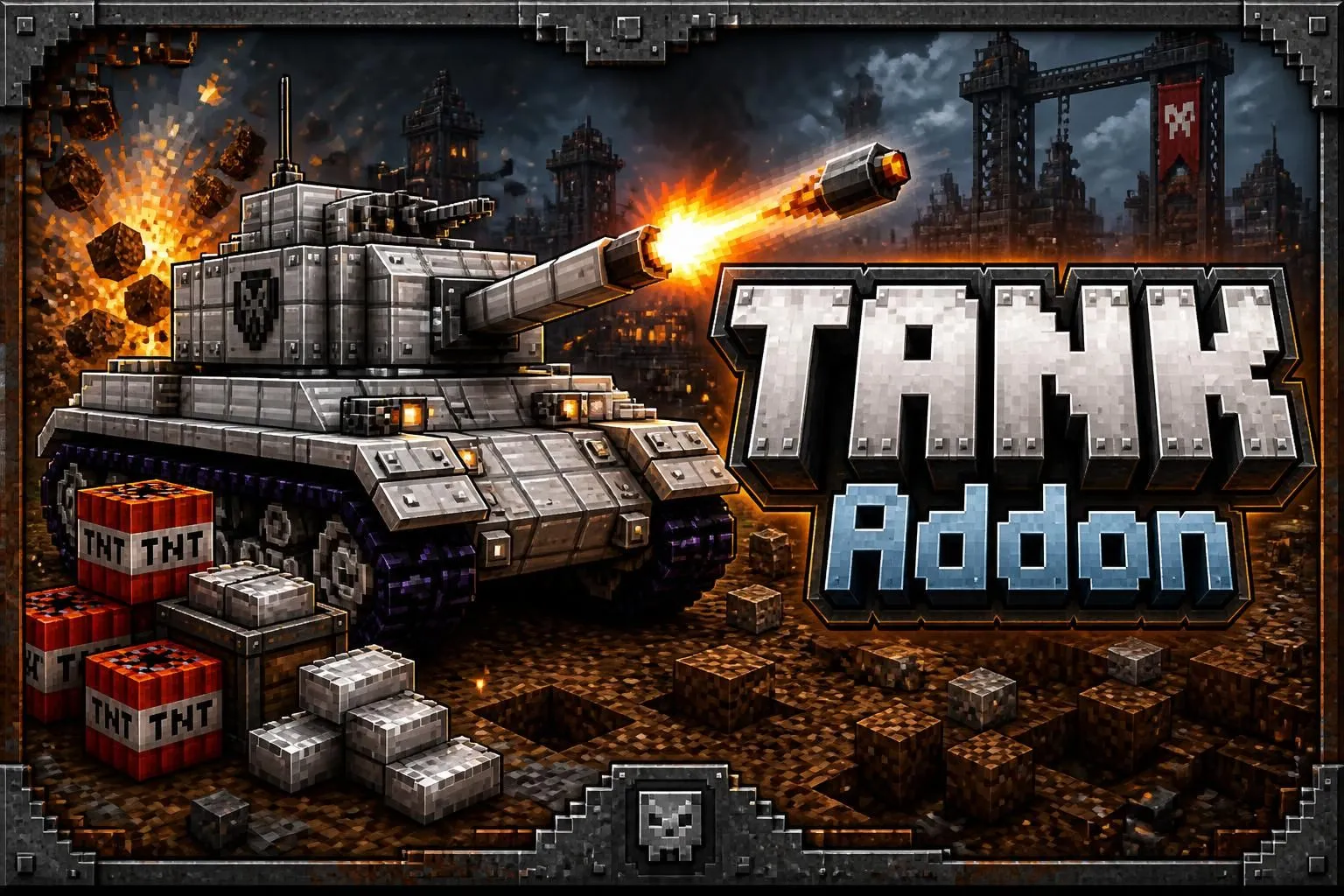
Tank Harimau Addon - Mechanized Warfare Done Right
Rolling up to a faction war on a horse is an absolute joke when the other team has heavy artillery. The Tank Harimau Addon totally scraps standard Bedrock siege tactics and replaces them with a genuinely balanced, highly tactical medium tank. This isn't just a basic mob reskin that spits out vanilla fire charges—it’s a fully simulated piece of armor that requires real skill to operate.
True Turret Logistics: You can't just hop in and start blasting. If you don't manually load your physical ammunition into the top-left internal inventory slot, the main cannon is just dead weight. You actually have to maintain supply lines.
Skill-Based Ballistics: Forget mindless button spamming. The cannon has a hard auto-reload cooldown, forcing you to peek, take your shot, and pull back into cover. The shells also have authentic gravity drop and travel time, meaning you have to actually lead your targets at long range.
Balanced Physics: You aren't Tokyo-drifting across a plains biome. The vehicle's acceleration and weight handling are heavily calibrated so it actually drives like a massive metal war machine, keeping it balanced and preventing it from feeling totally busted.
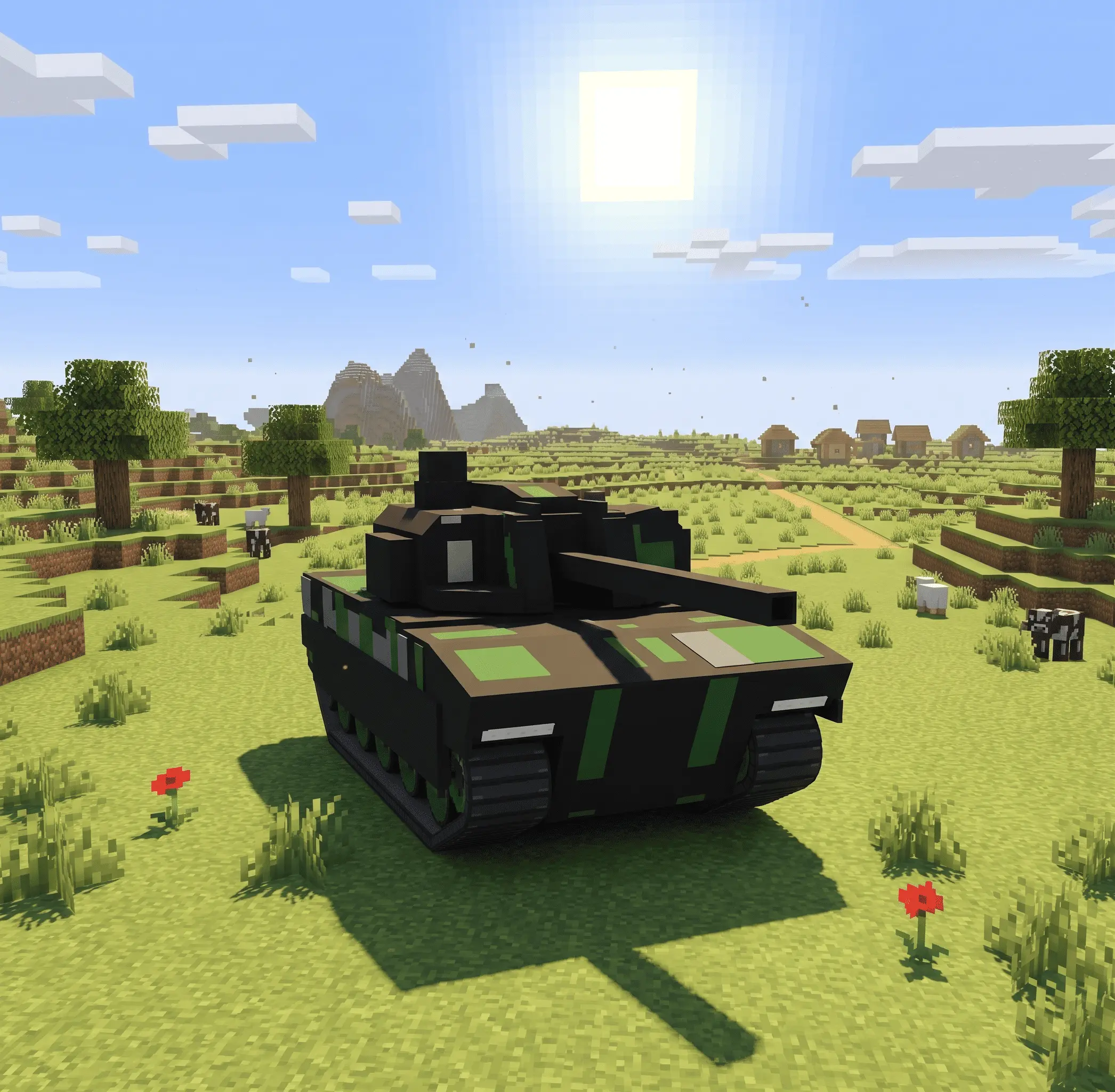
If your community is completely burned out on the standard sword-and-shield meta, dropping this armor into the map is absolutely server-changing. It forces rival clans to organize actual supply runs to keep their tanks fueled and loaded, easily making it one of the best Minecraft Bedrock weapon mods for competitive gameplay. For admins running modern military or gritty apocalyptic servers, mechanized combat generates the exact top multiplayer roleplay content you need to spark massive, map-wide wars.
Ready to level a few bases and ruin someone's day? Lock in this custom MCPE addon download, stock your internal racks with heavy shells, and start pushing the frontline.
What kind of military or faction server are you planning to drop this heavy armor into?
Installation guile:
- Download file Addon;
- Use minecraft
- Open the downloaded file to install;
- Activate the settings;
- Play with the new mod!
Comments (0)