Nightmare Overload Mod
- 23-09-2026, 09:04
- 417
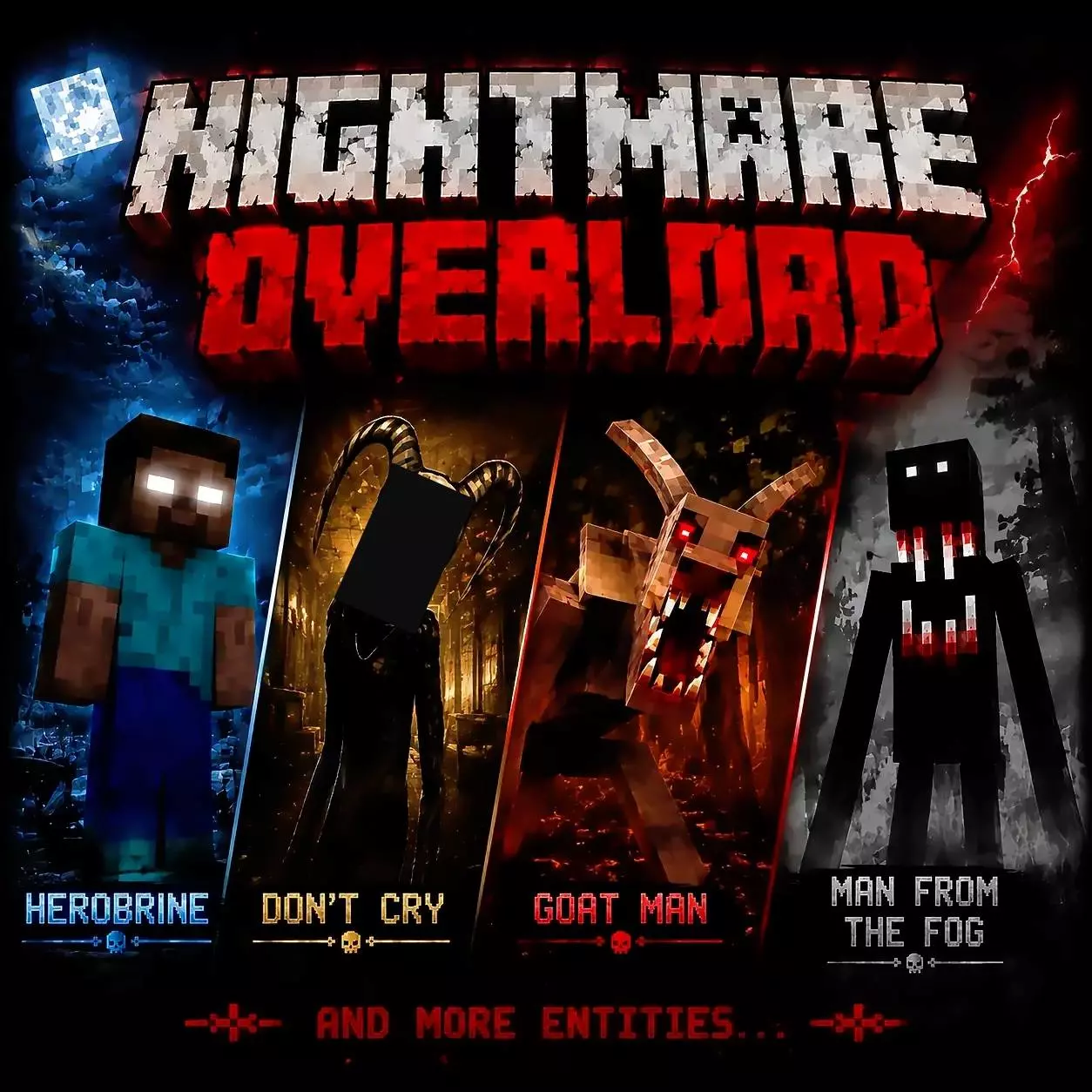
Throwing five different horror mods into one Bedrock world usually results in a chaotic, broken mess where entities constantly glitch out and the atmosphere completely falls apart. The Nightmare Overload Remake completely avoids that trap by meticulously curating and merging the absolute best horror mechanics into one cohesive, terrifying survival experience. It takes the familiar, peaceful Overworld and permanently drowns it in pure paranoia, transforming a standard survival playthrough into a psychological nightmare.
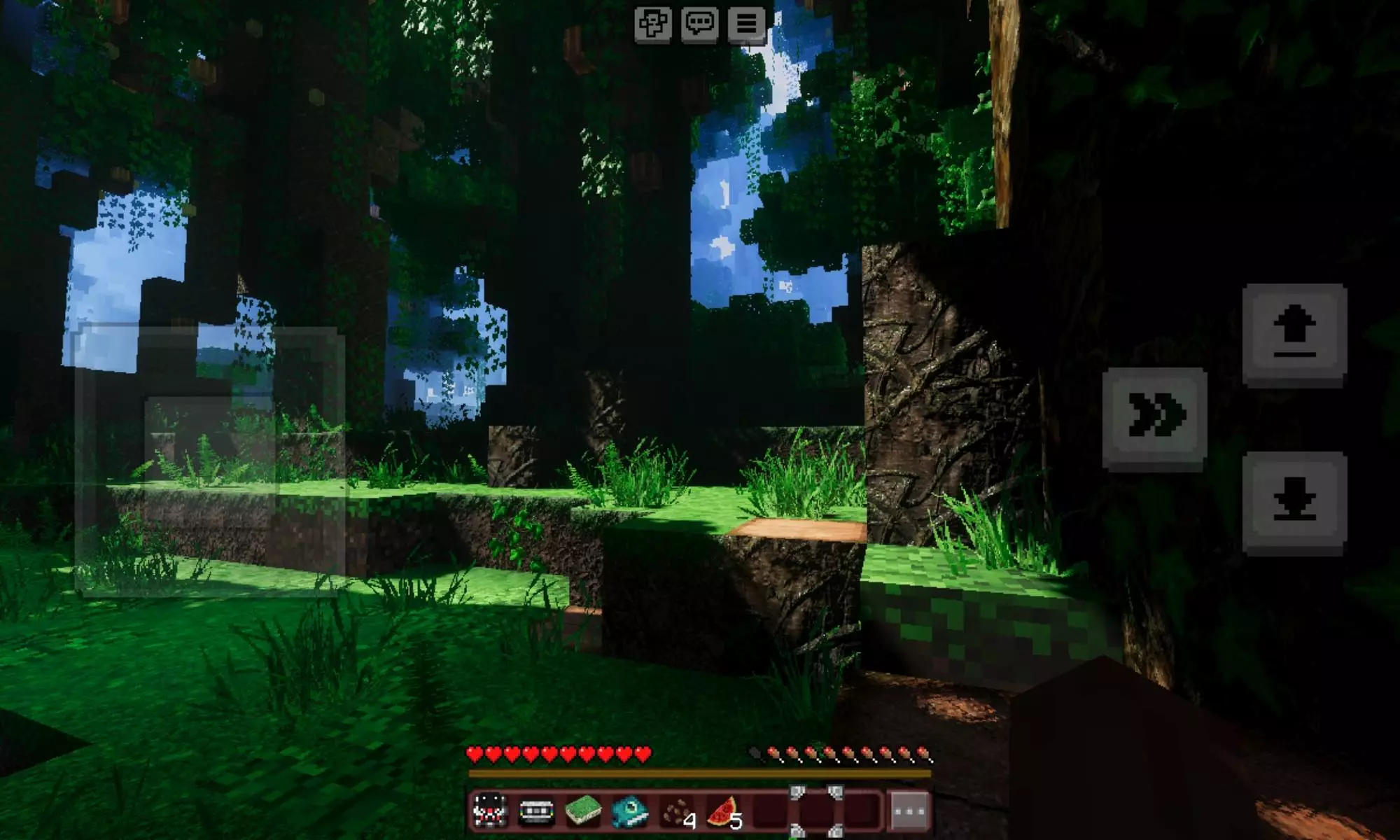
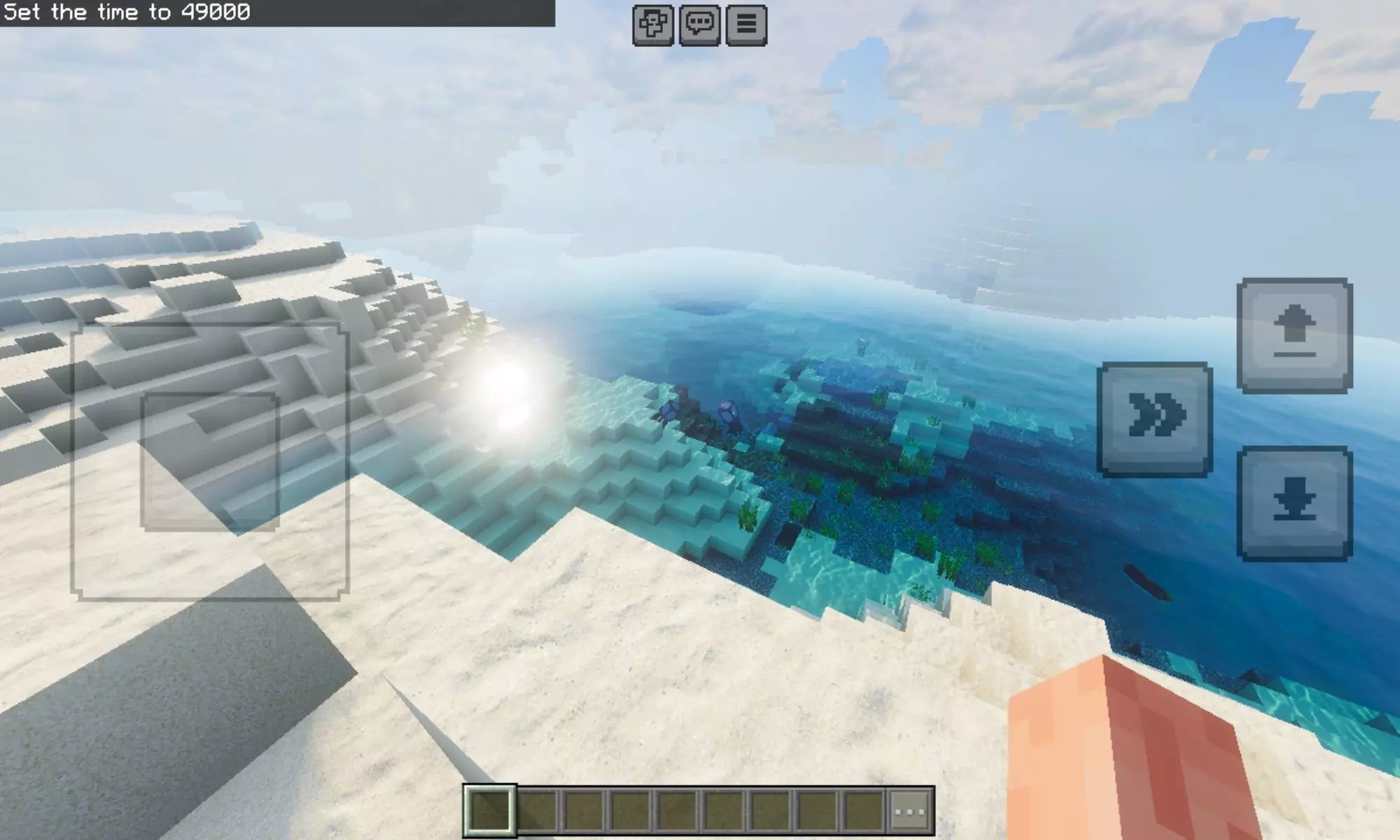
The true star of this remake is the newly released Nightmare Visuals Pack, especially when it is paired with the game's native Vibrant Visuals engine. Instead of relying purely on cheap jump scares, the environment itself becomes your biggest enemy. A dense, suffocating fog rolls across the landscape, cutting your visibility down to a terrifying minimum. The shadows deepen, the interface shifts to a custom dark GUI, and the highly immersive directional audio tricks your brain into hearing footsteps just over your shoulder. It completely overhauls the atmosphere to feel like a premium horror title while keeping the core vanilla survival loop perfectly intact.
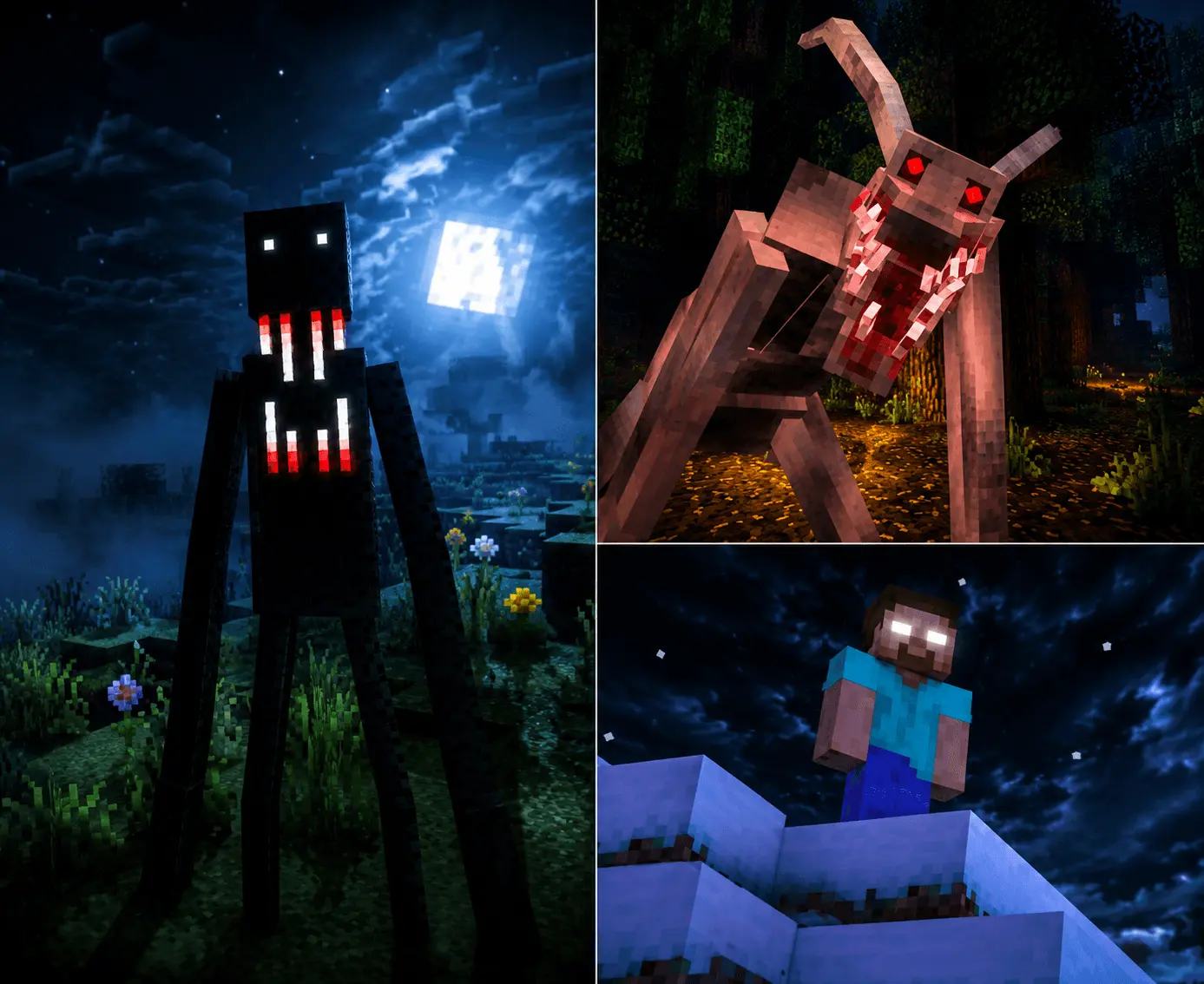
When you do finally pierce through the fog, what you find is rarely friendly. The modpack perfectly balances a massive roster of iconic stalkers, bringing together the Cave Dweller, Goatman, The Man From The Fog, the Don't Cry entity, and classic Herobrine. Even exploring the newly generated abandoned structures for much-needed loot becomes a massive risk when you know these creatures are actively hunting you from the tree line. The terror even extends into the water, with the gargantuan Bloop turning every ocean dive into a potential death trap.
If you are looking for the ultimate, all-in-one Bedrock horror experience, this carefully merged package is impossible to beat. Just put on a good pair of headphones, absolutely refuse to use night vision, and try not to let the ambient terror sounds completely ruin your nerves.
Installation guile:
- Download file Addon;
- Use minecraft
- Open the downloaded file to install;
- Activate the settings;
- Play with the new mod!
Comments (0)