Minecraft: Speedrun Edition Map
- 21-09-2026, 03:17
- 133
Adventure Maps / Minigame Maps / Puzzle Maps
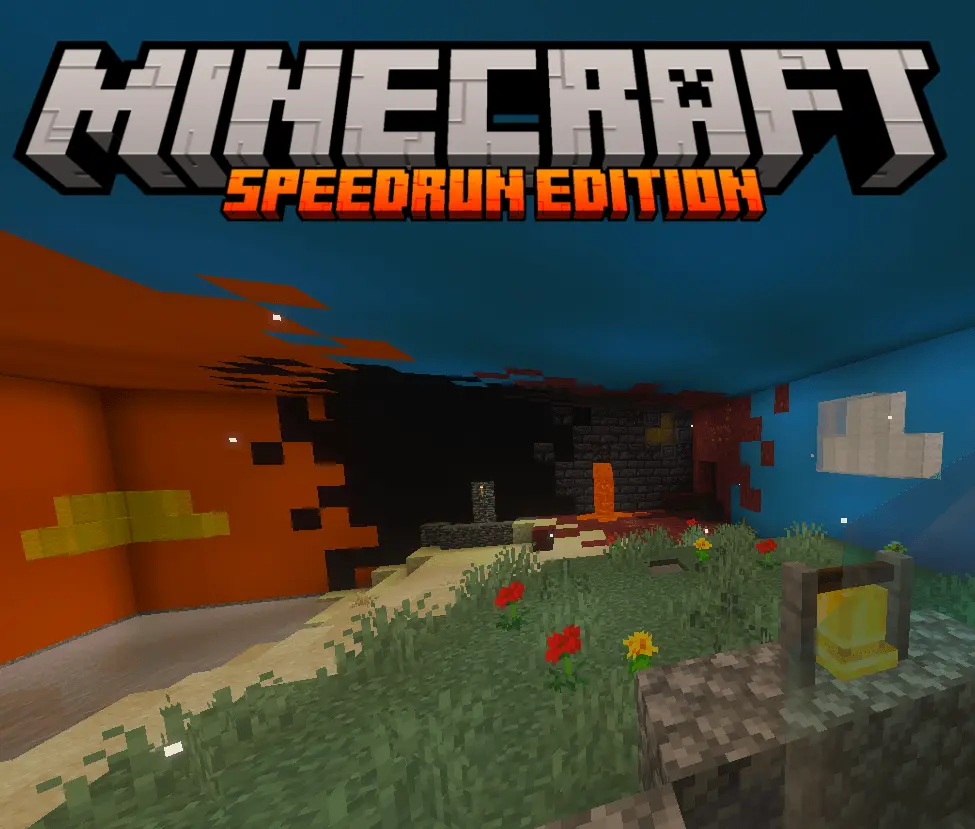
Minecraft: Speedrun Edition Map - Master the Perfect Run
Attempting to learn how to speedrun standard Bedrock is an absolute logistical nightmare. You spend ten minutes generating a brand new world file, punch your first tree, and then immediately reset because the desert temple you found had absolutely terrible chest RNG. The sheer amount of time wasted sitting on loading screens trying to fish for a playable seed completely ruins your momentum and discourages anyone trying to learn the actual mechanics of the game. Minecraft: Speedrun Edition completely dismantles that painful process. Instead of forcing you to create an entirely new save file every single time you mess up a split, this custom hub world serves as an all-in-one, infinitely reusable training facility. You simply pick your preferred run category—whether you want to start next to a village, dive into a shipwreck, or tackle a Bastion first—and the map instantly generates the exact environment you need without ever closing the world.
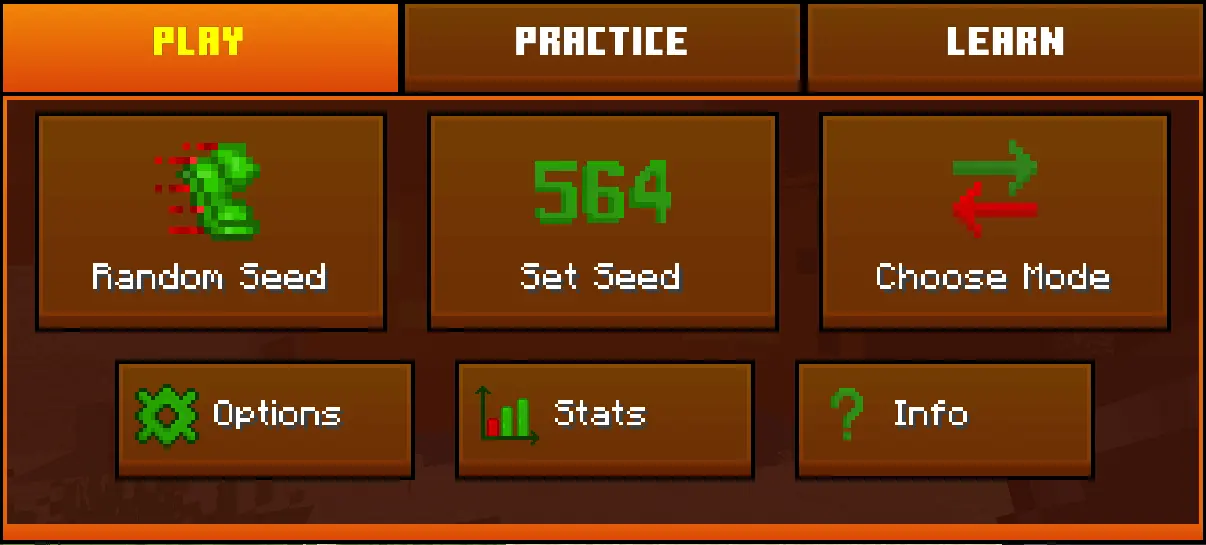
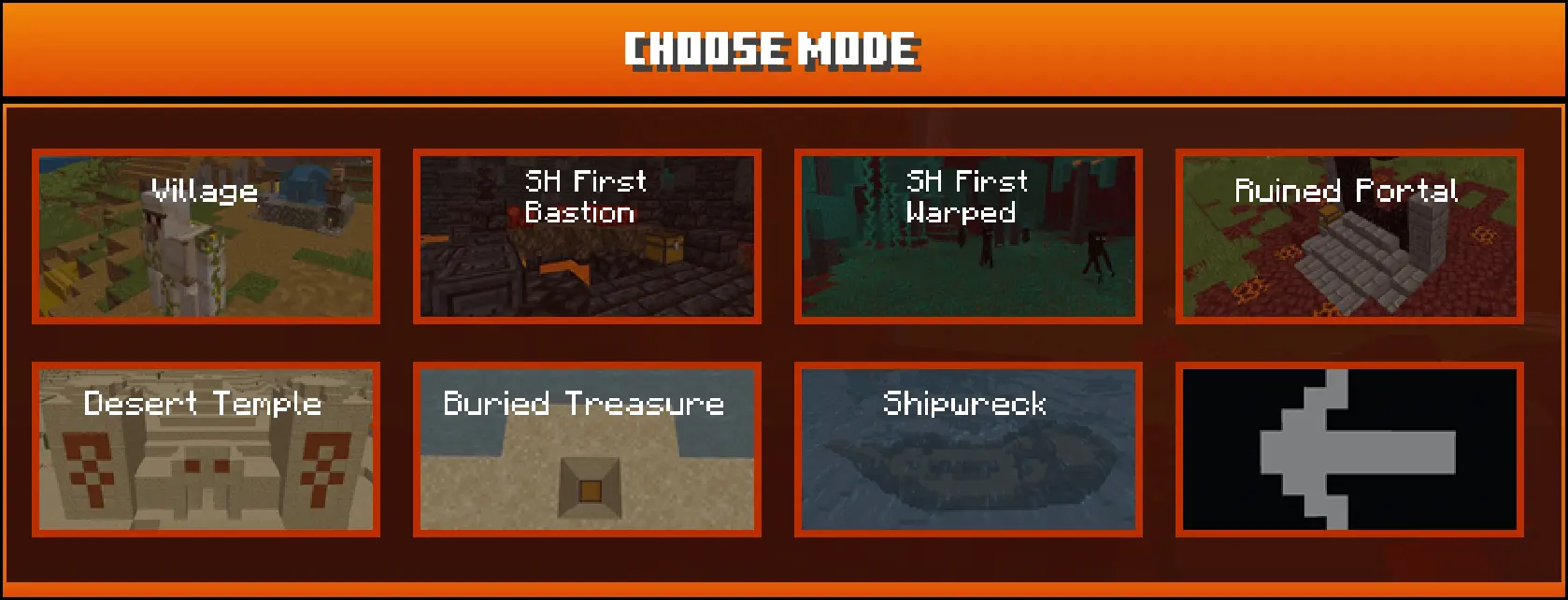
What makes this tool incredibly powerful is how it standardizes the wild unpredictability of vanilla generation. Speedrunning relies heavily on consistency, and this map guarantees that every single time you load a specific seed, you get the exact same loot tables, the exact same structure layouts, and identical RNG. This means you can finally isolate your mistakes and practice the exact same portal build or Bastion routing route fifty times in a row without the game randomly deciding to spawn a completely different layout. If you are brand new to the scene, the included "Beginner Mode" is an absolute game-changer. It actively creates automatic snapshots and rollbacks during your attempt, letting you instantly rewind time if you accidentally fall into a lava lake or botch your Ender Dragon bed cycle. It is hands-down one of the best Minecraft Bedrock maps for competitive players looking to slice precious seconds off their personal best times.
The developer also packed the central hub with dedicated tutorials covering the absolute most complex mechanics in the game. If you have always struggled with understanding Nether quadrant math or constantly get lost trying to navigate the confusing corridors of a stronghold, you can jump into specialized practice modes designed to teach you those exact skills in a controlled environment. The built-in, highly customizable UI tracks your live splits, manages your personal history, and displays all your statistics right on the screen. Because all of these menus are fully optimized for mobile controls, even players on touchscreens can comfortably manage their settings and practice their micro-movements. It eliminates the need to run messy, third-party timer overlays, securing its spot as a premier utility for Minecraft Bedrock survival challenges and ranked preparation.
Stop torturing yourself with infinite world generation loading screens. You can instantly wipe your inventory, reset the terrain, and be right back at the starting line in the blink of an eye. Grab this custom MCPE world download, pull up your live timer, and start practicing your stronghold navigation skills.
Which specific run category are you planning to completely master first?
Installation instructions:
Android: use the file manager, go to the directory with the downloaded map file and open it.
Windows 10: open the folder with the downloaded file and activate the mcworld file.
IOS: after downloading, your mobile device will prompt you to install the map.
Comments (0)