One Block Adventure Map
- Today, 03:13
- 21
Adventure Maps / Survival Maps

Traditional survival usually starts with wandering across vast biomes to gather basic materials, while standard Skyblock traps you on a tiny dirt patch babysitting a slow cobblestone generator. One Block Adventure flips that rhythm by condensing the entire world’s resources into a single respawning tile hovering over an endless void. Every time you dig out that center block, something new pops up in its place—oak logs, raw ores, dirt, or occasionally a chest packed with supplies. It turns early-game gathering into a snappy, continuous loop where you never have to leave your starting coordinate to assemble a functioning base.
The simplicity is deceptive, though, because mining into the unknown carries constant risk. The regenerating block does not just hand out useful building materials; it periodically spawns mobs, ranging from passive farm animals you need to protect to aggressive creepers and skeletons ready to knock you straight off the edge. This makes early platform design your immediate priority. Experienced players quickly learn not to just slap down a flat wooden floor. Instead, you have to build sunken containment pits, perimeter fences, and blast-resistant barriers around the center tile. Managing space becomes an ongoing tactical puzzle where you must balance quick access to the mining node with safe mob handling, animal breeding pens, and organized storage for the flood of random drops coming your way.
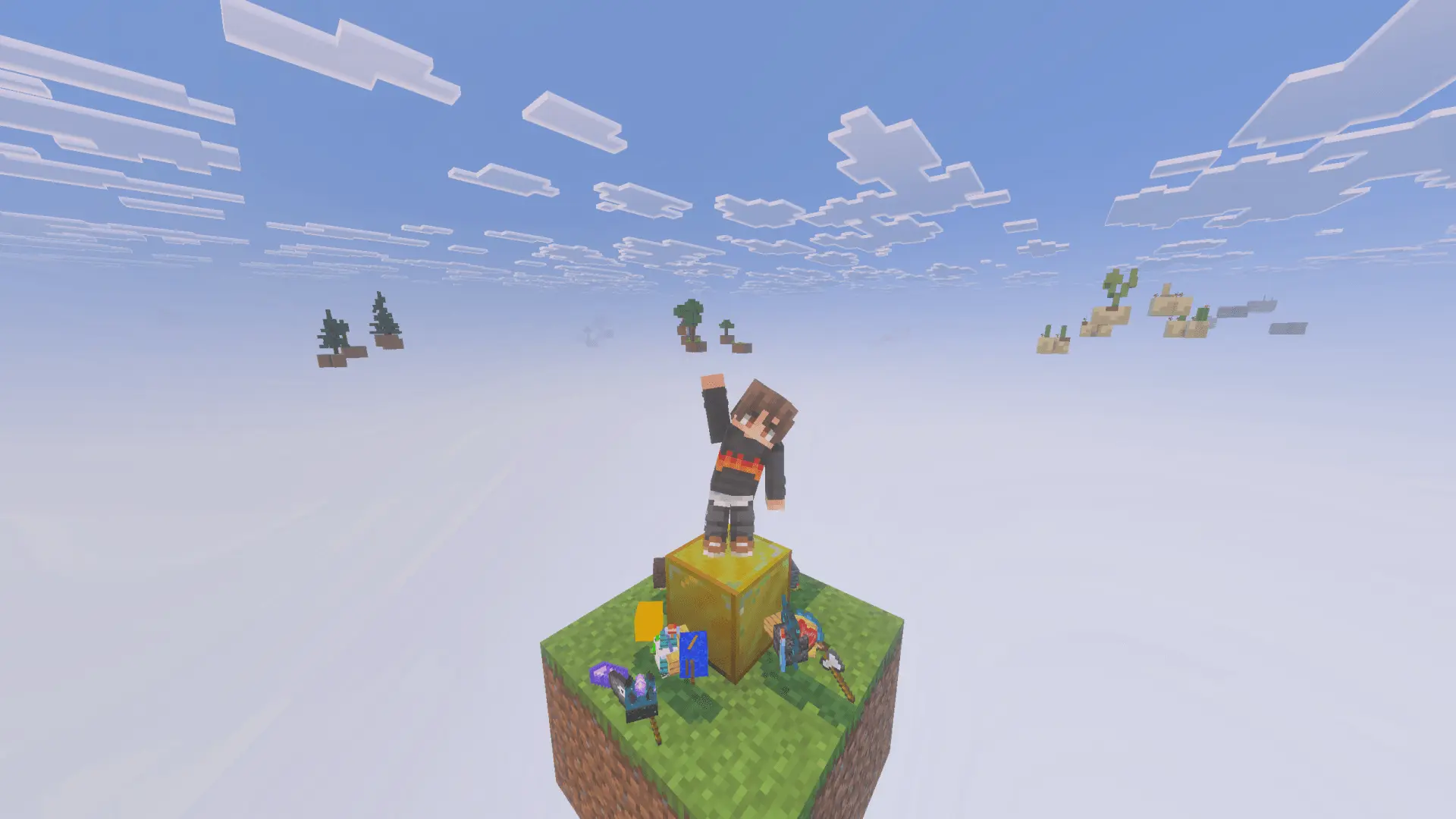
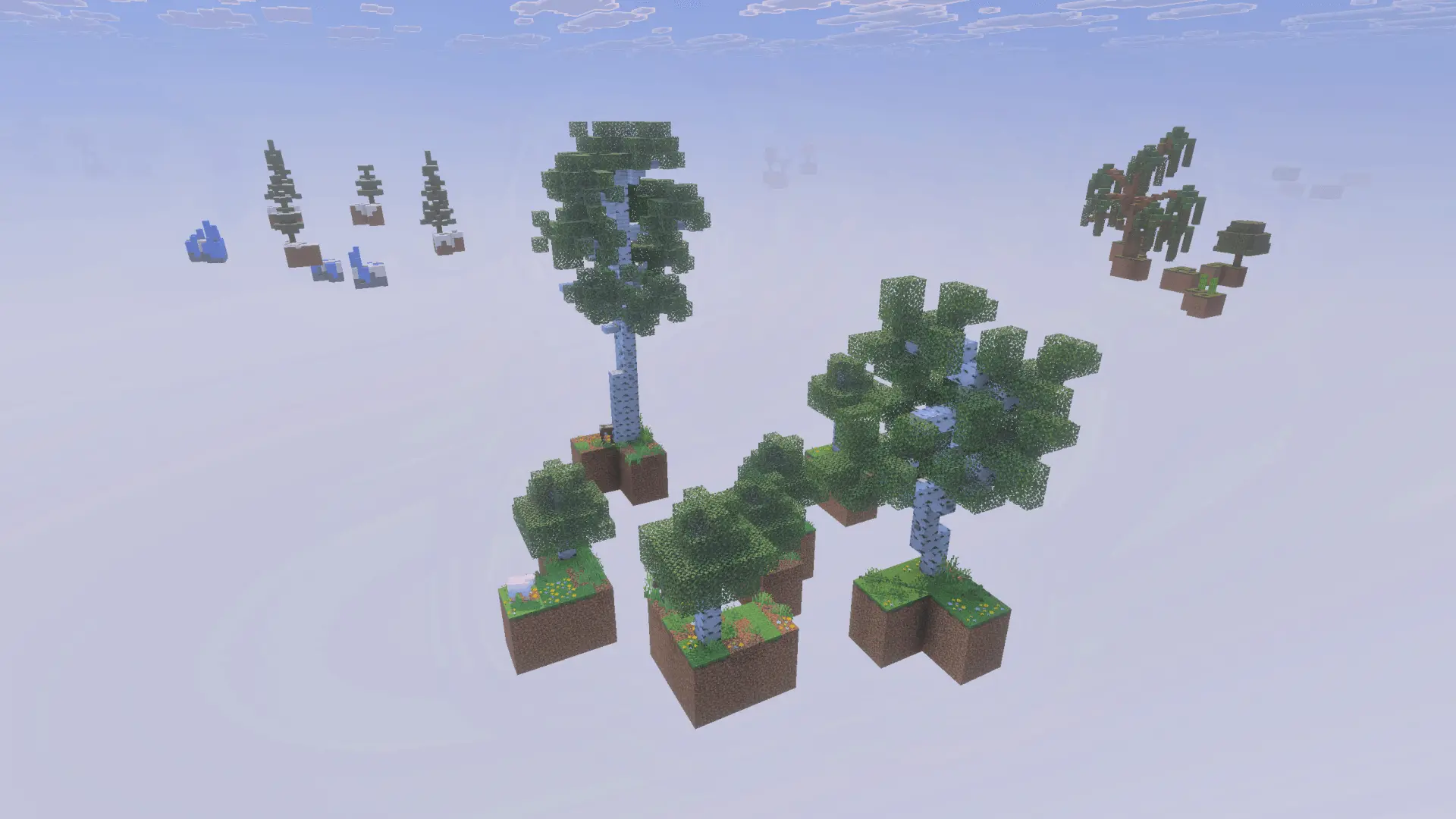
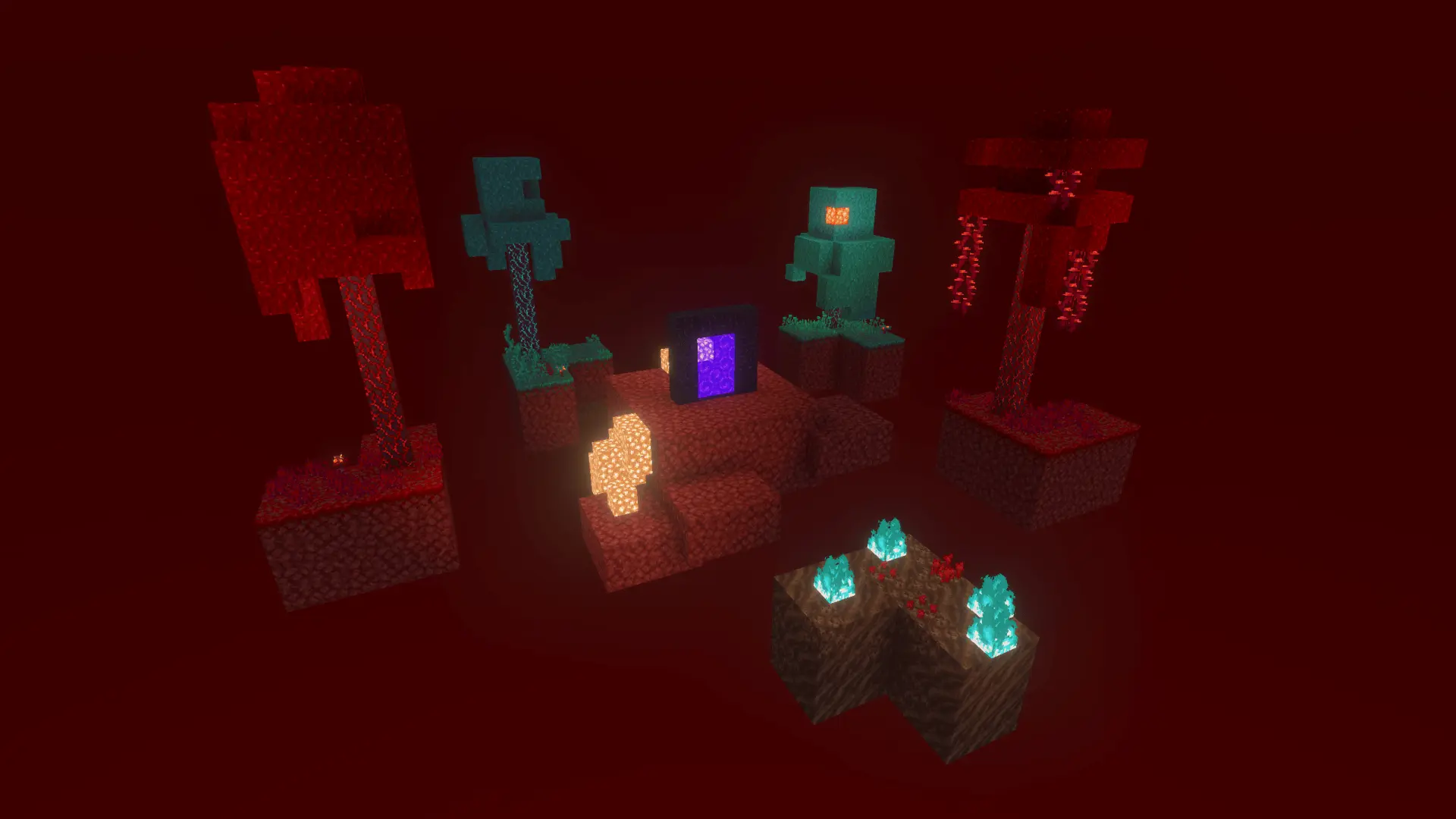
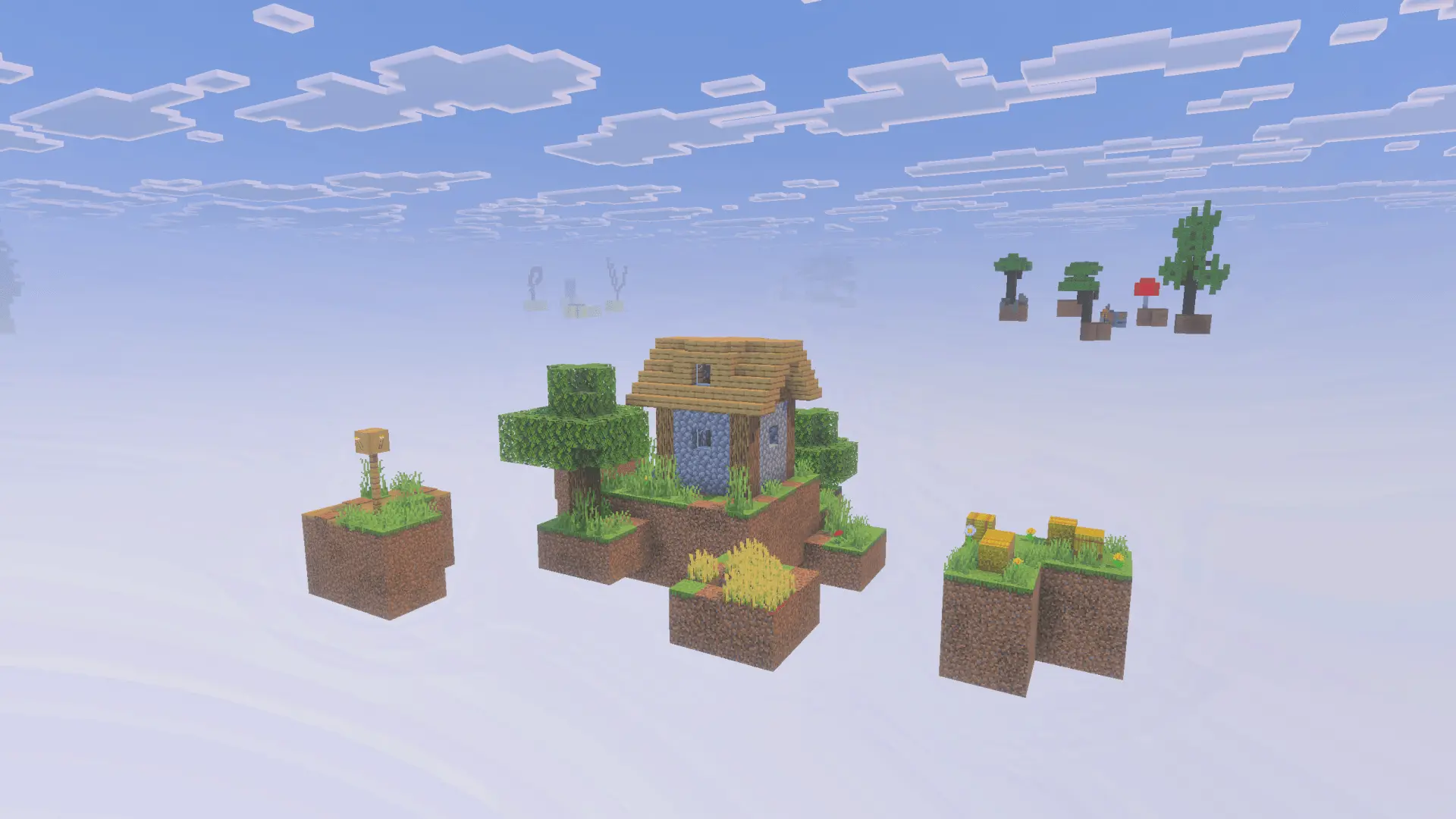
Running this type of game mode on Bedrock can sometimes cause technical headaches when handled through clunky, looping command blocks.
In a multiplayer setting, the format shines because it naturally divides up tasks. One player can focus on continuously harvesting the center tile, another can manage inventory and route materials into automated chest systems, and another can expand the outer perimeter into a sprawling sky compound. Starting with literally one single block and turning it into an entire floating civilization never gets old.
Installation instructions:
Android: use the file manager, go to the directory with the downloaded map file and open it.
Windows 10: open the folder with the downloaded file and activate the mcworld file.
IOS: after downloading, your mobile device will prompt you to install the map.
Comments (0)