purpql's Backrooms Map
- 1-10-2026, 11:04
- 132
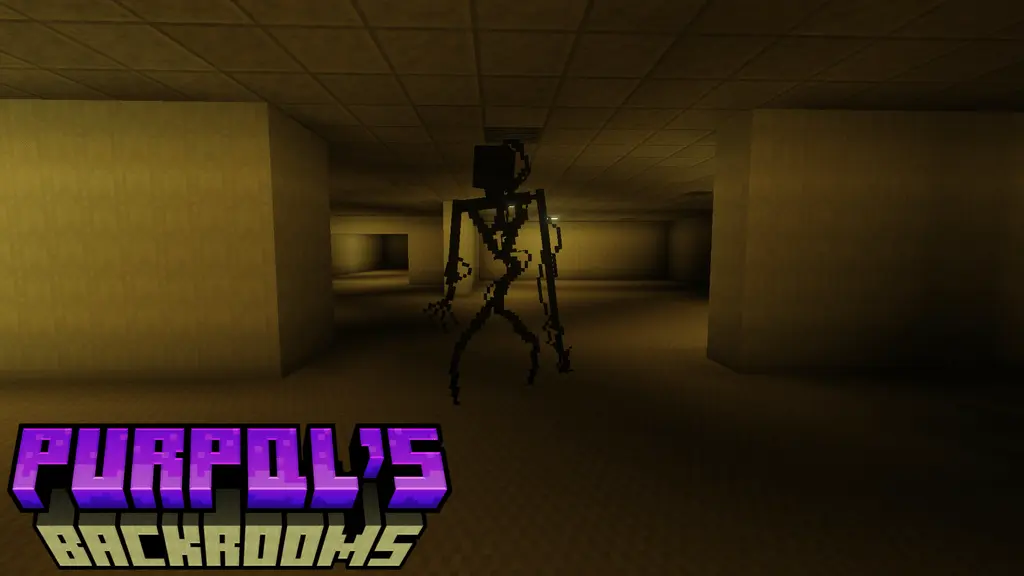
Building a convincing Backrooms map in vanilla Bedrock is almost impossible. The default engine lighting is way too flat, and vanilla blocks simply do not have that sterile, off-putting corporate vibe needed for true liminal horror. Most creators just spam yellow terracotta, throw in a zombie, and call it a day. purpql’s Backrooms bypasses those limitations entirely by building the map directly on top of the Liminal Craft add-on. Instead of repurposing standard blocks, the environment is constructed using custom, highly specific textures and entities designed explicitly to recreate that suffocating, endless office space.
This initial release focuses heavily on the early descent, routing you through Level 0, the transitional Level 0.5, and the notoriously glitchy geometry of Level 0.555. You are not just blindly walking through a randomly generated maze. The layouts are hand-crafted to actively mess with your spatial awareness. The horror does not rely on cheap, loud jumpscares wired to pressure plates. It is purely psychological. You get trapped in repetitive, non-sensical hallways where the constant buzzing of fluorescent lights and the slight structural shifts make you feel like the game engine itself is deteriorating around you.
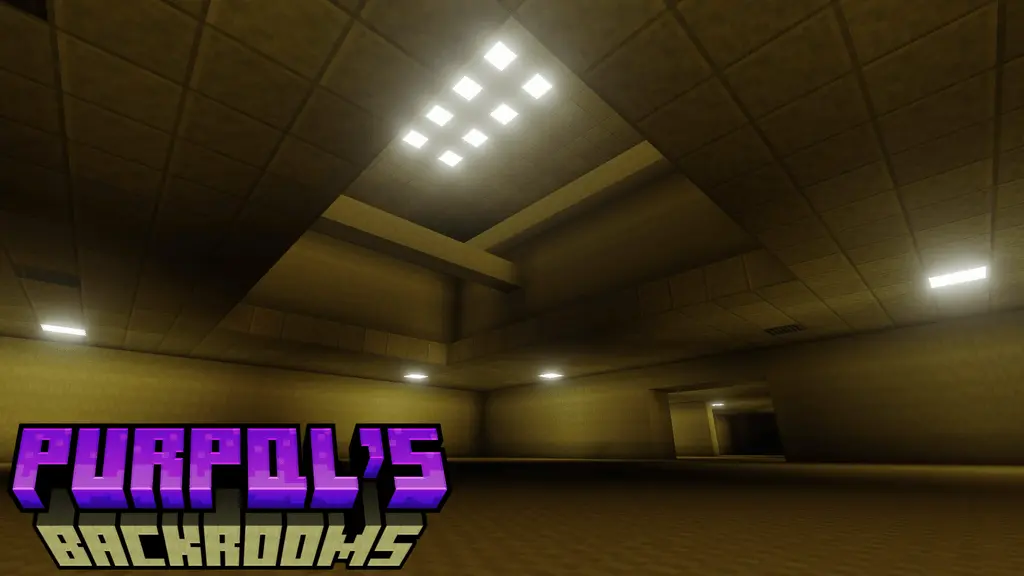
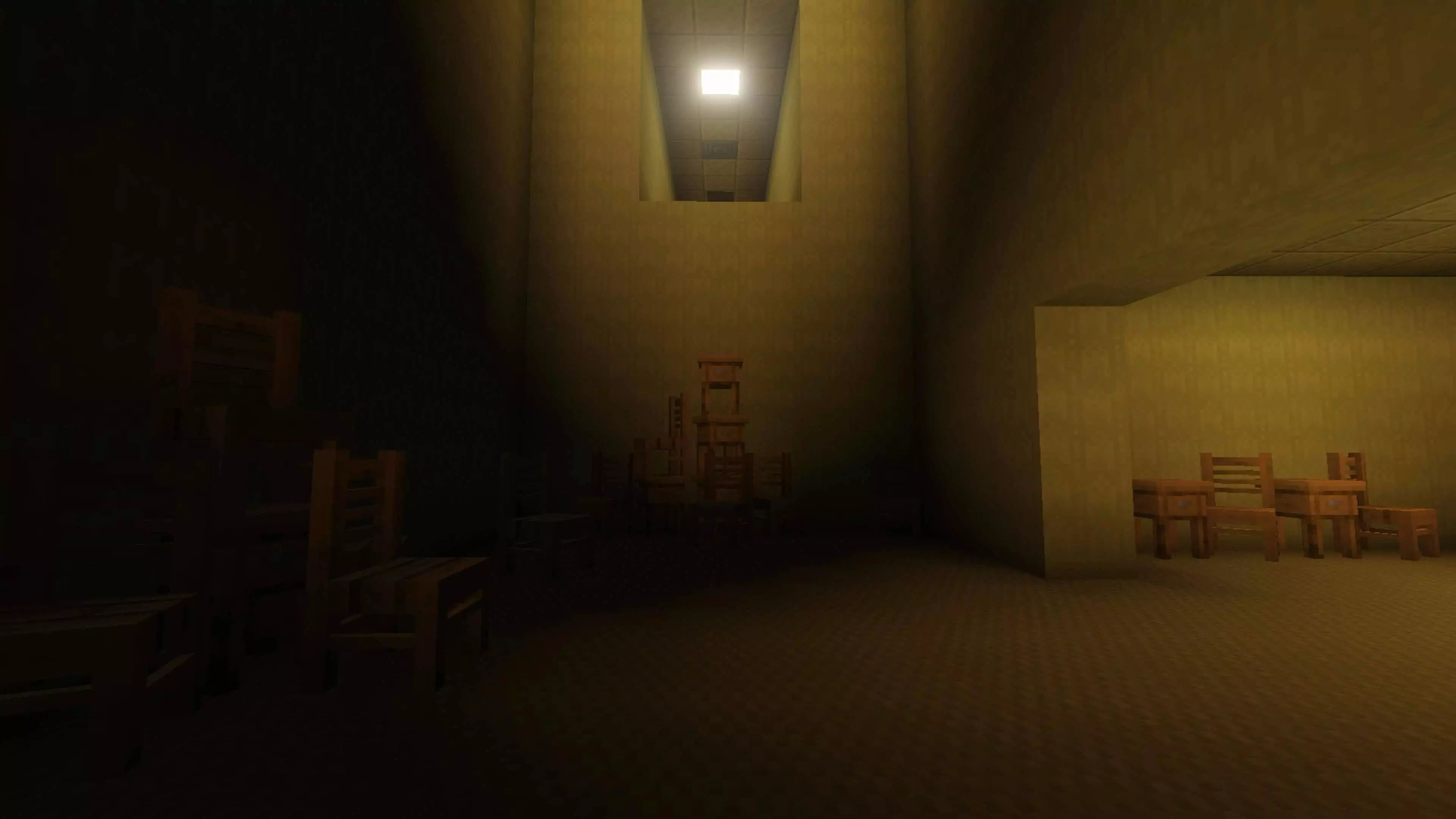
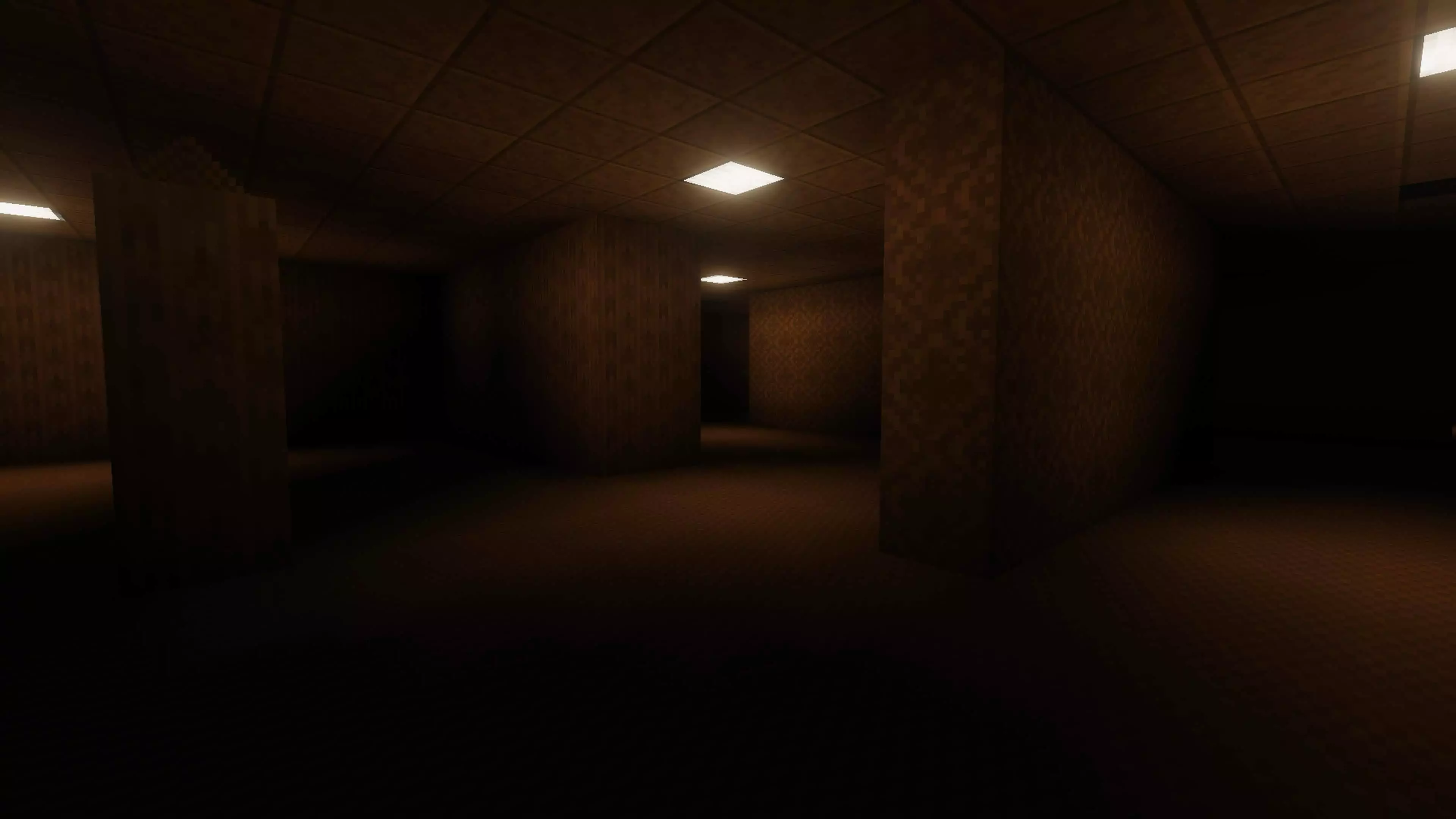
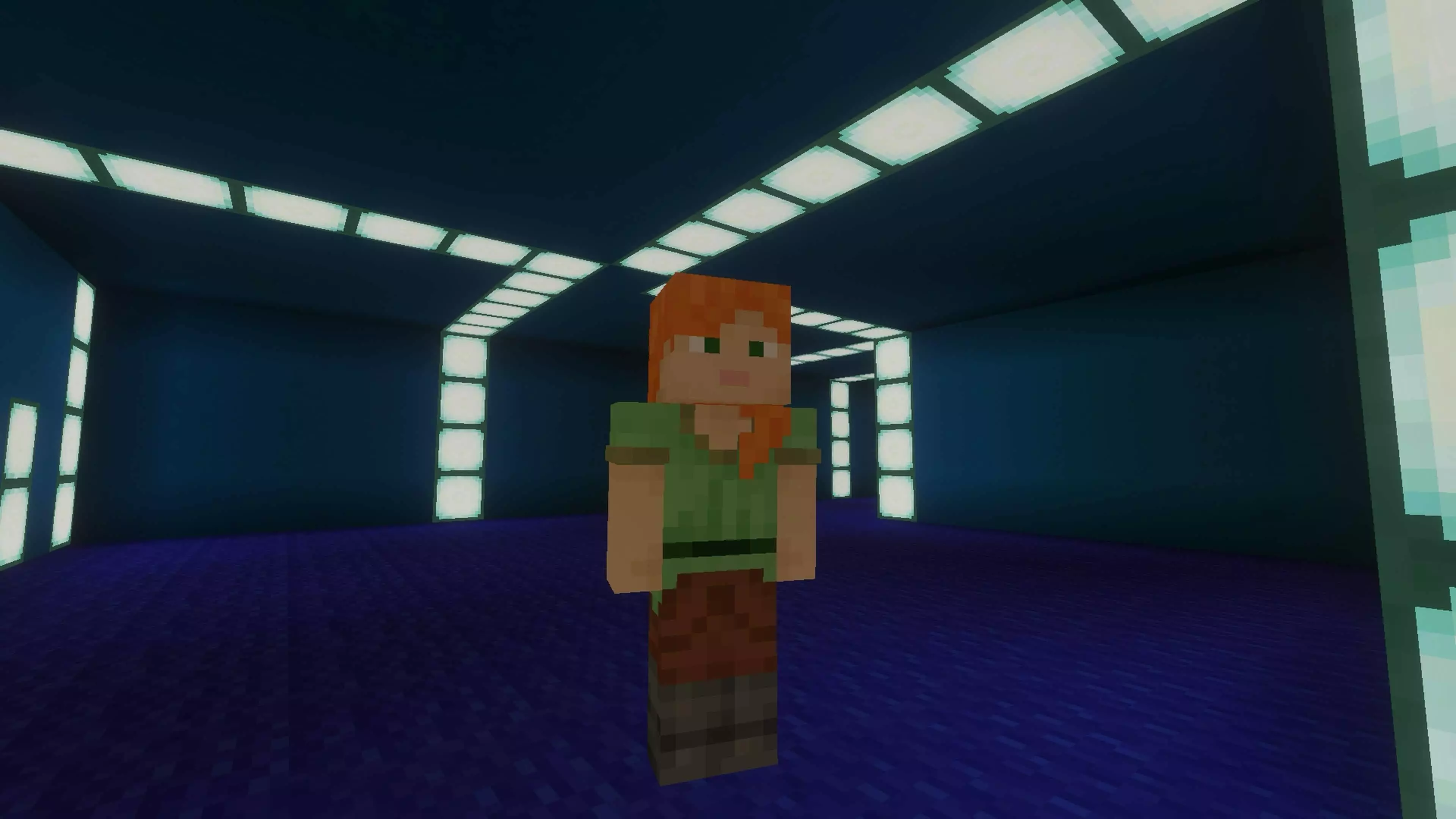
To actually get the intended experience, you need to run this with deferred lighting enabled. The creator explicitly recommends using the Luminous Dreams shader pack, and for good reason. Bedrock’s Render Dragon lighting capabilities completely change how custom horror maps handle shadows. The way the artificial light bounces off the custom wallpaper while casting pitch-black shadows down the corridors is what actually sells the terror. Playing it with flat vanilla lighting completely ruins the illusion, but with the shaders locked in, the visual fidelity feels closer to a standalone indie horror game than a standard Minecraft world.
Because the map relies on custom add-on behaviors and experimental rendering tech, you might encounter a few minor engine bugs or collision quirks depending on your platform. The developer is actively patching it, but even as an early release, it absolutely nails the dread of clipping out of reality. Are you planning to methodically map out the shifting hallways of Level 0.555 on your own, or are you dragging friends along just so you do not have to wander the yellow rooms alone?
Installation instructions:
Android: use the file manager, go to the directory with the downloaded map file and open it.
Windows 10: open the folder with the downloaded file and activate the mcworld file.
IOS: after downloading, your mobile device will prompt you to install the map.
Comments (0)