Survival Nipa House Map
- 23-12-2025, 11:30
- 545
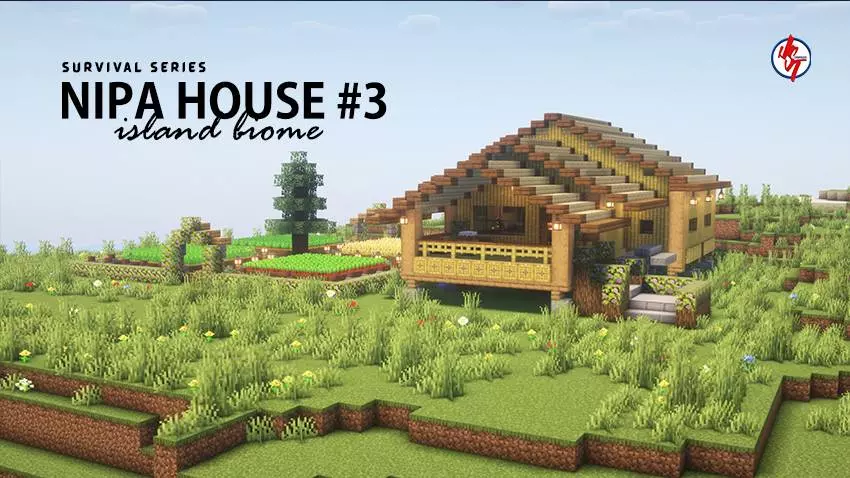
Survival Nipa House Map is a chill way to start a new world if you love island vibes but hate the early-game scramble. This is the third build in the creator’s Survival Series, where each mini house is designed around the biome it sits in. Since this one is Island Survival themed, the Nipa House style fits perfectly—cozy, tropical, and the kind of base that feels like it belongs next to sand, palm-y scenery, and ocean views.
The house is fully built inside and out, so you’re not spawning into an empty shell. You can actually walk in, set up your storage, and start planning your next moves right away—whether that’s building a dock, a boat path to nearby islands, or a little farming area to keep food steady. The map also includes plenty of useful items inside, which makes it feel like a solid starter base without turning survival into creative mode.
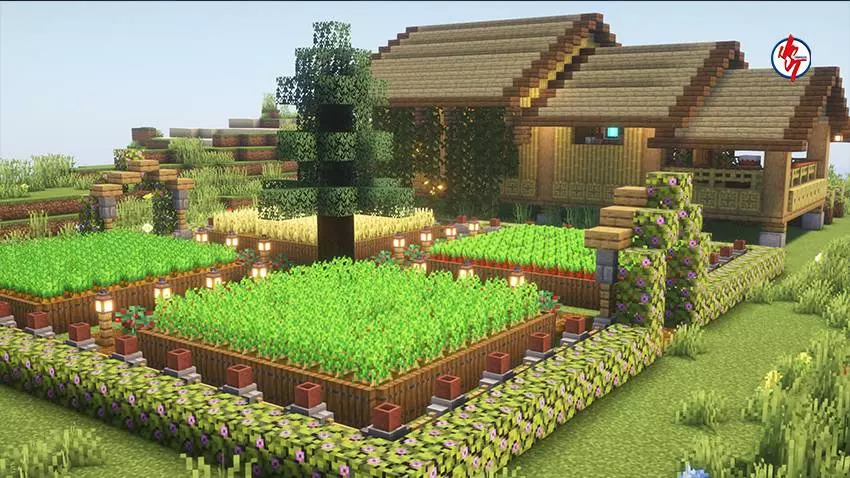
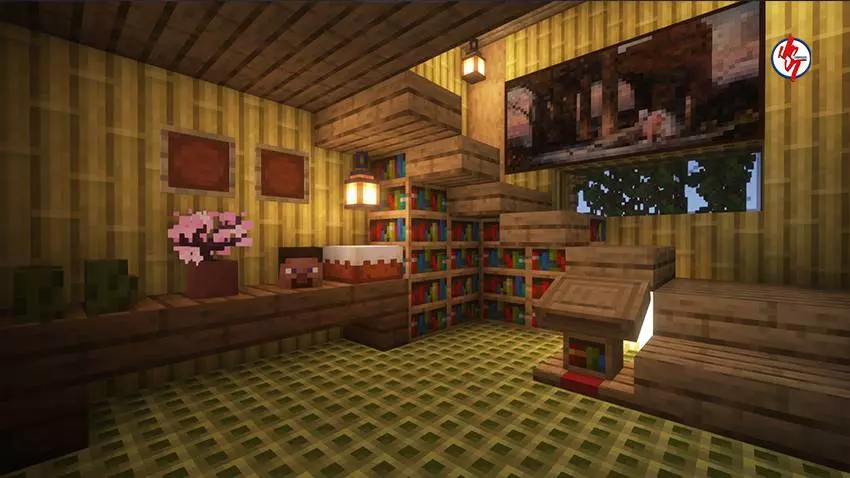
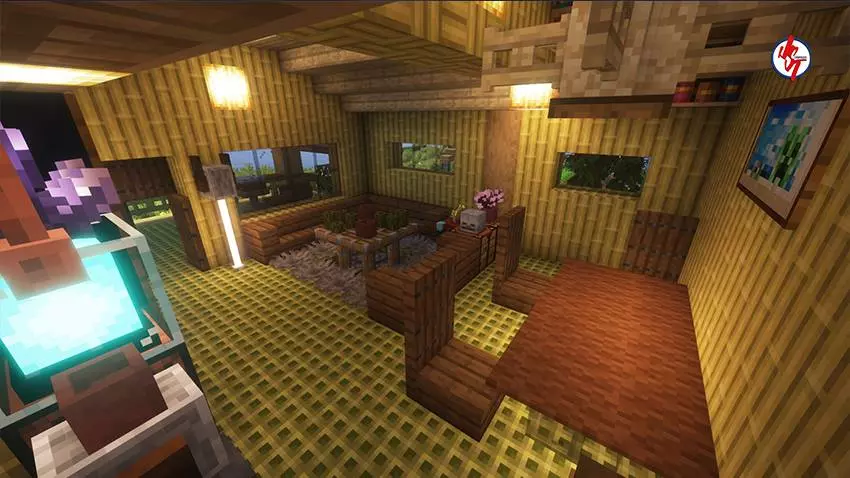
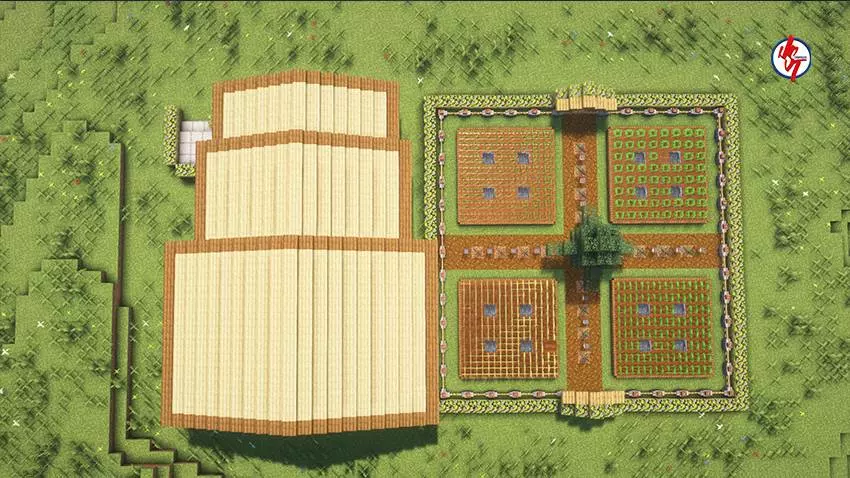
A super helpful detail is that the spawn point is already set inside the house. If you die, log out, or just want a smooth start, you’ll always come back to your base instead of waking up somewhere random. And if you like visuals, this map looks best with your favorite texture or shader pack, since island lighting and cozy builds always hit harder with better water and shadows.
Installation instructions:
Android: use the file manager, go to the directory with the downloaded map file and open it.
Windows 10: open the folder with the downloaded file and activate the mcworld file.
IOS: after downloading, your mobile device will prompt you to install the map.
Comments (0)