Squid Game - Minecraft Bedrock Edition Map
- 19-06-2026, 02:01
- 1 062
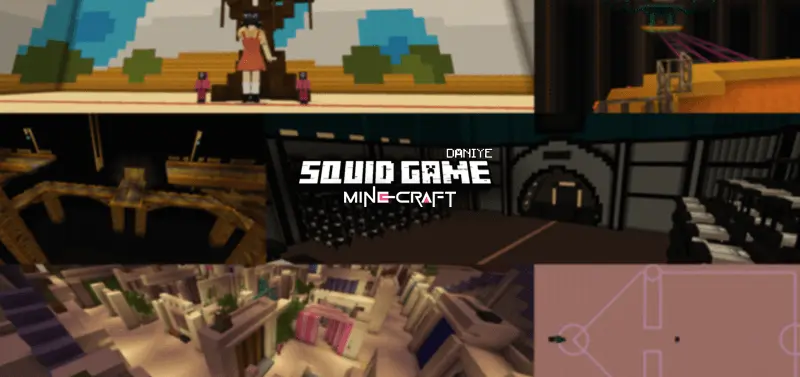
Squid Game - Minecraft Bedrock Edition Map will allow you to feel like a hero of the Squid Game series.
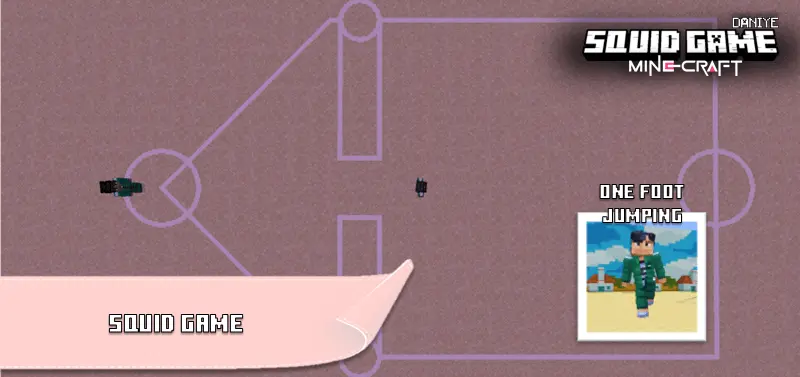
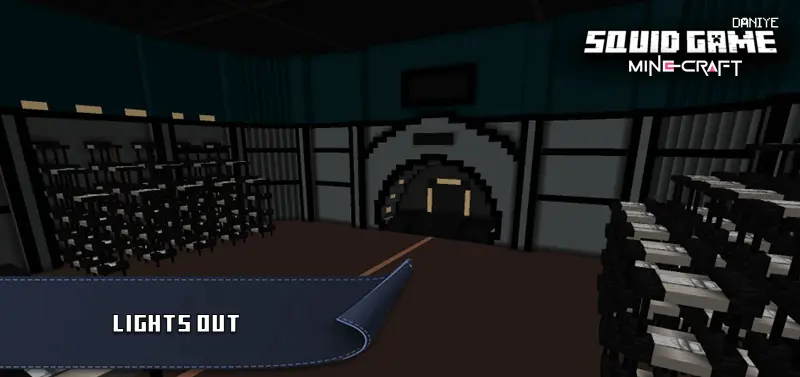
Bringing the sheer anxiety of the massive show directly into your world, this custom arena is entirely about high stakes and ruining friendships. Instead of your typical survival grind, you and your squad are tossed into a ruthless series of iconic minigames where one bad movement command sends you straight to the spectator screen. From trying not to get caught lacking during Red Light Green Light to desperately hoping you don't pick the wrong jump on the Glass Bridge, the tension is always maxed out. The creator even wired up the chaotic Lights Out phase, meaning you have to survive a pitch-black brawl where anyone in your lobby can suddenly turn on you.
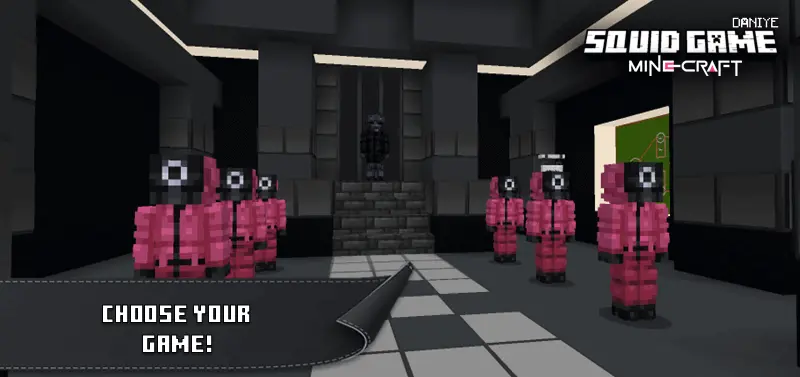
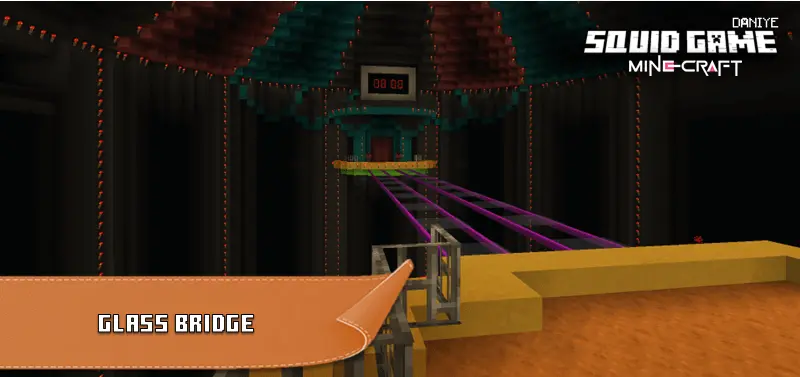
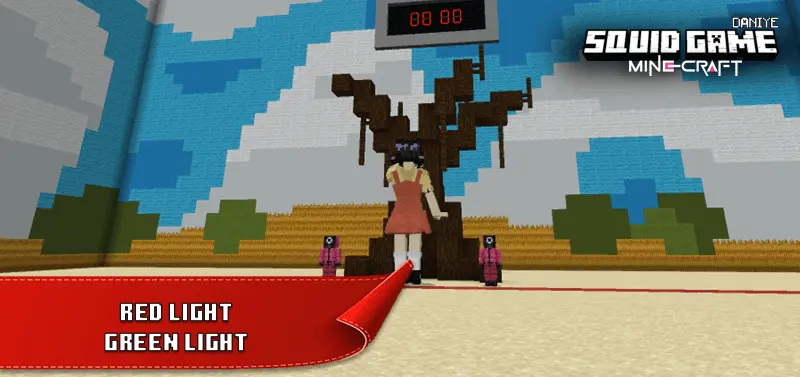

It perfectly captures that terrifying competitive energy, making it an absolute blast for game nights when the entire voice channel is panicking. You even get to lock in specific character roles before the trials officially kick off.
Installation instructions:
Android: use the file manager, go to the directory with the downloaded map file and open it.
Windows 10: open the folder with the downloaded file and activate the mcworld file.
IOS: after downloading, your mobile device will prompt you to install the map.
Comments (0)