Building Game Assort Map
- 15-12-2025, 09:47
- 470

Building Game Assort Map is basically a full game night pack for builders. Everything is script-powered, so you’re not messing with command blocks or trying to remember weird rules mid-round—the map uses UI and special items to start games, join, spectate, and keep things moving. It’s made for groups that like building but want structure and variety instead of “okay… what do we do now?”
The standout mode is Build & Guess, which is like a building version of a telephone game. You build a topic, the next player guesses it through an answering UI, and at the end there’s a tour mode so everyone can roast—uh, appreciate—each other’s creations. Instructor flips it into a co-op communication challenge where one side sees a model and has to describe it to the builders using chat or voice, with a manual grading system so your group can score it however you want.
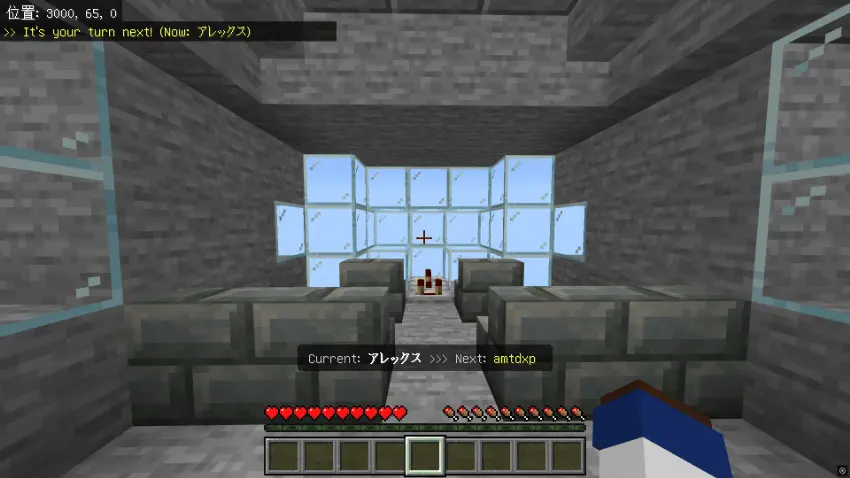
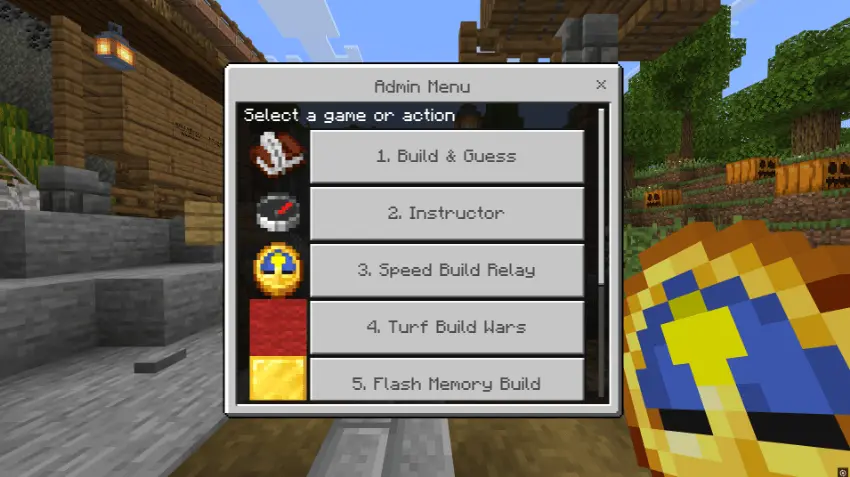
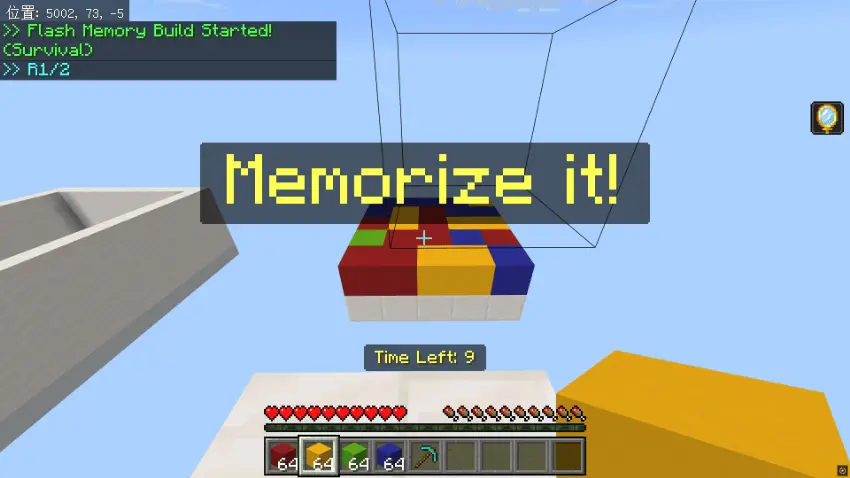
If you want chaos, Speed Build Relay rotates players on a timer so you’re finishing the same build together, and “Chaos Mode” throws in debuffs like blindness or nausea during swaps. Turf Build Wars turns it into red vs blue territory control where only the top blocks visible from the sky count, and Madness Mode adds sticky bombs and explosions for sweaty, messy fights. Flash Memory Build is the calmer brain test: you see a pattern for a few seconds, recreate it, and chase high scores, with colorblind support included.
Building Game Assort Map also has a gallery system that saves creations from Build & Guess and can reuse them as themes for Instructor, plus an admin menu on a clock and a player menu on a compass to keep everything organized on Realms or servers.
Installation instructions:
Android: use the file manager, go to the directory with the downloaded map file and open it.
Windows 10: open the folder with the downloaded file and activate the mcworld file.
IOS: after downloading, your mobile device will prompt you to install the map.
Comments (0)