Project Dropper Map
- 1-10-2026, 12:44
- 136
Minigame Maps / Puzzle Maps / Parkour Maps
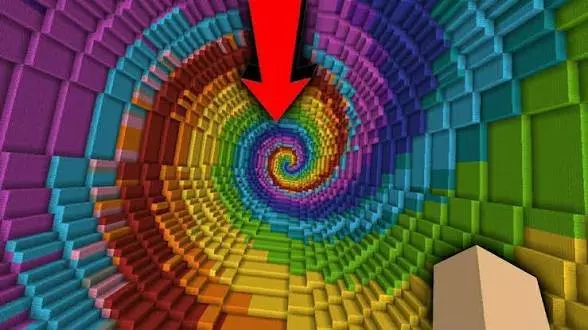
Classic Dropper maps practically built early Minecraft YouTube, but finding a clean, playable version on modern Bedrock is surprisingly rare. Most creators either overcomplicate things with messy add-on powers or bloat the shafts with so much decorative junk that you cannot even tell which way you are supposed to fall. Project Dropper strips away the noise and dials straight back into that pure, nostalgic loop: step off the edge, hit terminal velocity, and pray you can thread the needle.
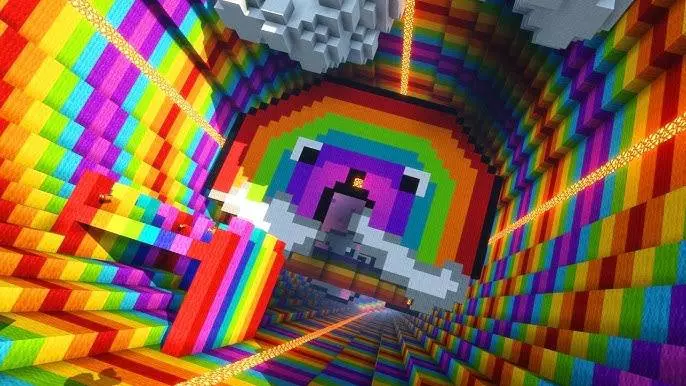
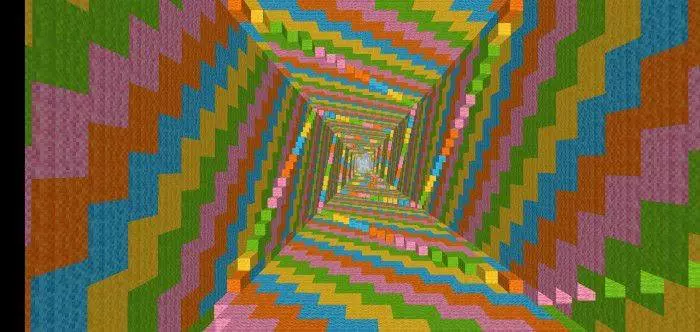
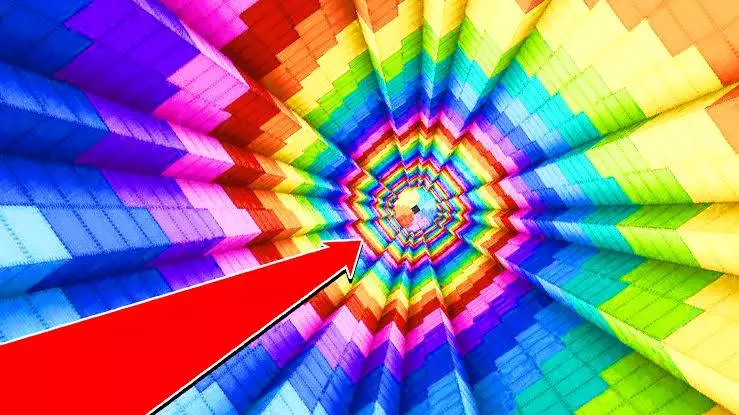
The difficulty here relies entirely on real-time spatial awareness. You get no slow-falling buffs or forgiving hitboxes. The second you jump, you have maybe two or three seconds to read the incoming geometry, air-strafe around girders and glass panes, and line your character up with a tiny puddle waiting hundreds of blocks below. The early drops give you clear lines of sight to find the water, but the later stages get genuinely sadistic. You have to weave through blind drops, tight spiral chutes, and split-second turns where brushing the edge of a single slab immediately resets your run.
What really makes or breaks a dropper on Bedrock is the backend engine handling. At terminal velocity, the game’s vertical hit detection is notoriously finicky. If a map uses sluggish command loops, you run straight into that infuriating bug where you land dead-center in the water, but the tick update lags behind and the engine registers full fall damage anyway. This map keeps its coordinate checks and death scripts tightly optimized. You never get cheated by delayed hit registration, and the respawn cycle snaps you right back to the top of the tube with zero camera hitching or input delay.
It brings back that addictive, rage-inducing "one more try" rhythm. Whether you are running it solo to test your mid-air reaction speed or racing friends down the same shaft to see who splats first, it nails exactly why the original dropper format was so fun to begin with.
Installation instructions:
Android: use the file manager, go to the directory with the downloaded map file and open it.
Windows 10: open the folder with the downloaded file and activate the mcworld file.
IOS: after downloading, your mobile device will prompt you to install the map.
Comments (0)