POPPY PLAYTIME 1 MAP
- 2-10-2026, 10:58
- 168
Minigame Maps / Survival Maps / Adventure Maps / Puzzle Maps
Mascot horror ports on Bedrock are usually pretty rough. Most of them are thrown together as lazy cash-grabs, slapping a stiff custom entity model onto standard zombie pathfinding inside a factory built out of flat wool blocks. Poppy Playtime Chapter 1 by arthurcatyt takes a far more deliberate approach, relying on a dedicated behavior pack to actually translate the game’s core puzzle mechanics and industrial claustrophobia into the engine.
The map lives or dies by how it handles the GrabPack, and this is where custom Bedrock scripting usually falls apart. In poorly coded ports, custom tools that interact with world geometry cause massive animation desync, leaving your hands floating awkwardly while the server struggles to register which block you just clicked. Here, the puzzle interactions—routing power lines, hitting colored panels, and opening pressurized security doors—are integrated cleanly into the environment. You aren't just flipping vanilla wooden trapdoors; the factory feels mechanical, forcing you to solve spatial circuit puzzles while navigating dark conveyor belts and deserted assembly lines.
The make-or-break moment for any Poppy Playtime adaptation is the vent chase sequence. Bedrock’s entity collision in tight spaces is notoriously terrible; oversized custom mobs usually get their hitboxes snagged on doorway corners, completely killing any sense of panic when they get stuck spinning in place. With the adjustments in Update 2, Huggy Wuggy’s pathfinding and speed scaling are significantly tighter. The AI actively tracks your player coordinates through the winding ductwork without losing aggro or clipping through the ceiling geometry, turning that final escape sprint into a genuine adrenaline spike rather than an awkward game of tag against a broken hitbox.
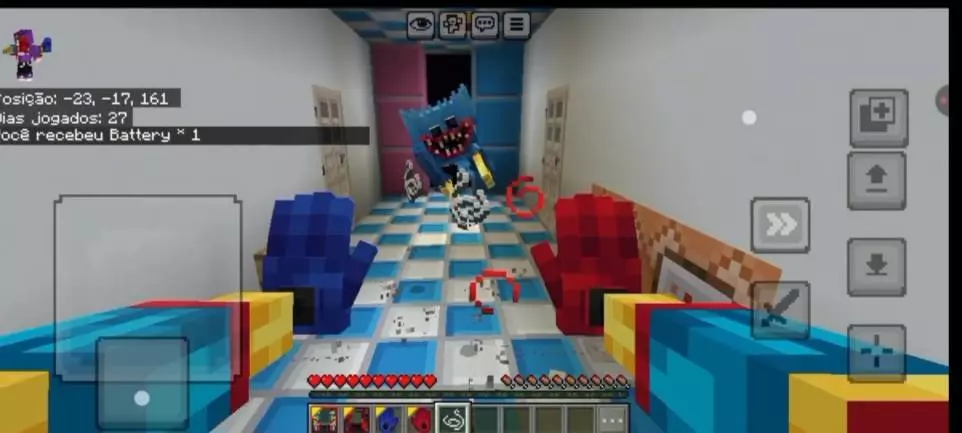
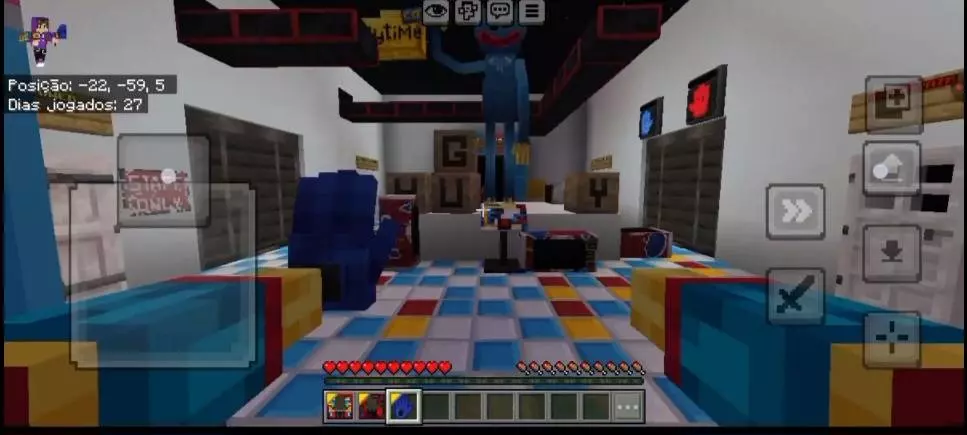
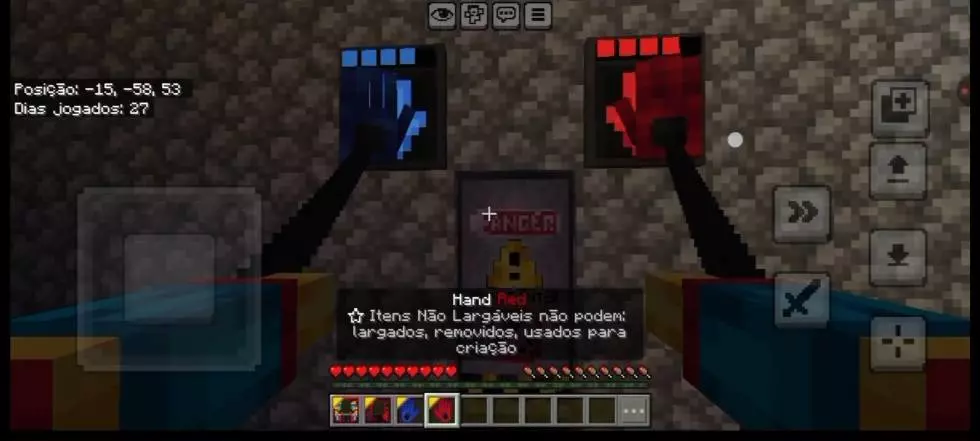
Because this update cleans up redundant command loops and optimizes the addon’s entity memory, the map runs without the heavy tick-rate drops that usually ruin custom horror set pieces on mobile or console hardware. Trigger plates and sound cues fire the exact millisecond you hit your marks, preserving the pacing of the narrative.
Are you going to execute the GrabPack circuit puzzles clean enough to speedrun the factory on your first try, or are you going to panic and miss a turn the second you hear the footsteps echo in the vent right behind you?
Installation instructions:
Android: use the file manager, go to the directory with the downloaded map file and open it.
Windows 10: open the folder with the downloaded file and activate the mcworld file.
IOS: after downloading, your mobile device will prompt you to install the map.
Comments (0)