Midnight Cabin Returns Horror Map
- 25-07-2026, 10:06
- 296
Puzzle Maps / Adventure Maps / Survival Maps / Creation Maps
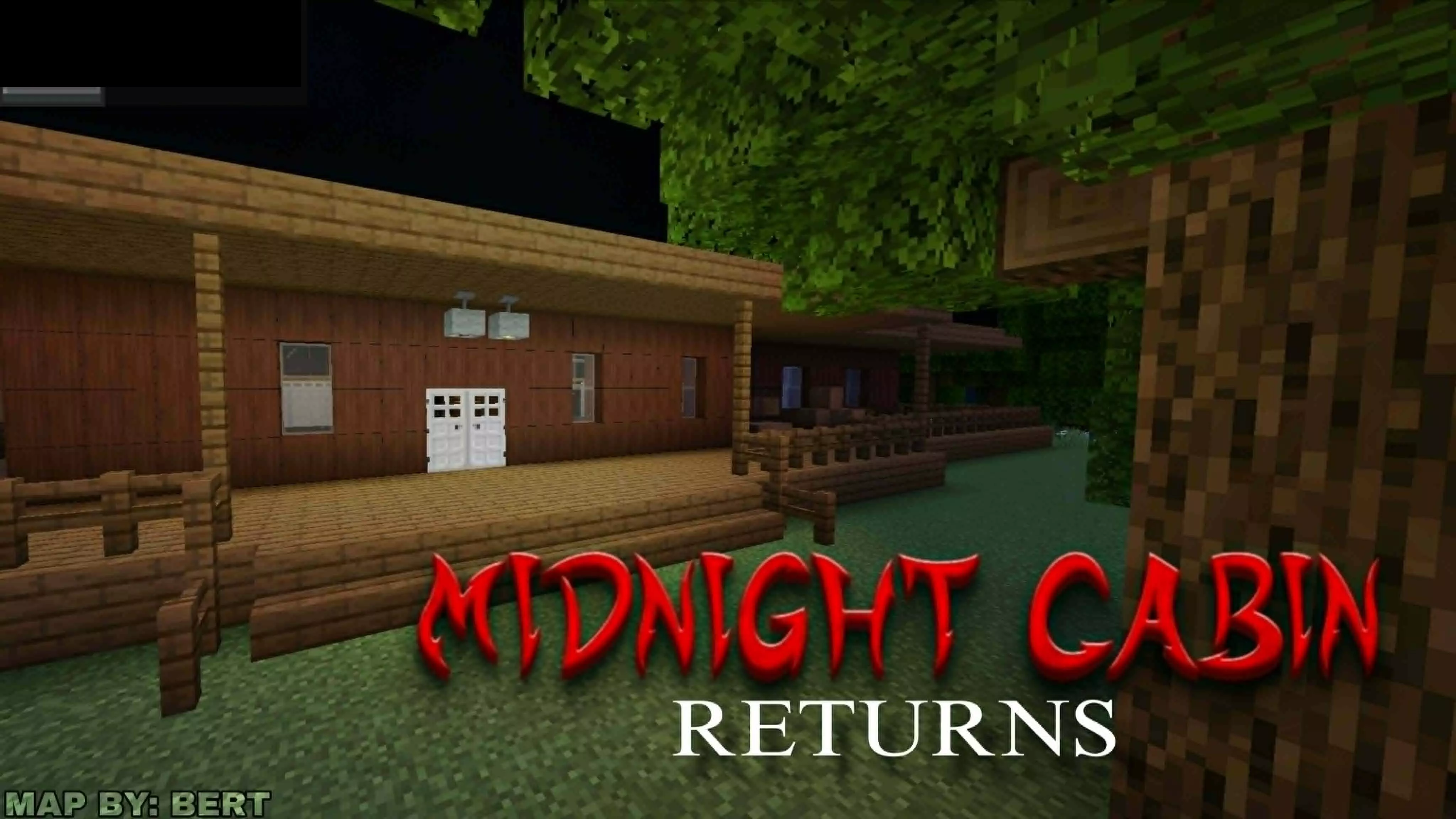
Most Minecraft horror maps rely on turning your brightness all the way down and spamming cheap zombie jump scares in a claustrophobic dirt hallway. Midnight Cabin Returns completely ditches that lazy formula for a genuine, highly structured thriller. From the second you spawn in, you are permanently locked into Adventure mode, entirely stripping away your ability to just panic-mine your way through a wall when things get sketchy. You are trapped in the environment exactly as the creator intended, forcing you to actually respect the map boundaries while a relentless entity actively hunts you down.
This map completely punishes the usual Bedrock habit of mindlessly sprinting through objectives. You cannot just brute-force the progression or cheat your way to the end. Surviving the cabin requires you to actually slow down, read the custom dialogue, and piece together environmental clues to figure out how to escape. If you try to blindly skip the story or ignore the text prompts, you are going to miss the exact mechanics you need to avoid getting completely wiped out. It turns the standard gameplay loop into a high-stakes puzzle where paying attention is literally your only defense.
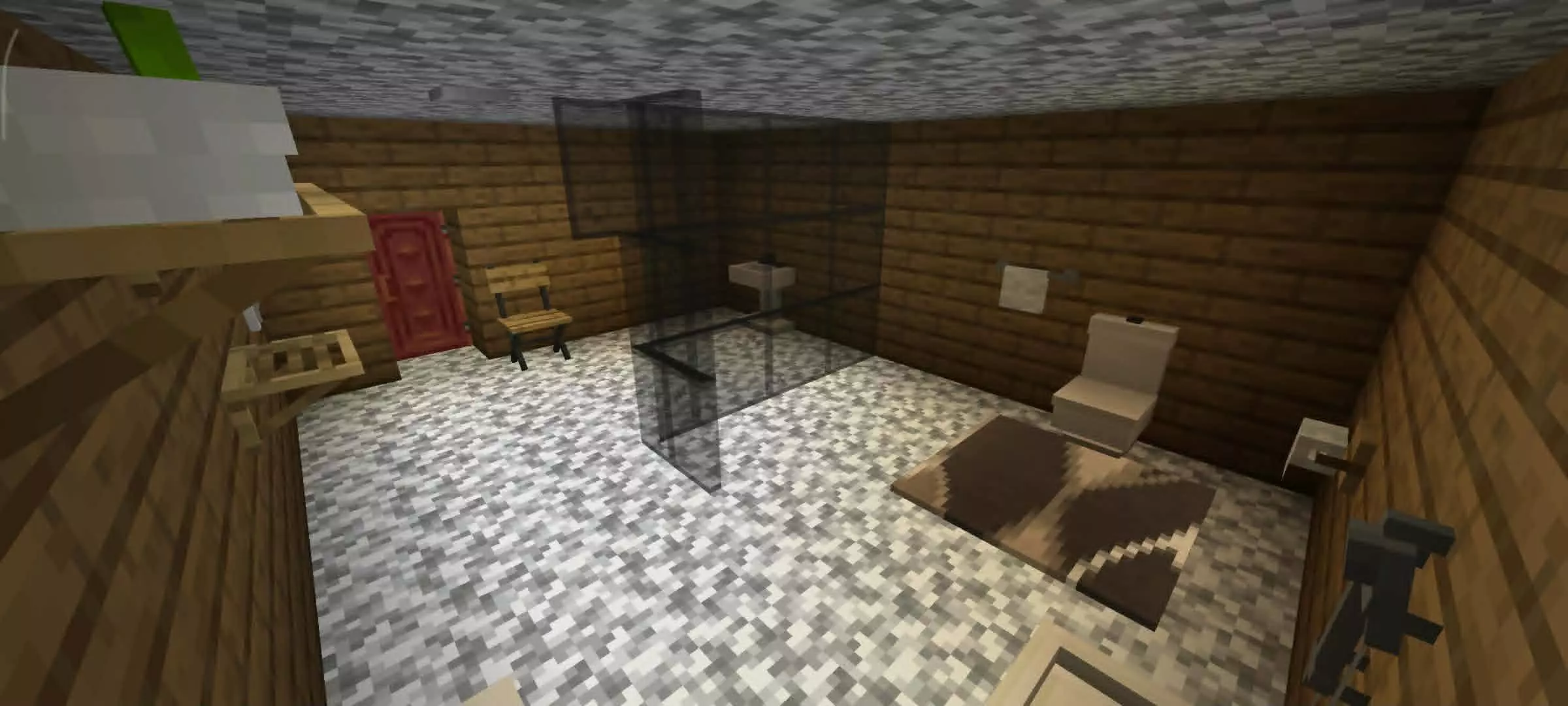

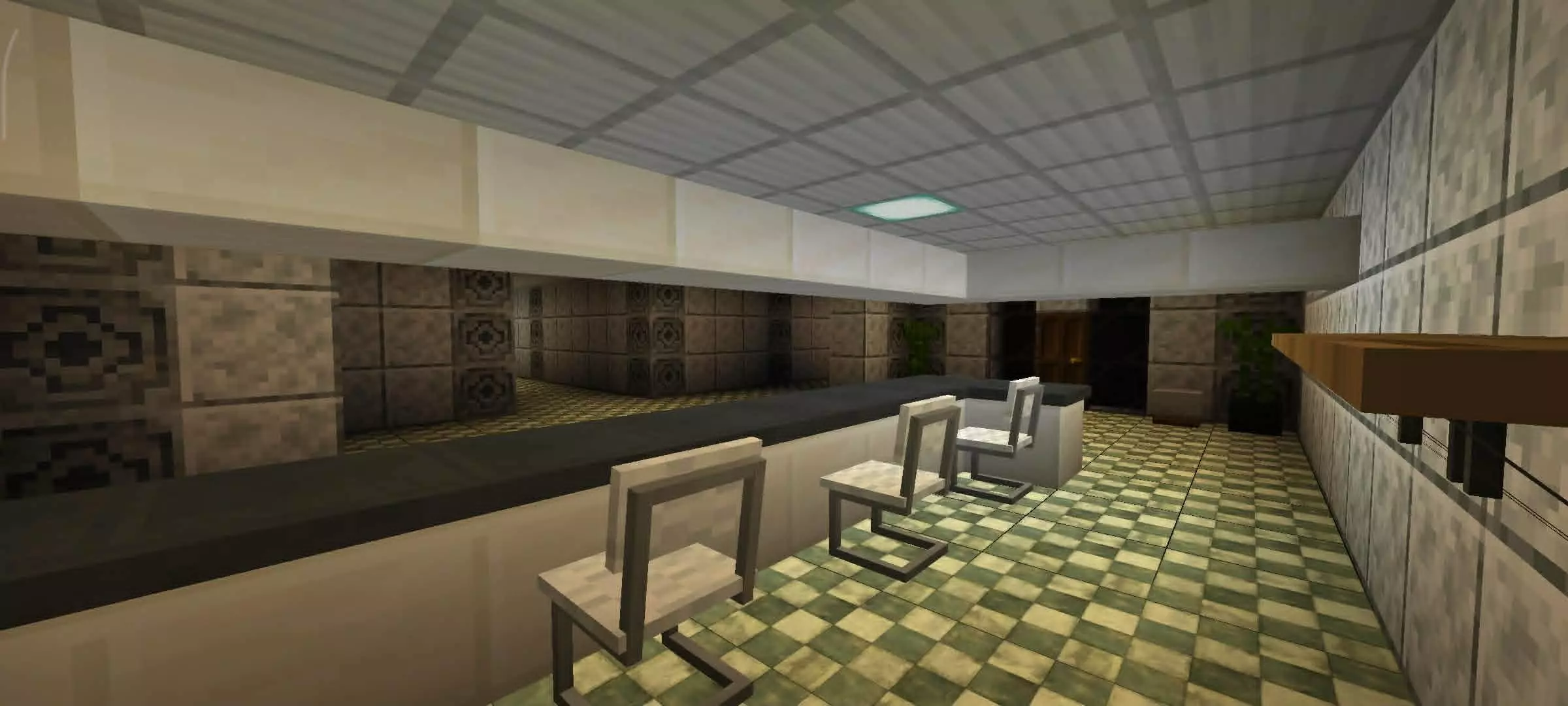

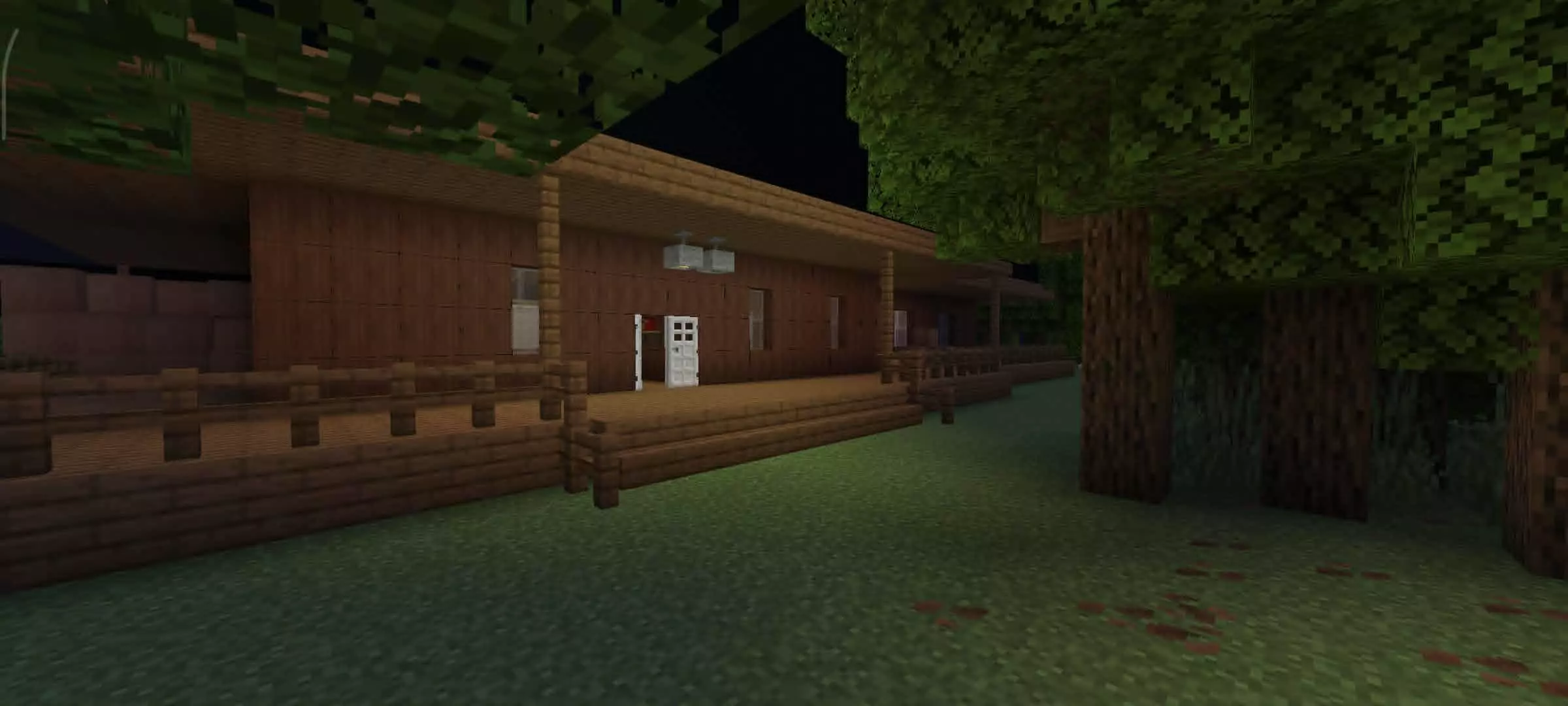
The absolute best part of this map is how it tightly manages multiplayer. In standard co-op adventure maps, there is always that one friend who speedruns way ahead and breaks the command block triggers for everyone else. This map explicitly forces your group to stick together. Progression triggers require the whole party to be present, and if someone decides to wander off into the dark to play the hero, the entity will immediately isolate and pick them off. It forces actual, panicked communication and tight team coordination, making it the absolute perfect late-night map to run with your friends when you want to see exactly who cracks under the pressure first.
Installation instructions:
Android: use the file manager, go to the directory with the downloaded map file and open it.
Windows 10: open the folder with the downloaded file and activate the mcworld file.
IOS: after downloading, your mobile device will prompt you to install the map.
Comments (0)