TEF - Battle Royale - The Storm Update Map
- 12-01-2026, 10:44
- 1 307

TEF - Battle Royale - The Storm Update Map continues “The Epic Fighters� series, but this time it’s locked in on one thing: a solo Battle Royale mode where everyone fights everyone. The world is built to work with Gabriel Aplok’s Aplok Guns Addon 1.1.7, since the whole weapon system comes from that addon, and the map adds its own features to make matches feel smoother and more intense.
You start in a Counting Zone on a mini-island and wait 20 seconds before heading to the main Battle Royale island. That lobby area is interactive, and you can tweak settings like map time, weather, and difficulty. To jump into the mode, you hit the statue and a menu pops up, which makes it feel like a real PvP hub instead of a basic spawn point. Once the match kicks off, everyone jumps from a plane to whatever area they want and scrambles for loot—guns, first aid kits, grenades, and anything else you can grab before running into other players.
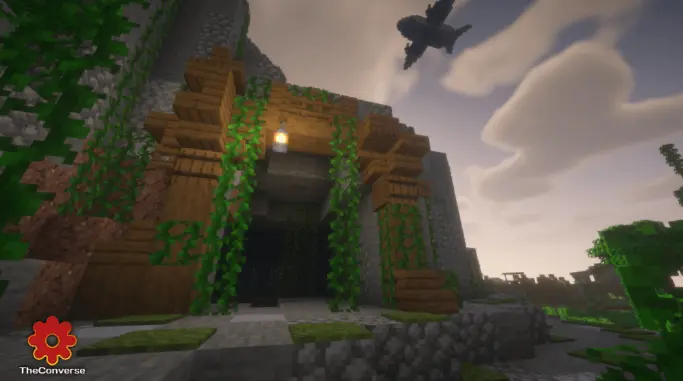
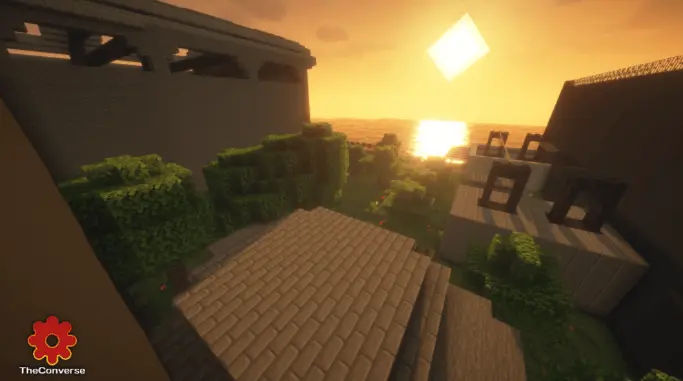
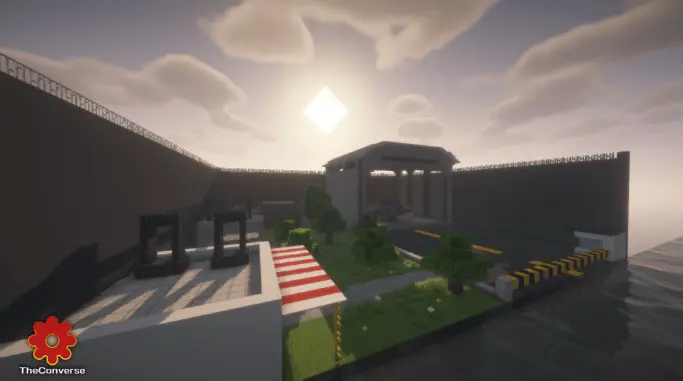
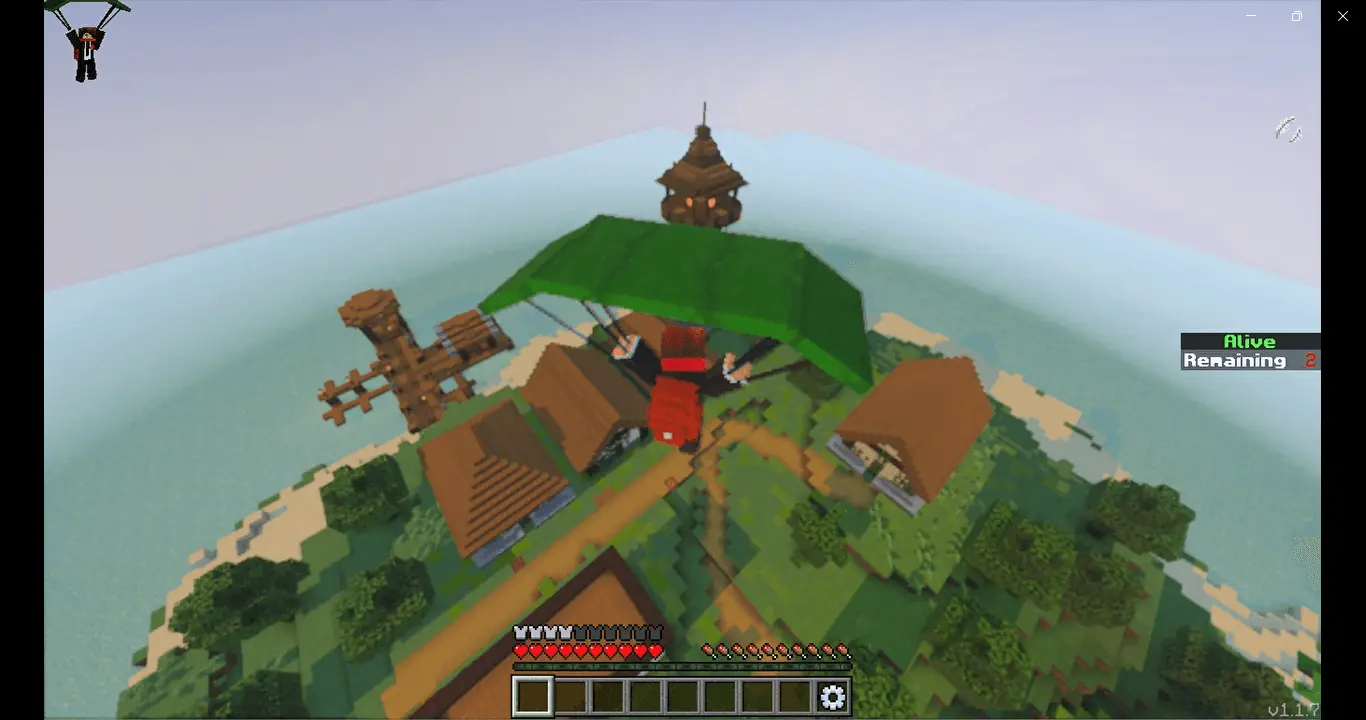
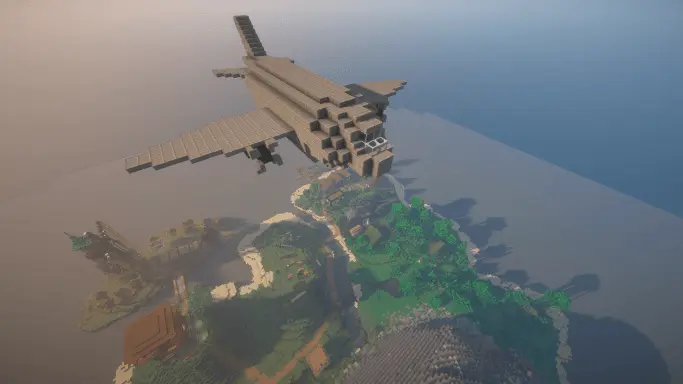
The island itself is bigger, with different zones to explore, from dense jungle spots to places like an abandoned mill. As the game goes on, airdrops will fall with better loot and you’ll get notified when one lands, so you can decide if you’re risking a fight for the upgrade. TEF - Battle Royale - The Storm Update Map also packs in extra functions like new third-person animations for movement, headshot particles, sliding while running, and even a spectator mode where eliminated players can watch a random survivor, switch who they spectate, or check the stats of the player they’re watching. There’s a support menu for fixing issues or returning to the lobby mid-game, a remaining players indicator to track the match, and a winner cinematic to cap it off.
Installation instructions:
Android: use the file manager, go to the directory with the downloaded map file and open it.
Windows 10: open the folder with the downloaded file and activate the mcworld file.
IOS: after downloading, your mobile device will prompt you to install the map.
Comments (0)