NEQX Lumina Shader
- 22-09-2026, 08:55
- 208
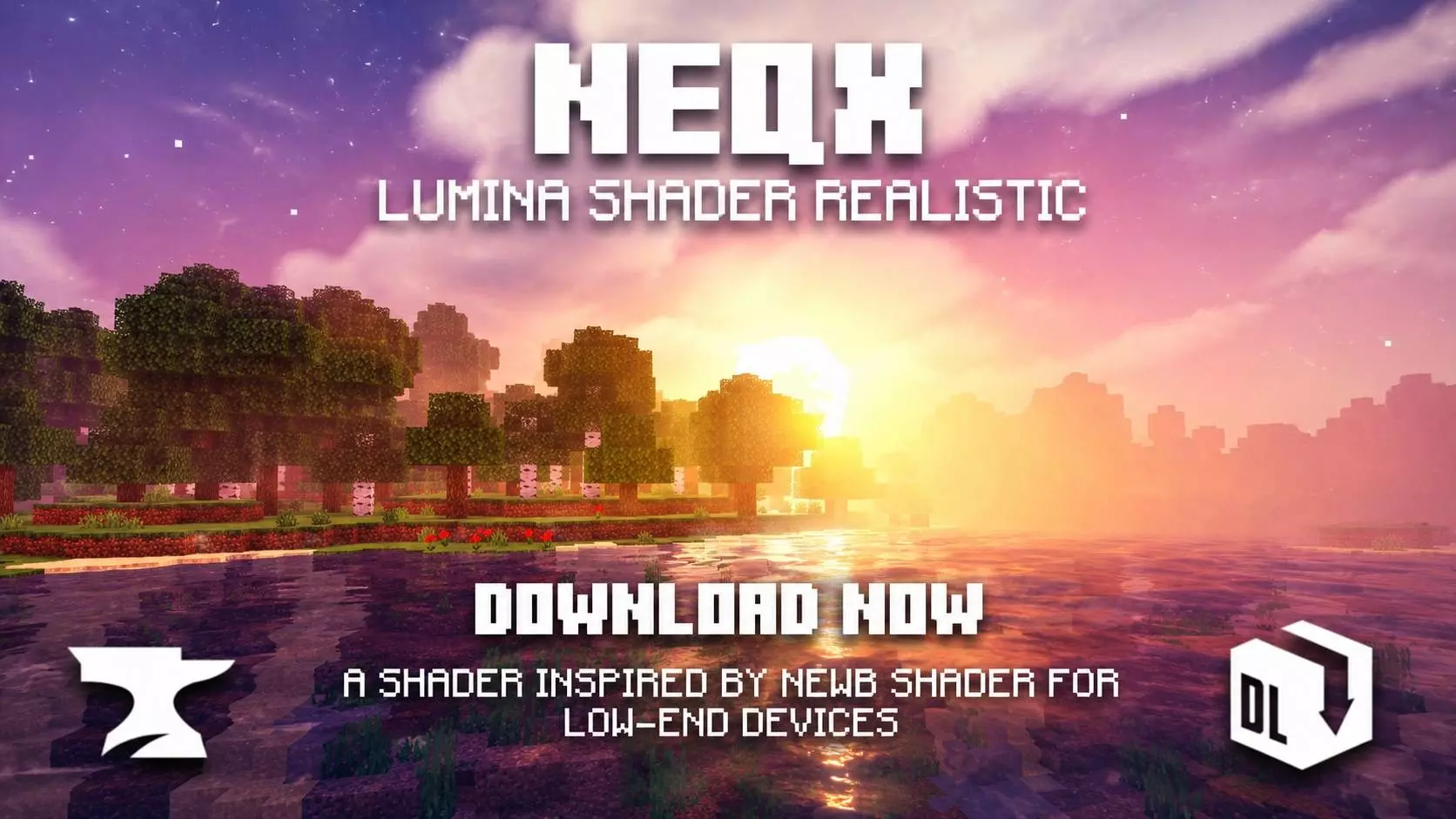
Ever since the Render Dragon engine overhaul, hunting down a decent Bedrock shader has felt like a continuous gamble of broken textures and glitchy lighting bugs. Half the packs out there slap an aggressive orange tint over torches, crank the bloom until your screen is practically blinding, and call it a day. Neq X Lumina takes a far smarter approach. Instead of trying to force ray-tracing visuals onto hardware that clearly wasn't built for it, this pack refines vanilla Bedrock into something noticeably crisper, deeper, and infinitely more atmospheric without stripping away the iconic blocky look.
The skybox alone fixes one of vanilla's biggest visual complaints. Shader creators usually force you into their personal preference—either hyper-realistic clouds that clash horribly with voxel terrain, or flat white rectangles. Lumina puts the choice right in the subpack settings slider. If you want soft, fluffy realism overhead, toggle it on. If you prefer a stylized look, you can switch over to rounded puffs or stick to clean box shapes. Paired with re-tuned fog density that gently blurs the horizon, your world gains an actual sense of scale instead of that harsh, cardboard cutout render line Bedrock usually suffers from.
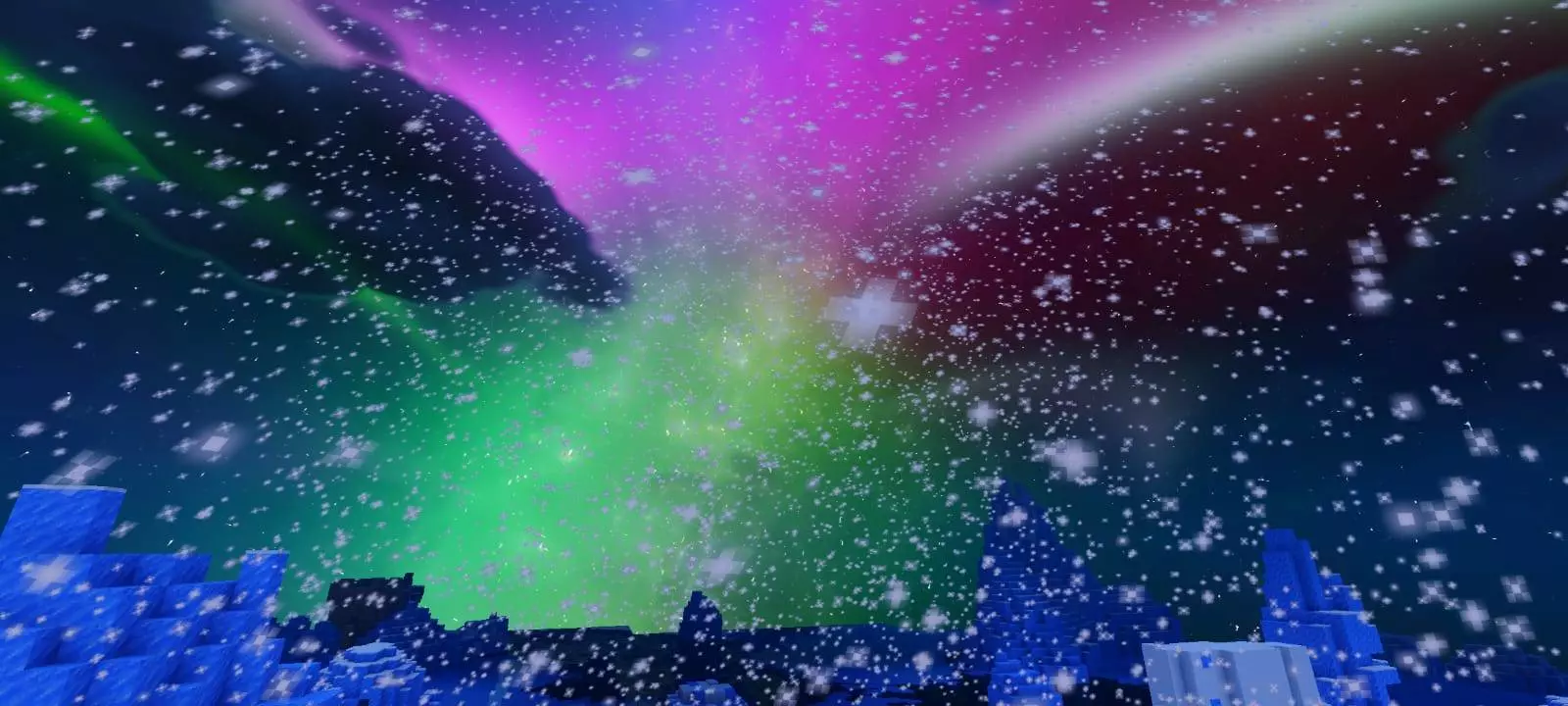
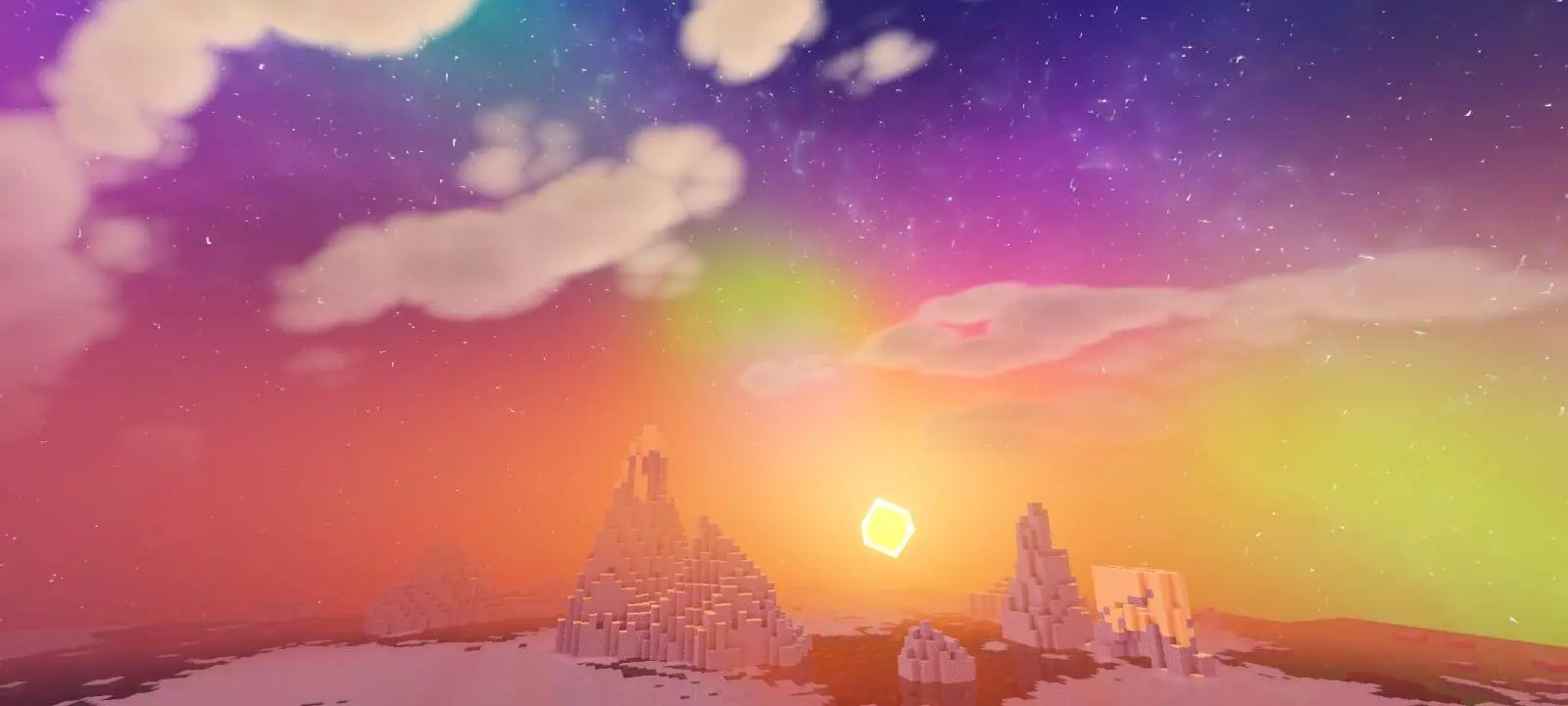
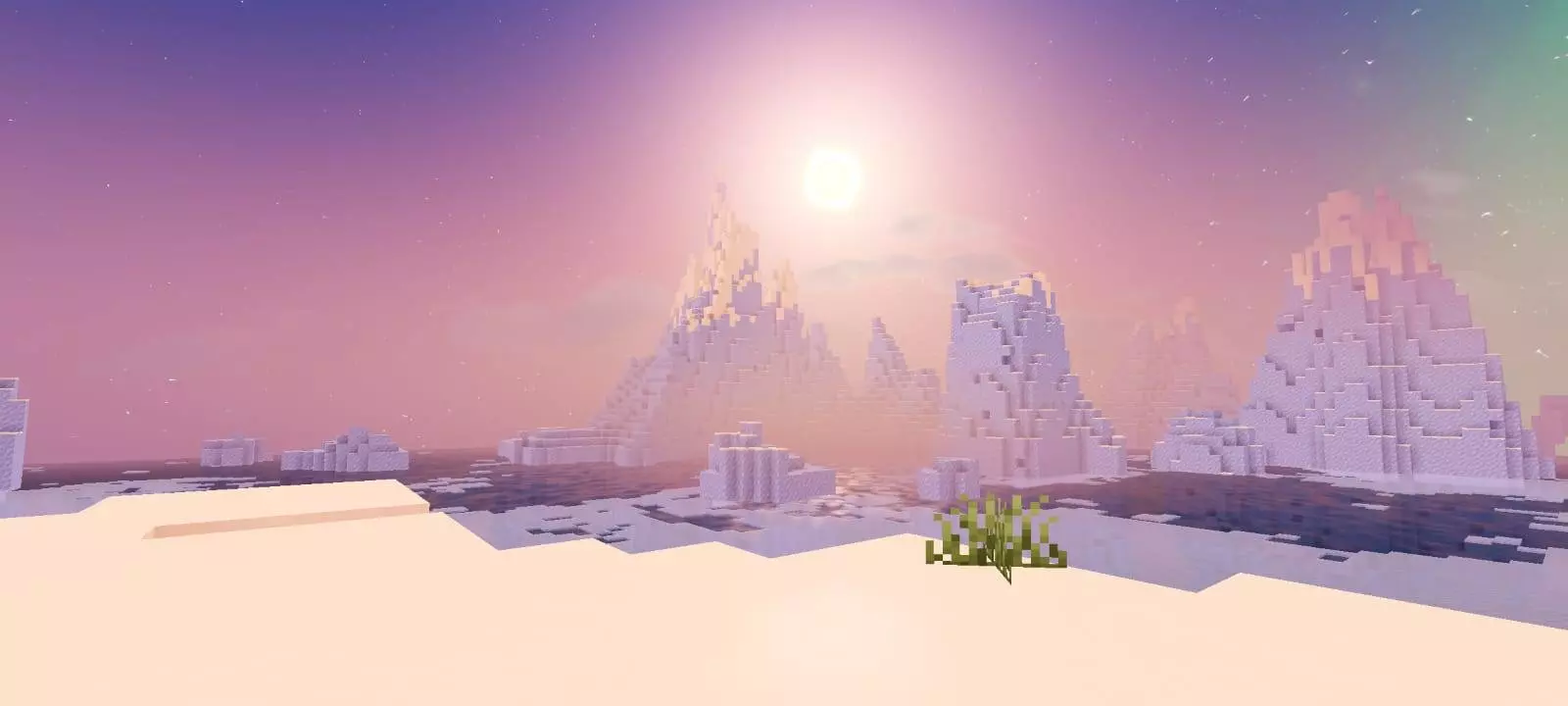
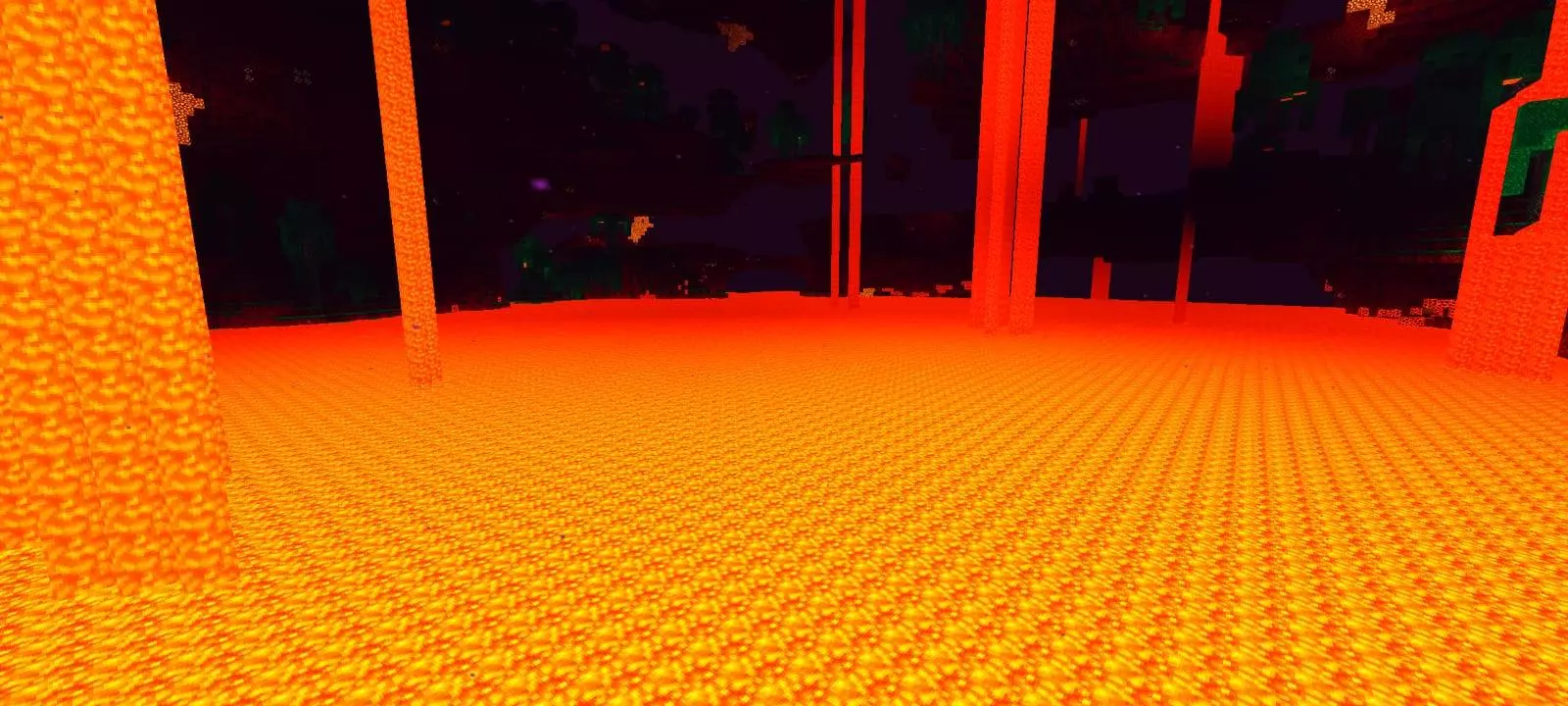
Down on the ground, the environmental polish continues with subtle water ripples that give lakes and oceans actual life instead of looking like giant sheets of blue glass. Even better is the inclusion of animated chunk loading. Instead of terrain blocks abruptly popping into existence out of thin air while you sprint through unexplored chunks, the landscape glides smoothly into place. It’s the kind of subtle quality-of-life visual that Java players have taken for granted for years, and seeing it run cleanly on Bedrock makes exploring new seeds feel surprisingly cinematic.
The real win here is device scalability. If you are playing on a console or desktop, you can leave all the dynamic water waves and heavy atmospheric filters cranked to the max. If you are gaming on an older phone that turns into a hand-warmer after twenty minutes, you can easily drop into the subpack menu and strip back the heavier effects while keeping the cleaner fog and customized skies. It is easily one of the most reliable Minecraft Bedrock shaders you can keep in your global resources folder, especially if you bounce between different devices and need consistent framerates.
Grab the custom MCPE shader download, slide the settings over to your favorite cloud style, and head out to the nearest ocean to catch the sunrise.
Are you rolling with the realistic skybox, or keeping things somewhat traditional with the rounded clouds?
Comments (0)