GURJAR X Standard Shader
- 22-09-2026, 19:37
- 148
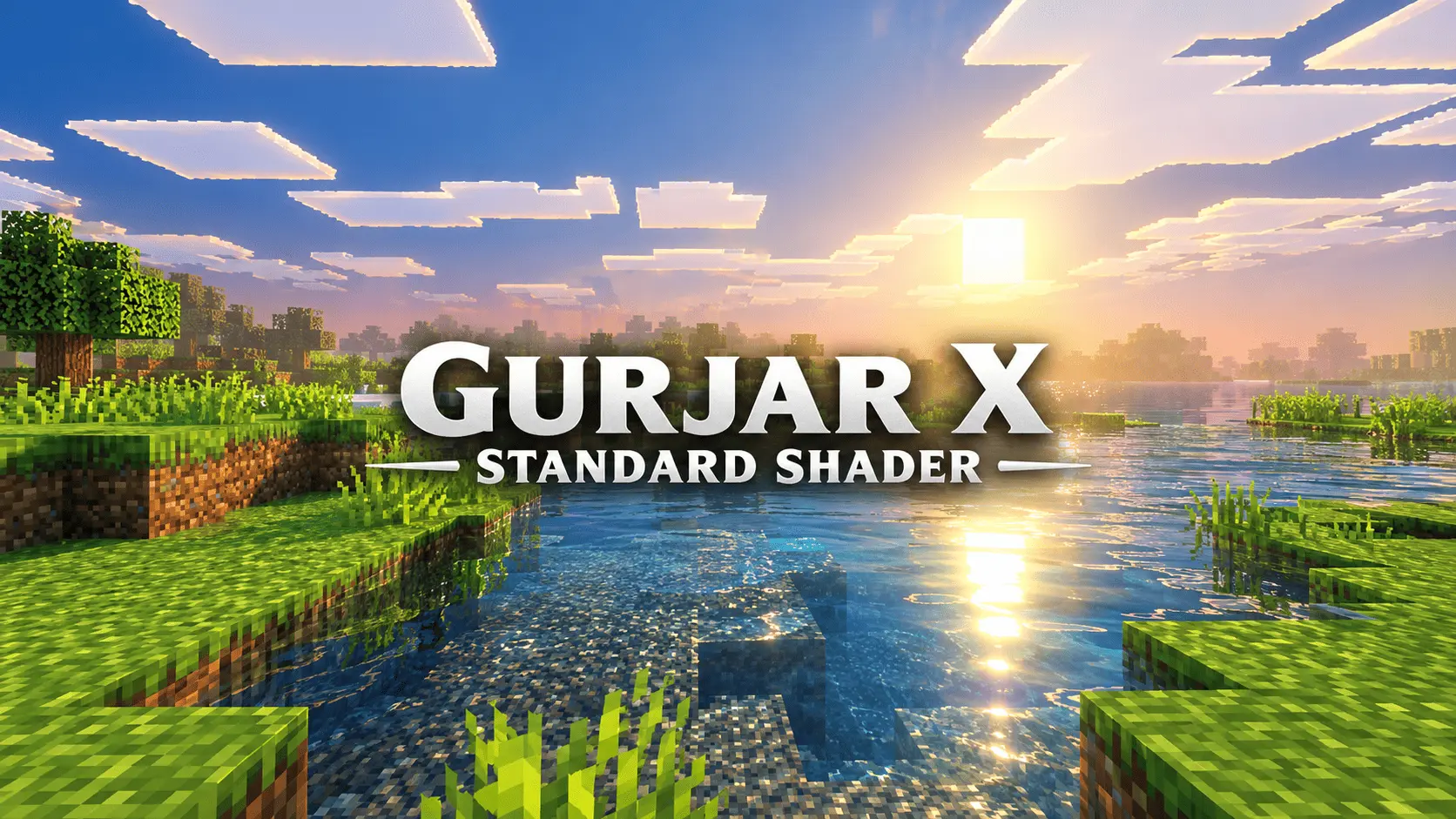
Most shader packs are built for thirty-second video clips rather than actual gameplay. They look stunning in a paused sunset screenshot, but the second you try to mine underground or build a house, you realize the contrast is cranked to eleven, torches are blindingly orange, and you can barely tell coal ore from deepslate. GURJAR X Standard takes the opposite approach. Built directly on Mojang’s native Vibrant Visuals pipeline, this pack deliberately skips the heavy artistic filters, amber haze, and comic-book saturation seen in other presets. Instead, it aims to be the kind of dependable visual upgrade you can leave running for a five-hour session without getting an eye-strain headache.
The biggest strength here is color discipline. When you spend hours picking the exact right mix of terracotta, granite, and stripped wood for a build, you want those blocks to look like themselves—not tinted red by an overcooked lighting engine. Standard keeps tone mapping completely neutral. Midday sunlight feels crisp, mornings are soft, and the transition into evening happens gradually without that sudden, neon-orange spike that ruins the color balance of your builds. Soft-filtered shadows round out the terrain naturally, and the atmospheric fog softens distant chunk borders without blocking your view of far-off landmarks. You can actually survey the horizon and plan a mega-build without fighting through a wall of thick, stylized haze.
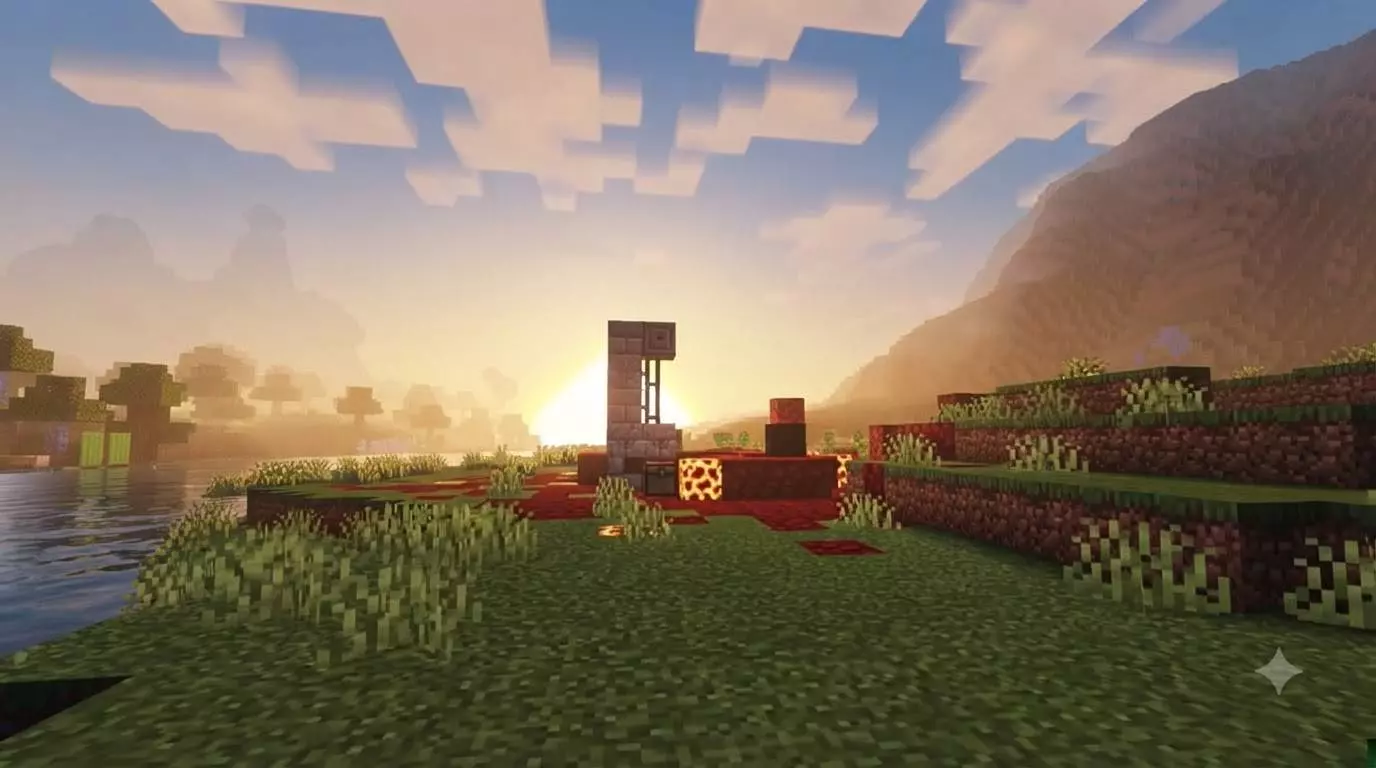
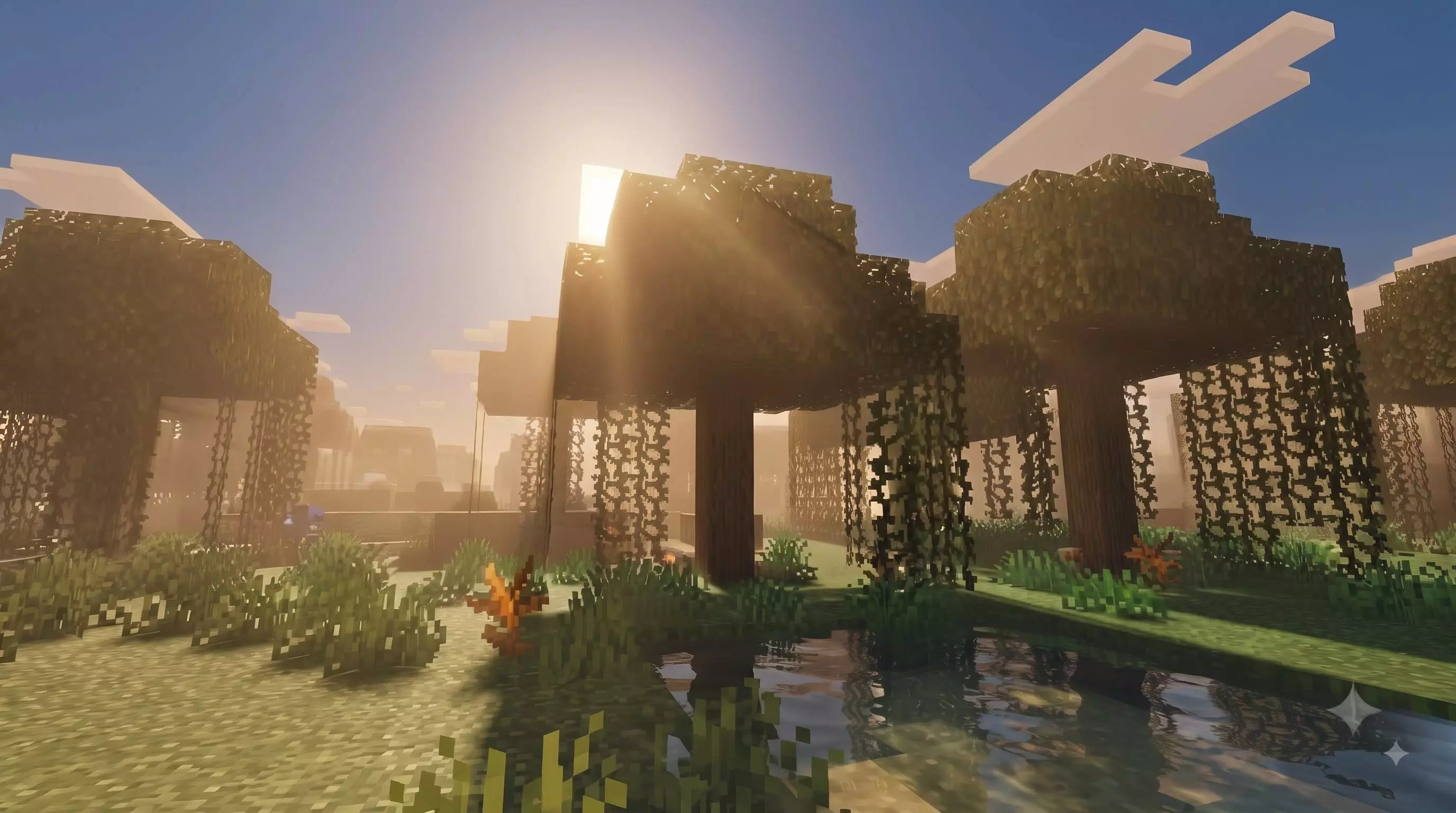
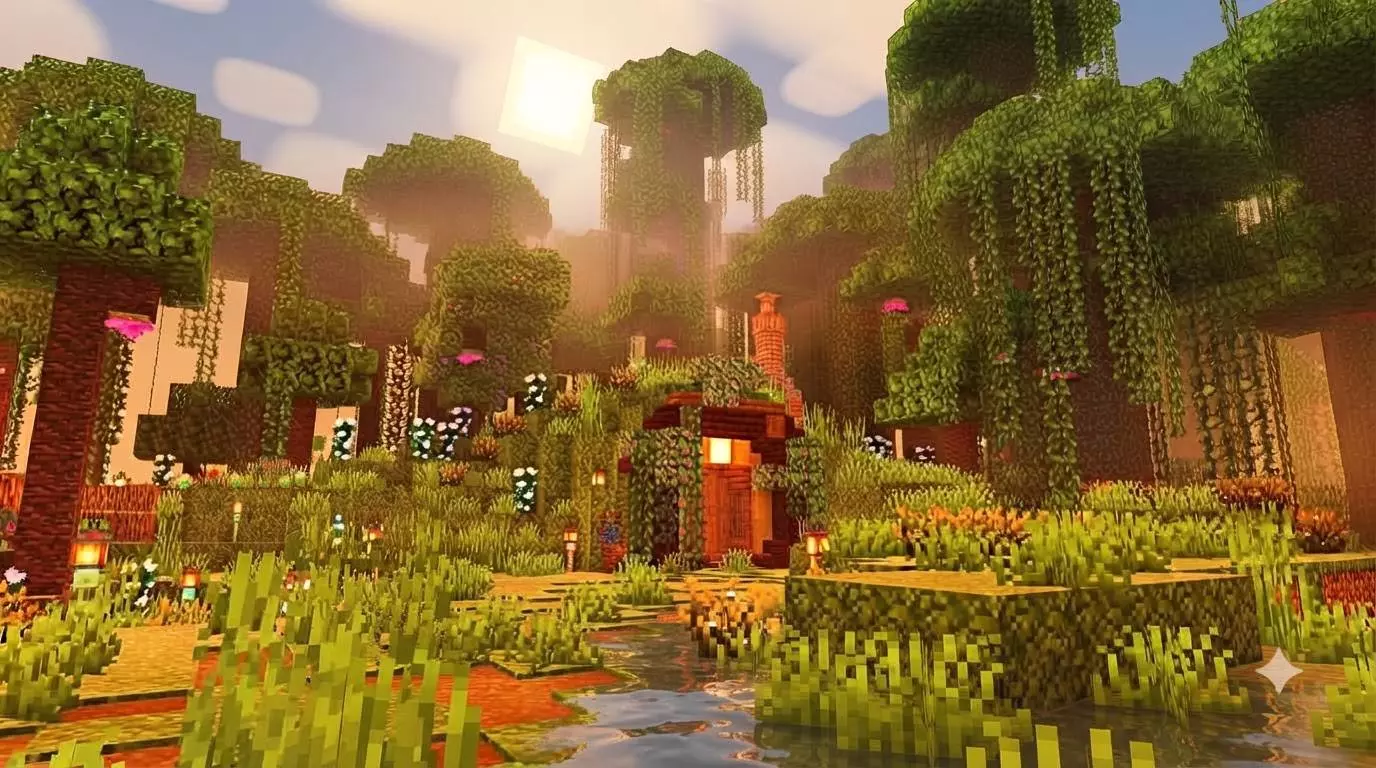
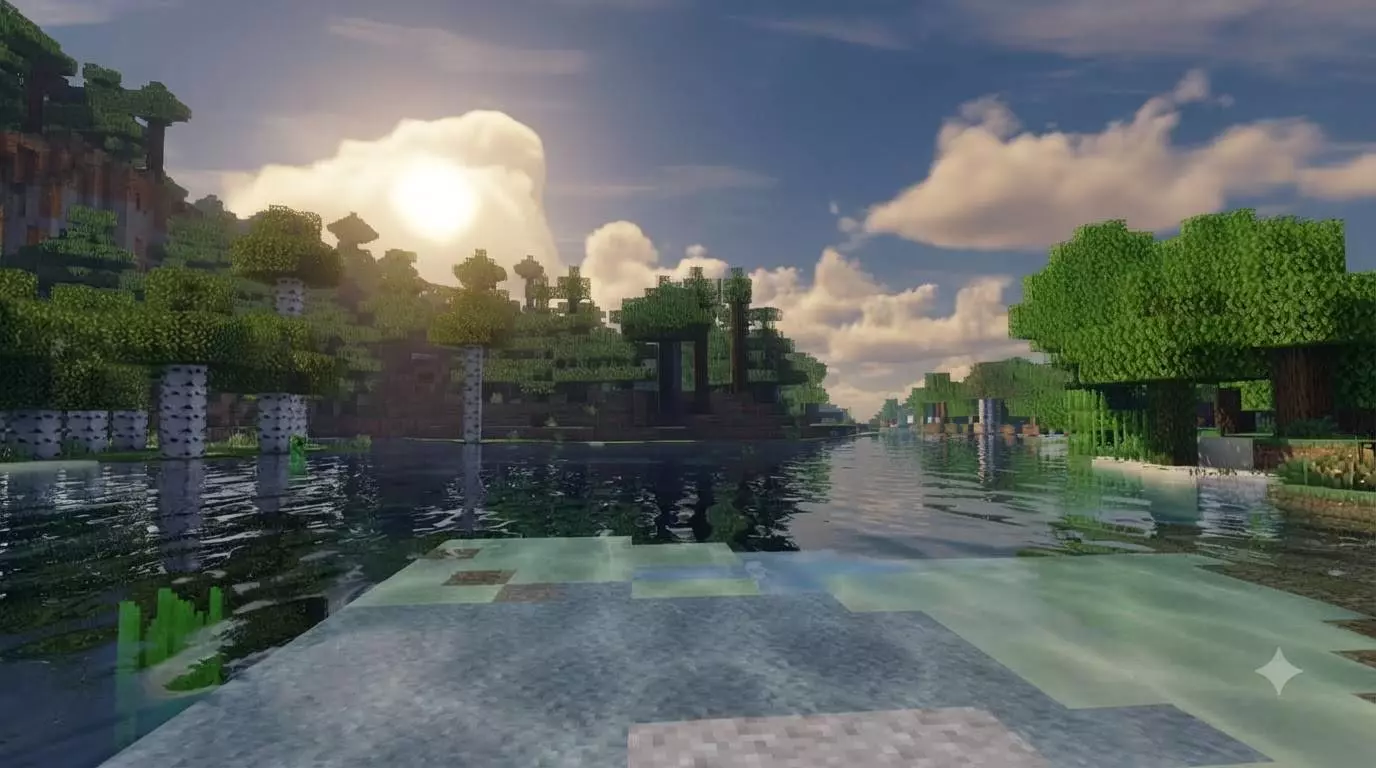
The water rendering follows that same grounded philosophy. Instead of blinding reflective glare or tropical turquoise dye dumped into a swamp, you get clean wind ripples and understated caustics that make rivers and oceans feel alive without being distracting. The installation setup is equally refreshingly straightforward. A lot of Bedrock shaders bury their settings in confusing subpack sliders where half the options fail to initialize properly on mobile or console. This pack runs as a single, dedicated subpack. You activate it in your global resources, and the look applies instantly on launch—no slider gambling, no crashing, and no surprise visual bugs. For anyone looking for the best Minecraft Bedrock shaders that prioritize clean performance and everyday visibility over flashy gimmicks, this is a breath of fresh air.
Ready to see your world with proper depth while keeping its vanilla charm intact? Pick up the custom MCPE shader download, enable it in your resource settings, and take a stroll around your main base.
Are you looking at this mainly to make your survival builds look cleaner, or do you just want a reliable shader that won't lag out your device?
Comments (0)