Minecraft with RTX - Creative HD Material Pack
- 21-09-2025, 18:17
- 1 018
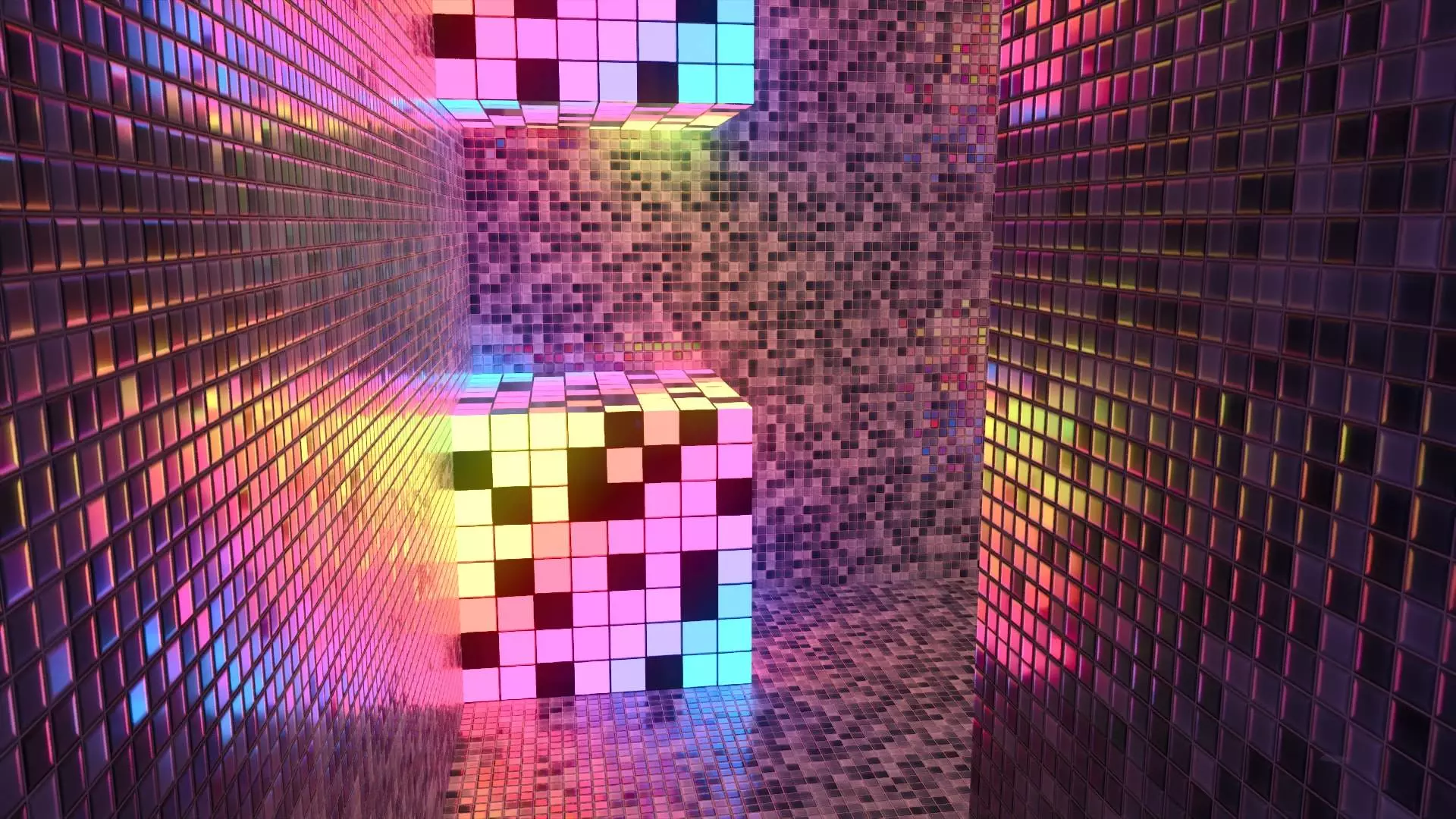
Minecraft with RTX - Creative HD Material Pack is for Windows Bedrock with a ray-tracing GPU. Enable “Ray Tracing� in Video settings, toggle Education Edition for the world, then put this pack at the top of your resource stack. It plays fine alongside your favorite RTX/Vibrant packs because it only retextures the Education blocks, leaving vanilla alone. Switch your language to EN-US or EN-GB to see the renamed materials in the Creative inventory so they’re actually searchable.
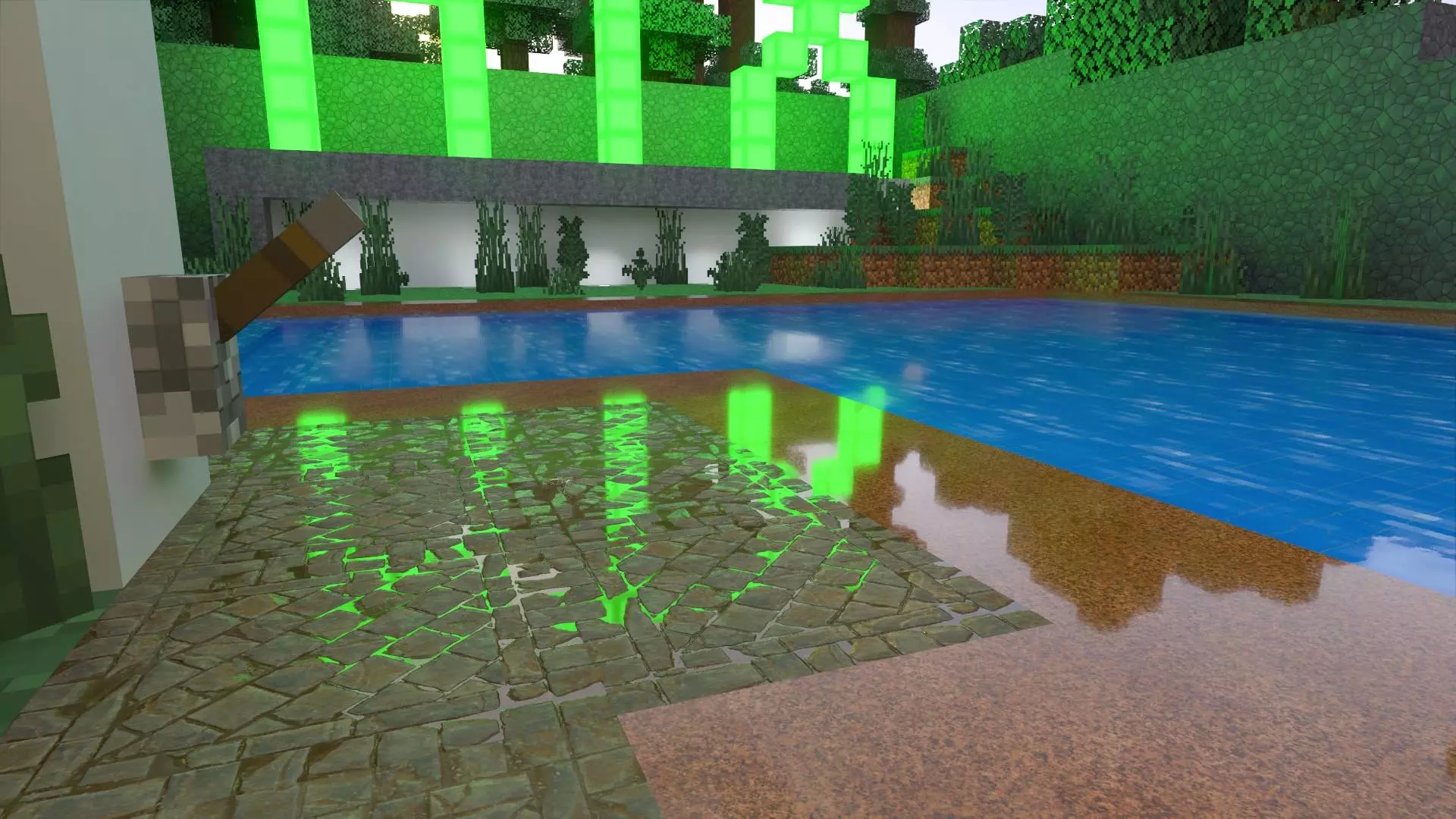
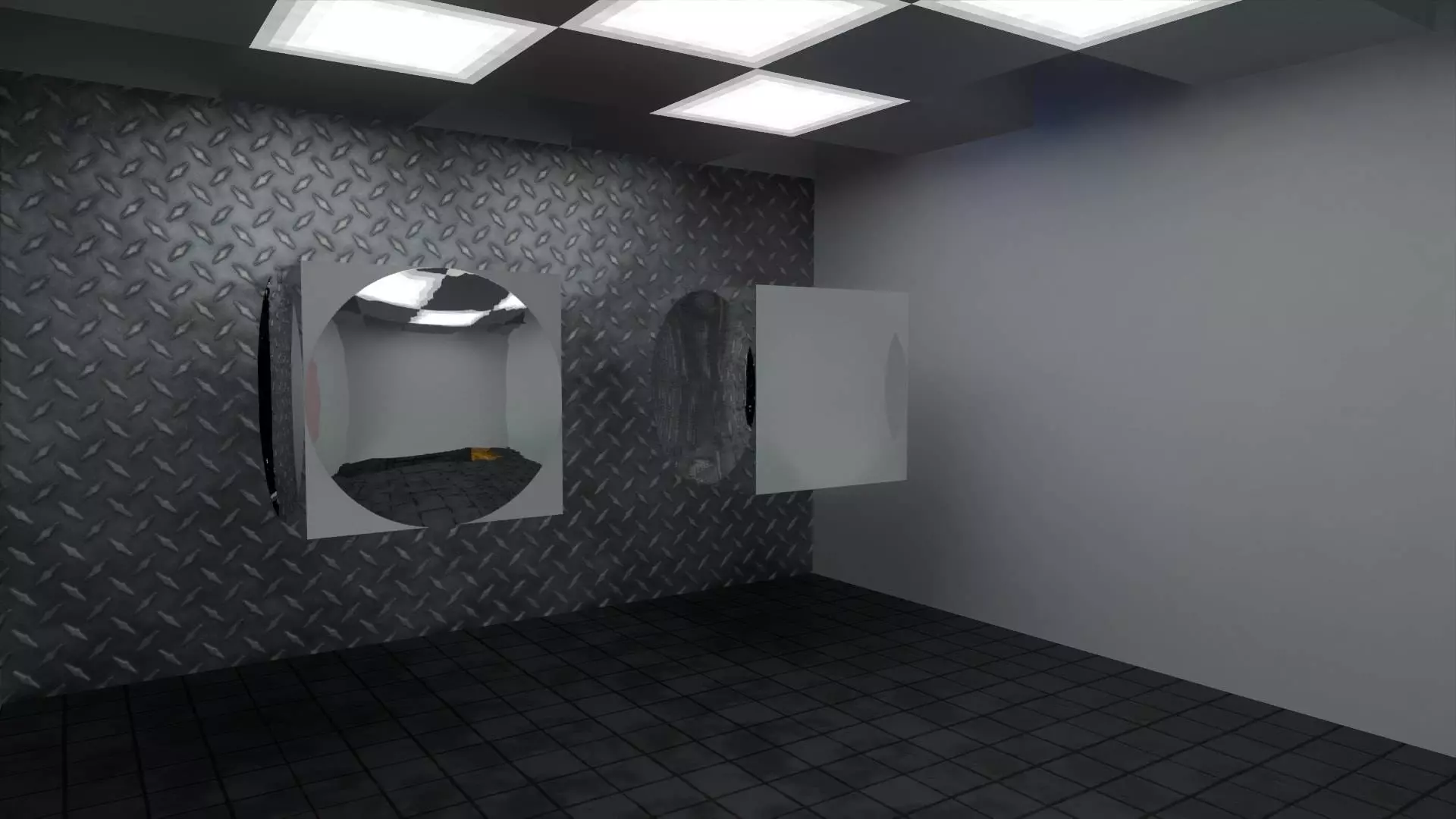
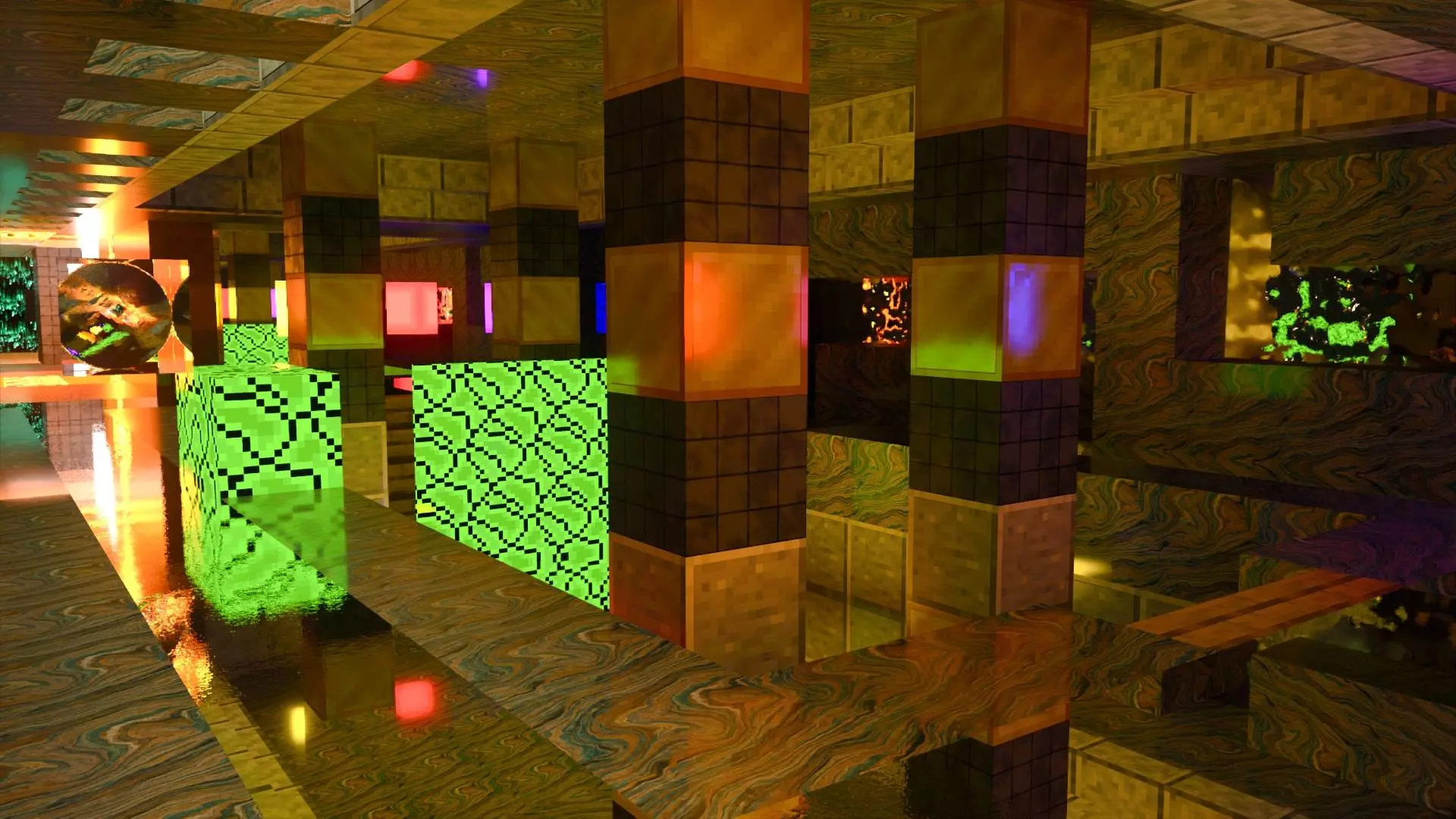
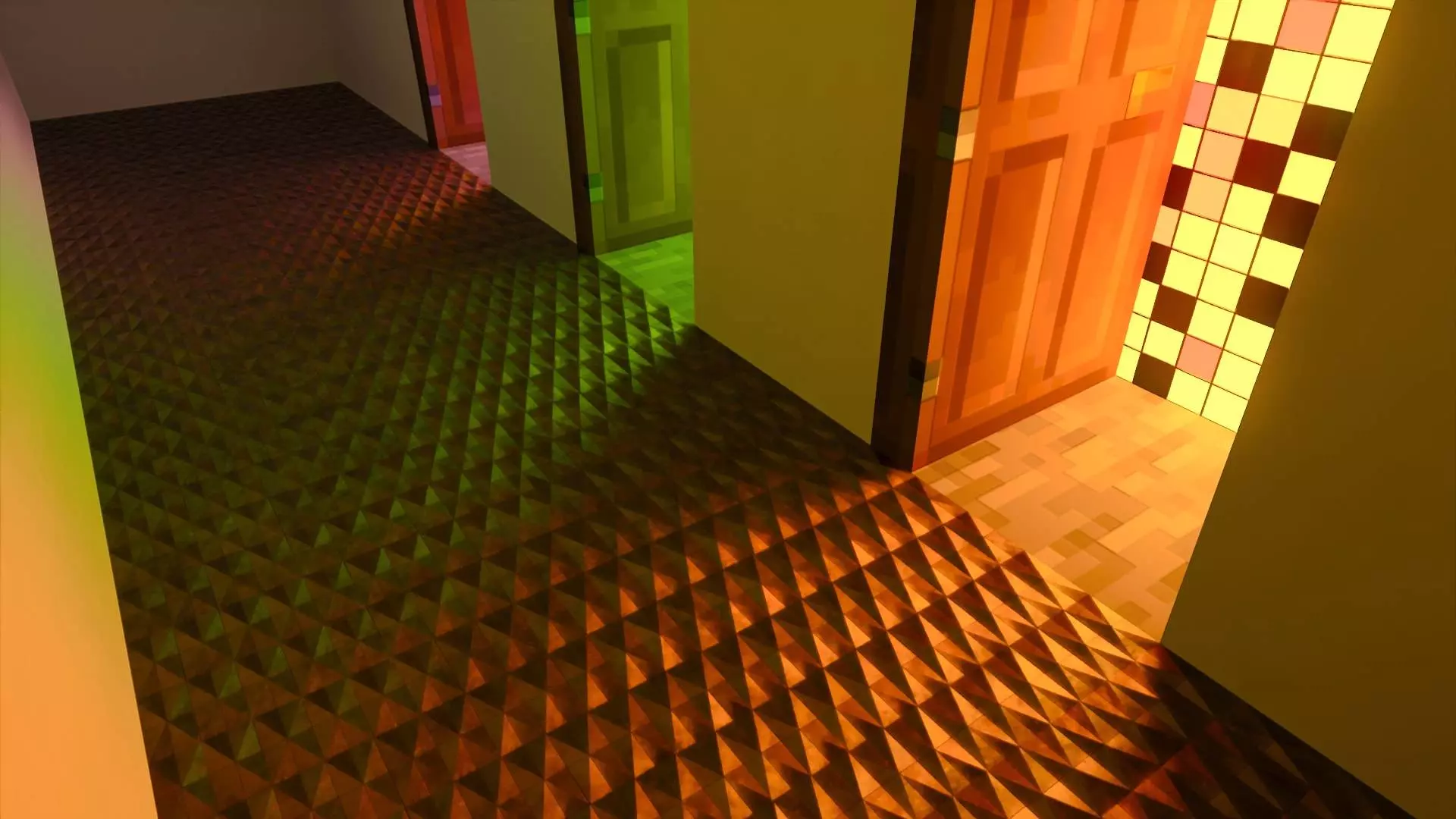
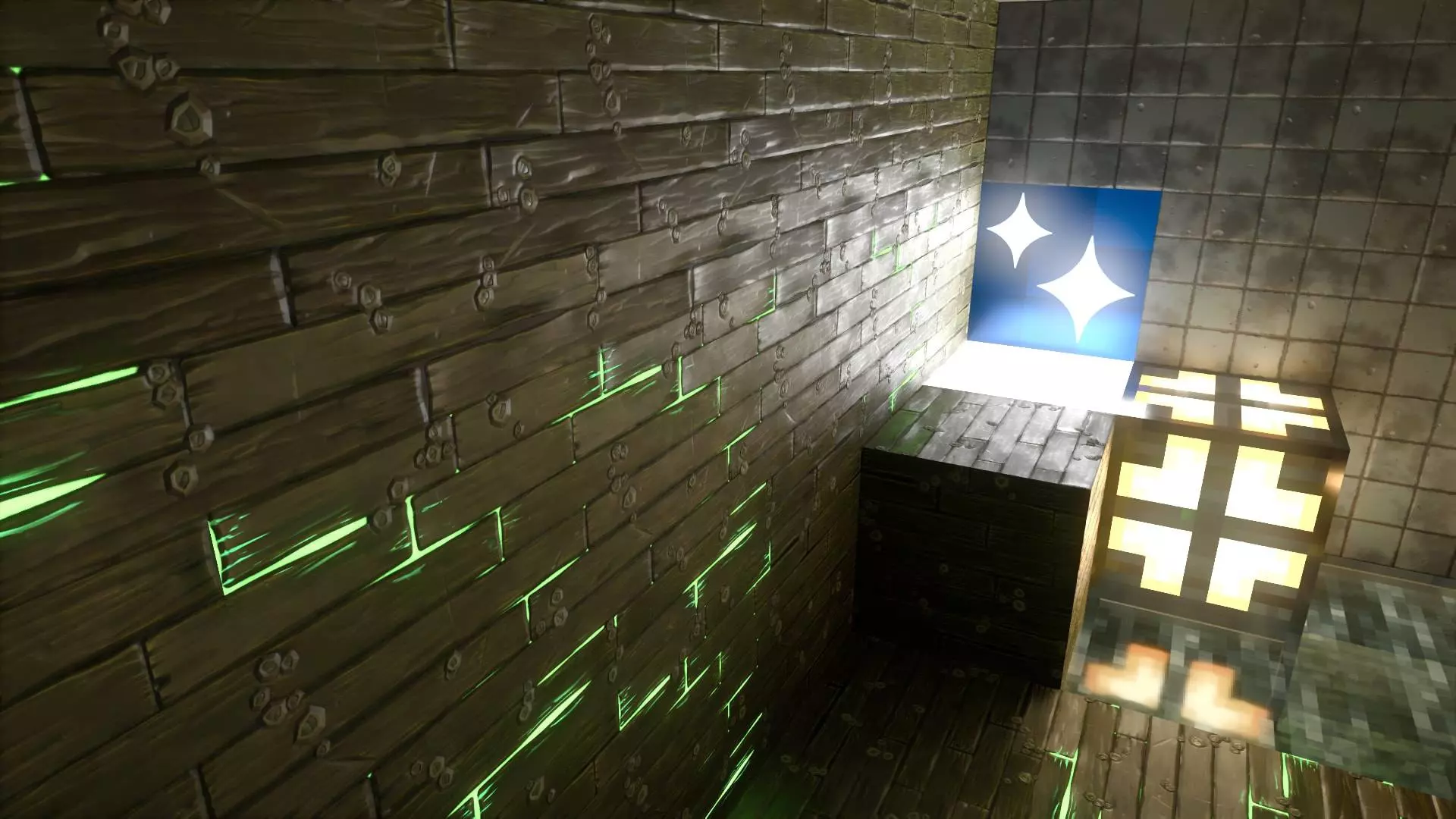
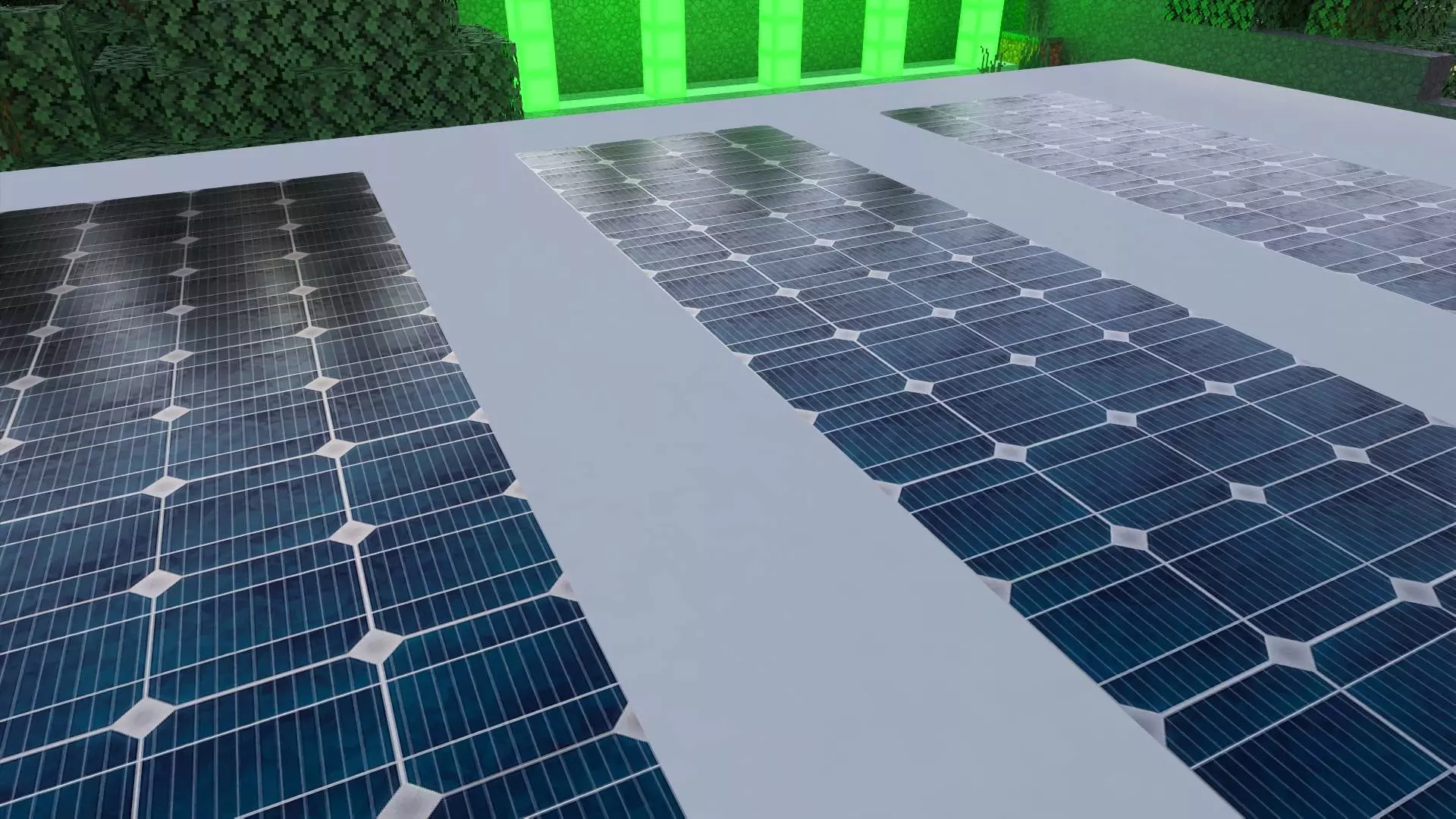
Day to day, treat the Education tab like a boutique material library. I start a “materials yard� next to my build: lay a 5×10 swatch wall, then walk lights around it to read roughness and metal—RTX loves moving light. Use sea lanterns or hidden frog lights behind stairs and trapdoors to coax highlights; at night, toss a few torches off-axis to see micro-detail pop. When you’re dressing interiors, mix a low-roughness plate with a matte neighbor so the reflections don’t get noisy, and keep FOV ~70–75 for clean screenshots.
For performance, run render distance around 8–12 chunks, cap FPS, and if you’ve got DLSS/FSR, stick to Quality mode while you build and Performance for fly-throughs. Minecraft with RTX - Creative HD Material Pack is the easiest way to add “designer� surfaces to Creative showcases without breaking your vanilla block palette.
Comments (0)