NeBux UI+ Texture Pack
- 27-02-2026, 00:43
- 1 329
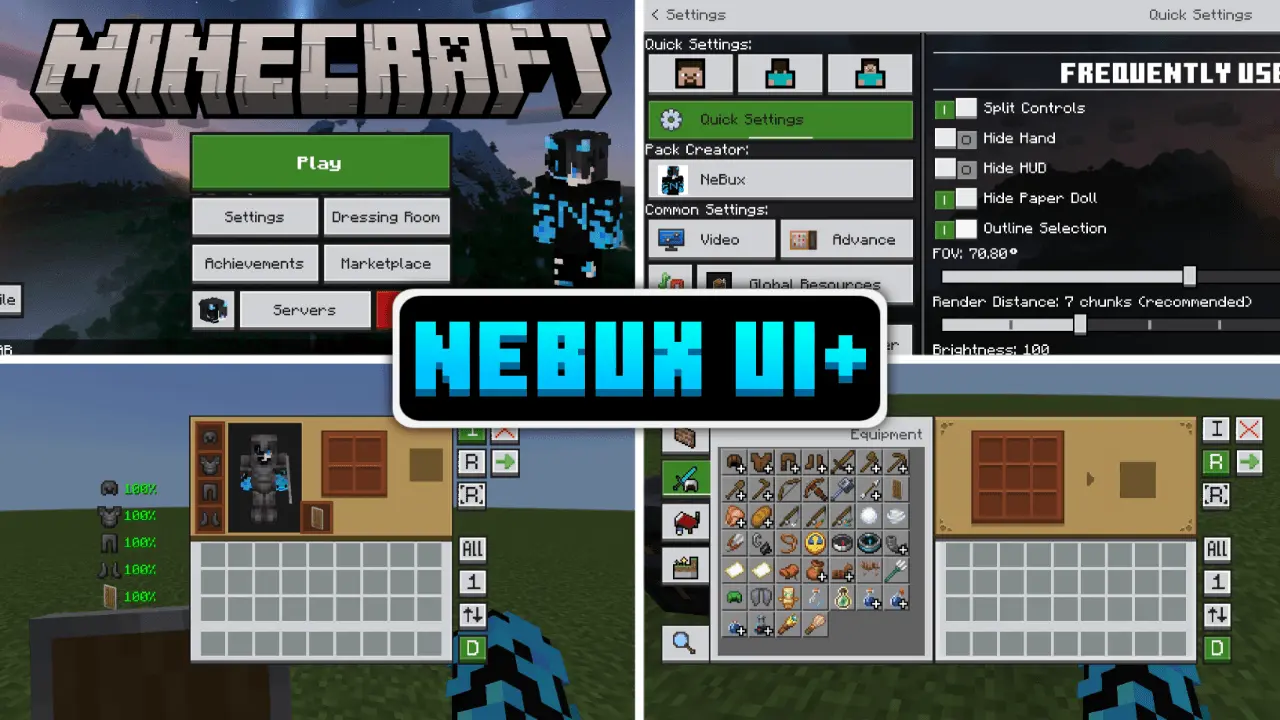
NeBux UI+ Texture Pack is built for players who spend way too much time fighting menus instead of playing. It refines the Bedrock UI to make common actions faster, like swapping settings, crafting, looting, and moving items around. The Quick Settings menu is the first big win—stuff like FOV and camera view gets pulled into an easy-access spot so you’re not digging through extra screens. On top of that, Quick Buttons add shortcuts for things like servers, quick craft, quick drop, drop all, and quick move, which makes inventory management feel way less clunky.
It also packs in a lot of “why isn’t this default?� features. You get F1 to hide the HUD and F8 to toggle the paper doll, plus an exit warning so you don’t fat-finger your way out of the game. UI screens can stay open even when you take damage, chat input limits are removed, and chat gets extra quick buttons and a select option for clicking lines. For gameplay tracking, it shows armor/tool durability on the inventory screen, an XP counter (even in creative), a slot counter, and an inventory-full warning on the HUD. It also puts a working clock and compass on the HUD so you don’t need to craft them just for basic info.
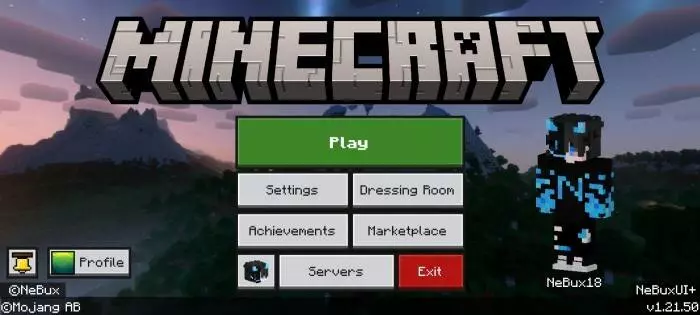
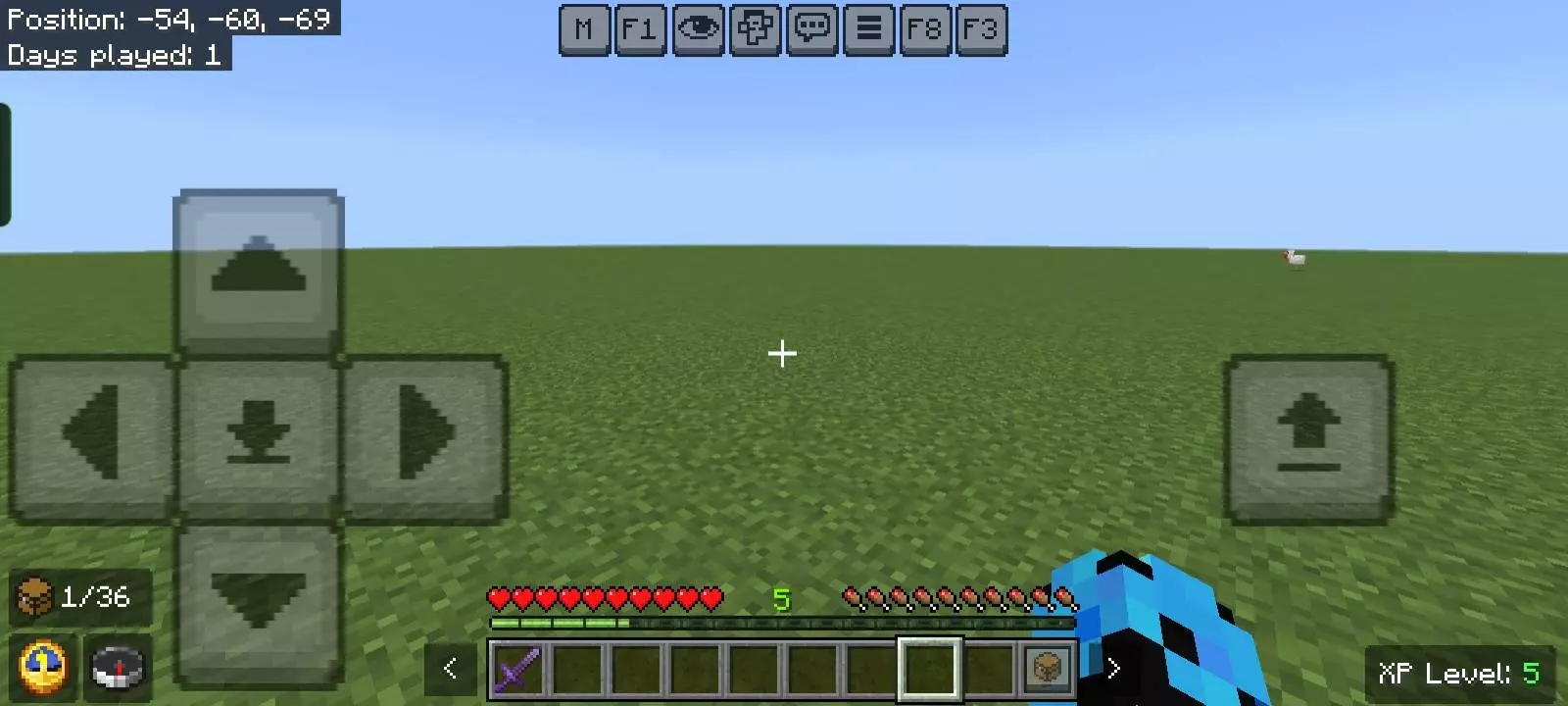
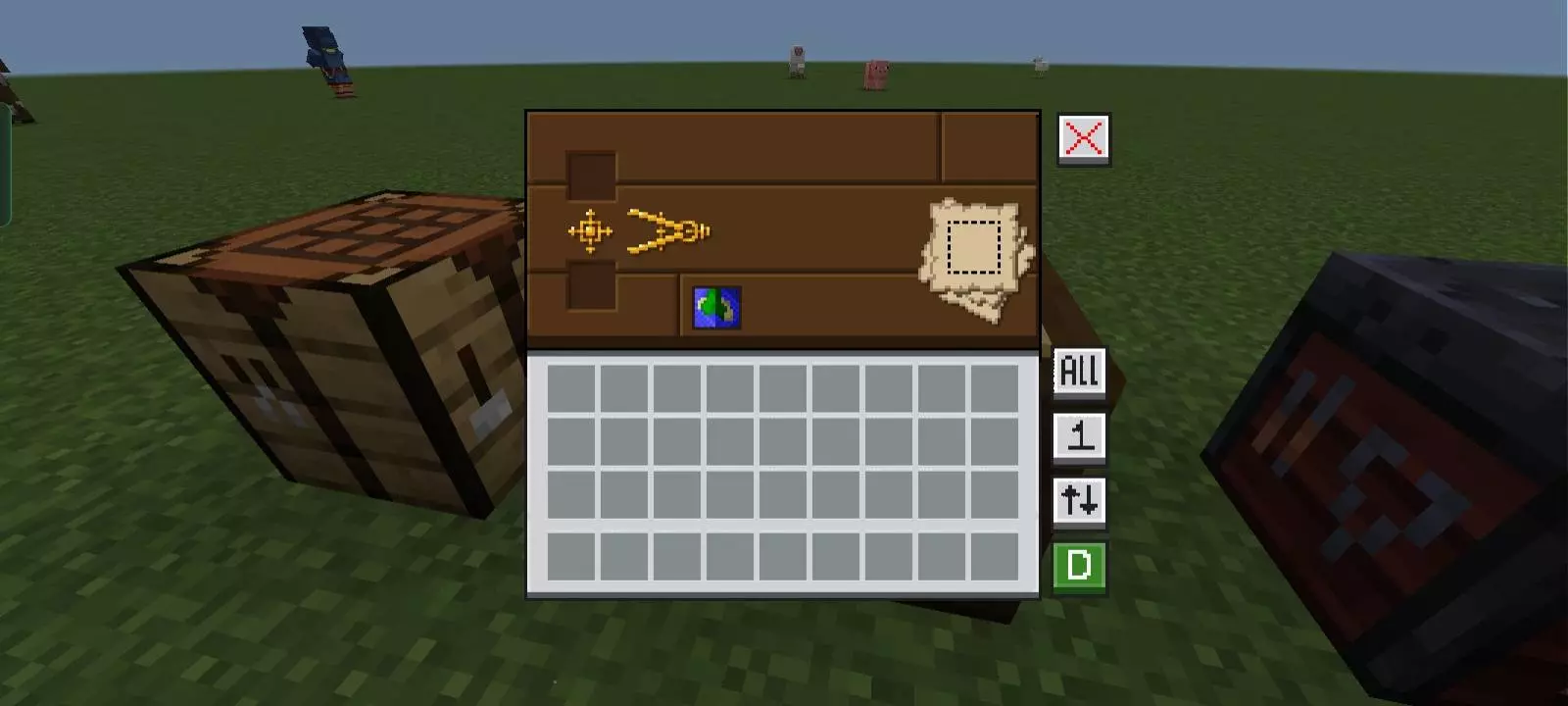
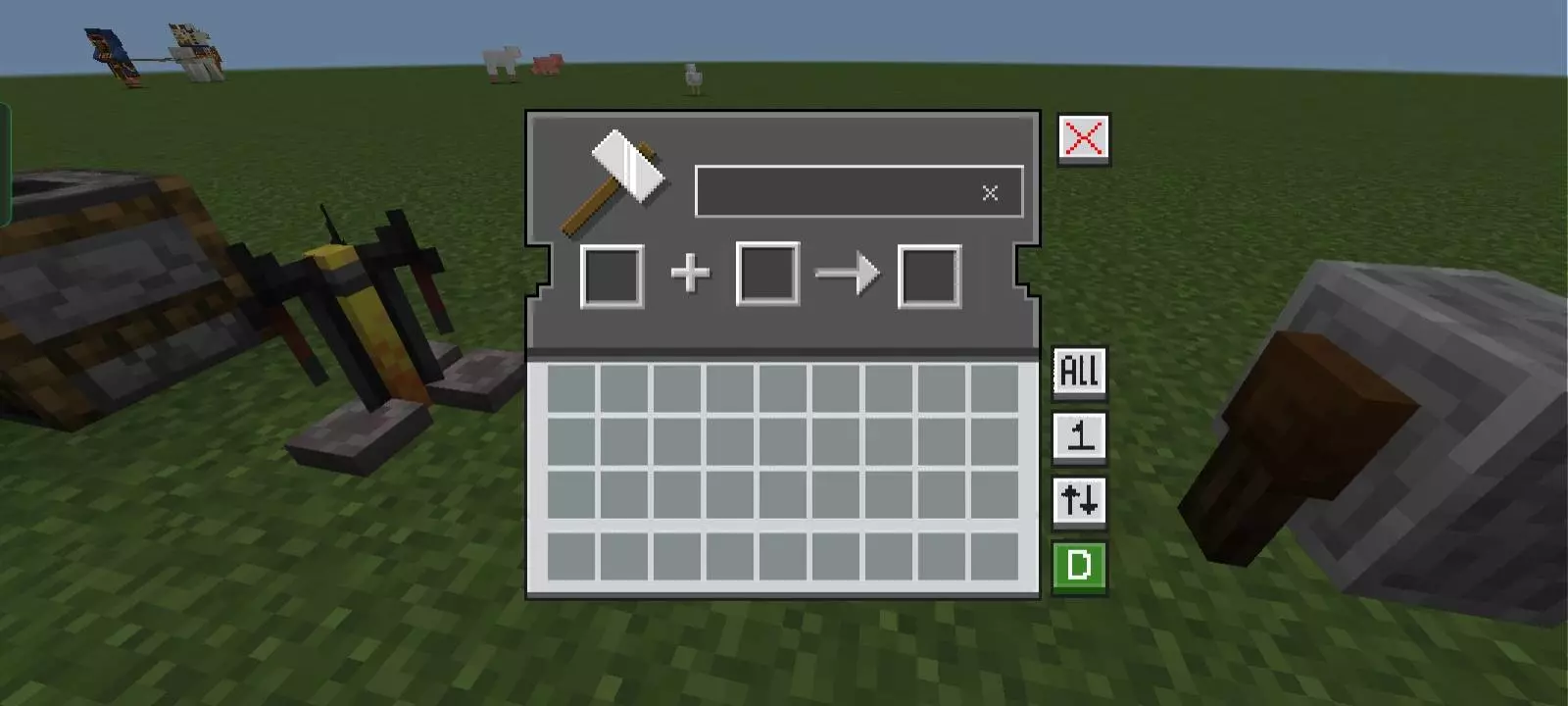
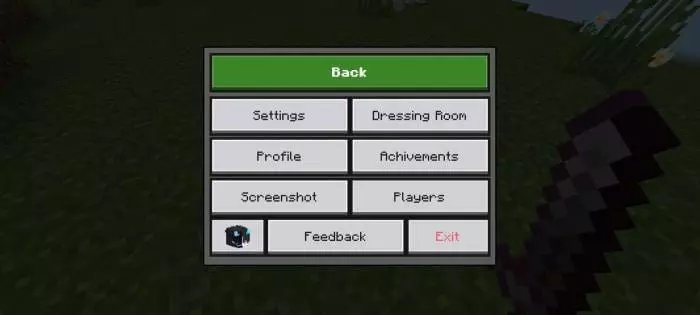
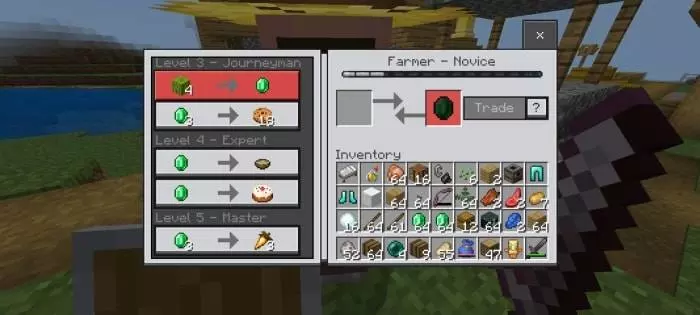
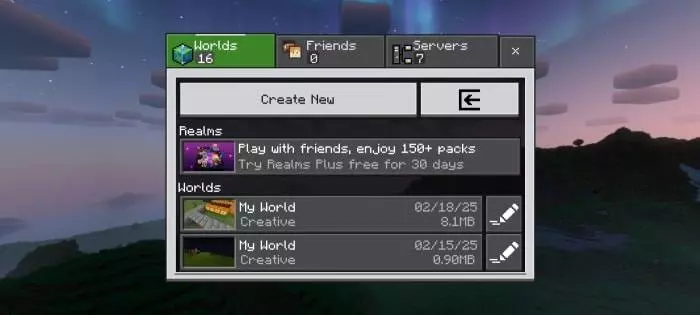
Visually, NeBux UI+ Texture Pack goes hard on polish: smooth UI animations, tooltip animations when swapping hotbar items, custom container GUIs for blocks like crafting tables and furnaces, and dimension-themed loading screens. There’s even a mod menu, adjustable custom crosshairs, and built-in guides for enchantments and furnace variants, plus an F3 debug screen. Dark Mode is optional through a separate extension pack placed above the main pack, and the language listed is en_US. Overall, NeBux UI+ Texture Pack is perfect if you want Bedrock’s UI to feel faster, cleaner, and more “pro� without changing your actual survival gameplay.
Comments (0)