Half Bright-Dark UI Texture Pack
- 22-09-2026, 09:30
- 151
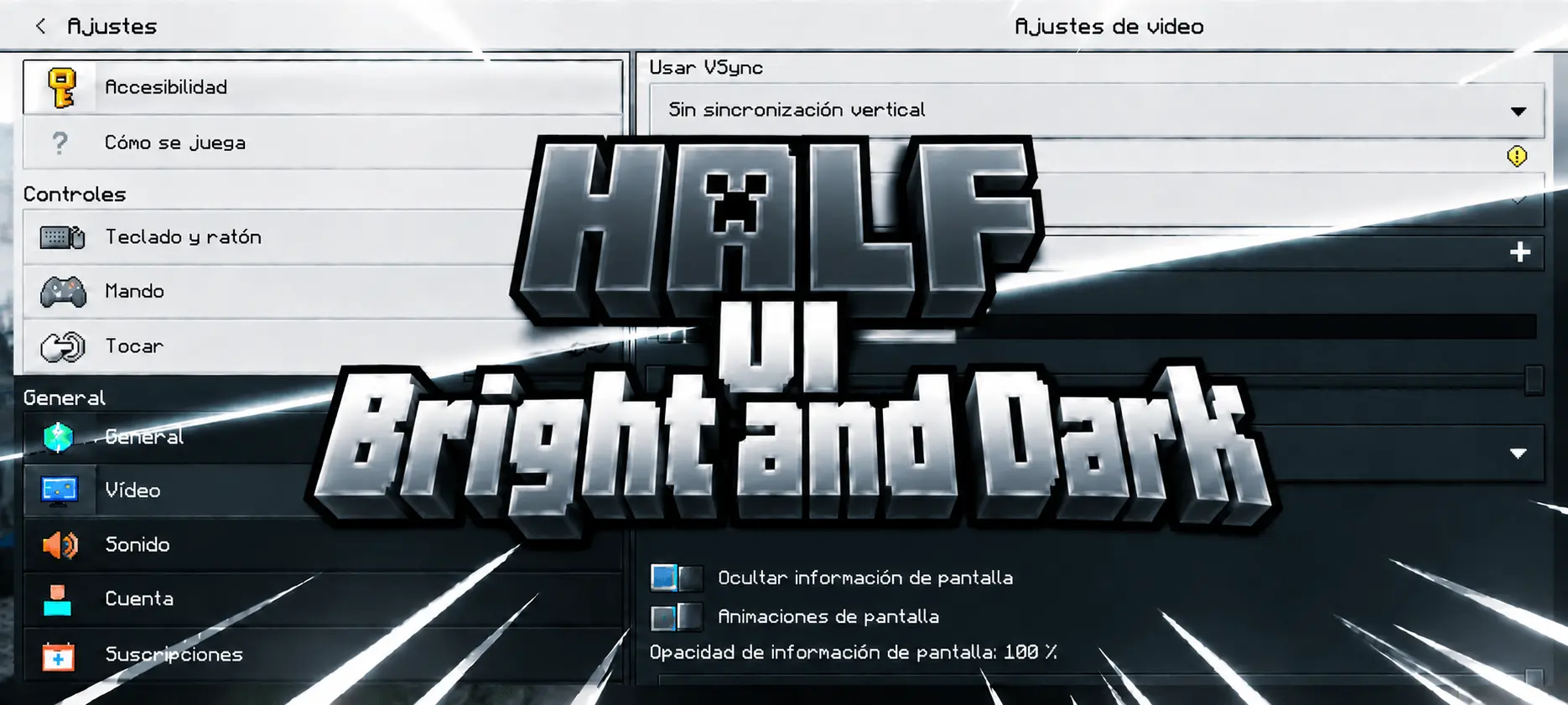
Staring at the default Minecraft inventory screen at 2 AM is basically a flashbang to the eyes. Most players eventually get tired of the glaring grey and white stone textures and immediately download a pure dark mode pack. The problem is, a lot of those dark UI swaps just slap a flat, pitch-black hex code over everything, which can make the menus feel incredibly dull, heavy, and surprisingly hard to read. The Half Bright-Dark UI Texture Pack created by Baku_Studio completely solves this by finding an incredibly elegant middle ground. Instead of forcing you into one extreme or the other, it paints every single screen in the game with a smooth, cinematic gradient. The top of your menus starts with a crisp, airy silver-blue that gradually fades down into a deep, charcoal black. It instantly gives the interface a layered, premium aesthetic that feels much closer to a modern RPG than standard vanilla.
What makes this project so impressive is the sheer attention to detail. This is not just a lazy, screen-wide color filter dragged over the UI folder. The creator took the time to individually redesign every single panel, ensuring that the gradient actually scales properly depending on what you are looking at. If you hover over an item, the tiny tooltip box gets its own perfectly compressed version of the fade. If you open up a massive screen like the pause menu or your full profile page, you get to see the entire dramatic sweep from bright to dark. Even the scrollbars, tabs, dialog boxes, and individual buttons were specifically tweaked to match the gradient flow.
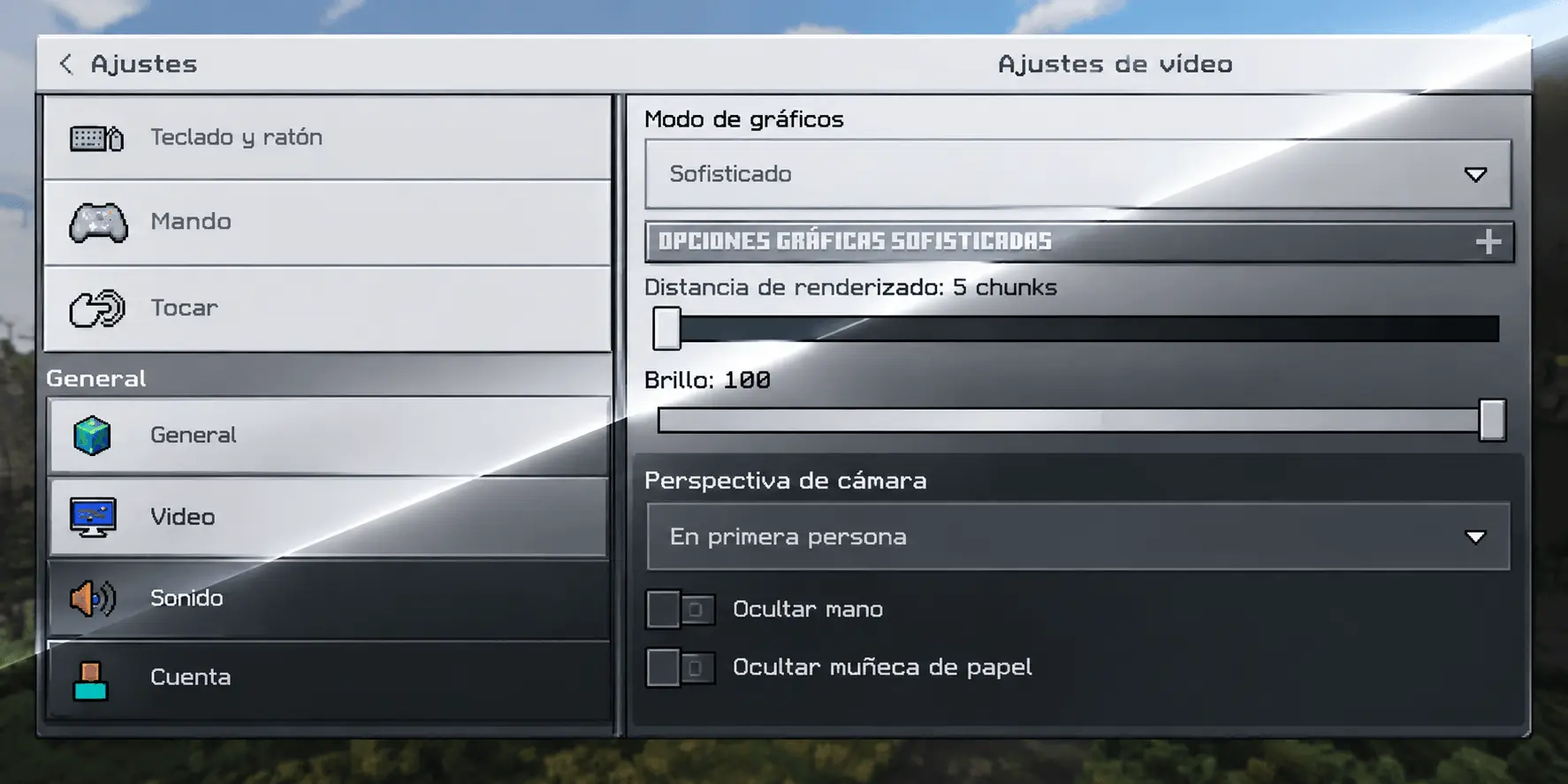
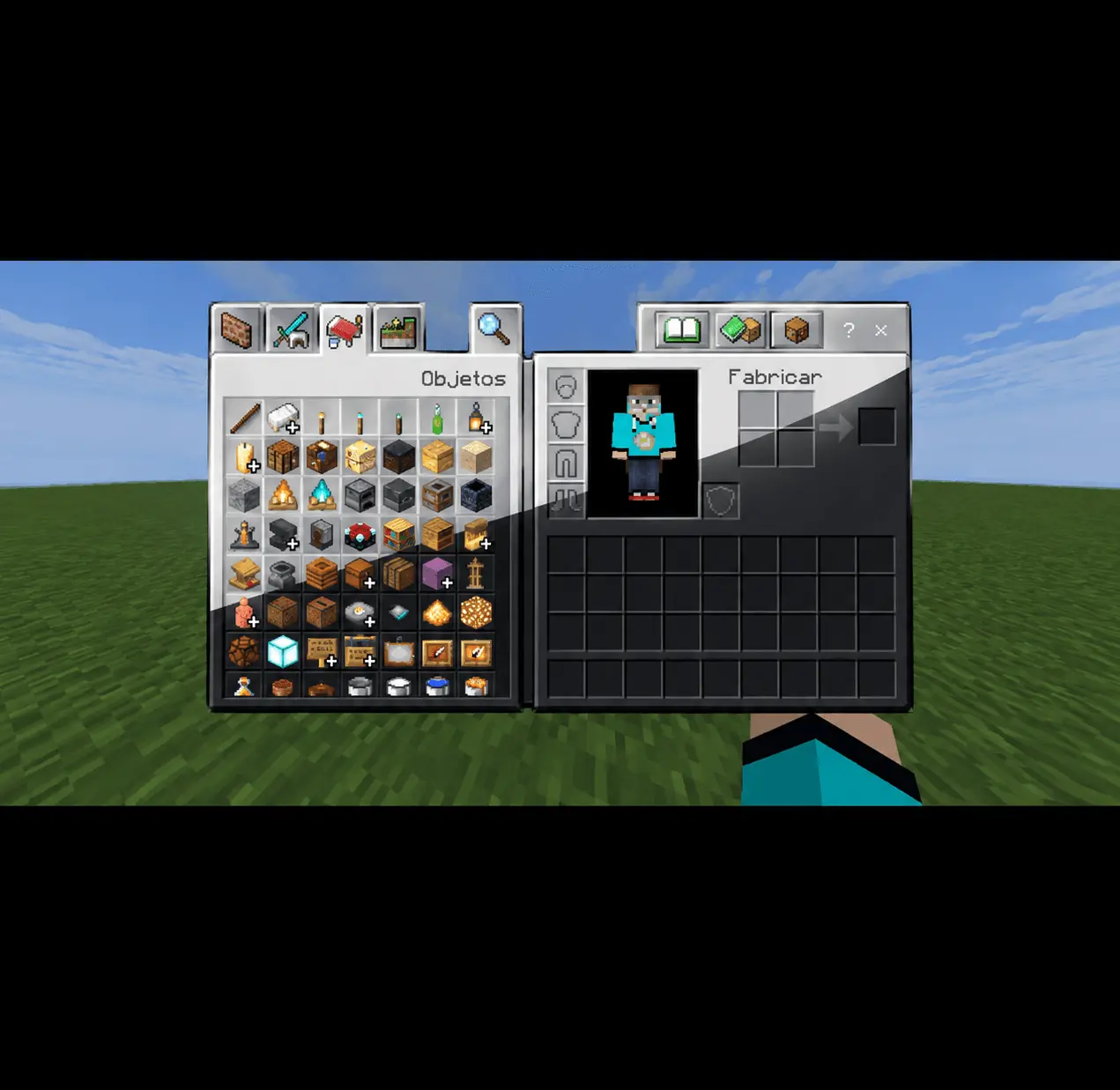
If you are putting together a curated list of the best Minecraft Bedrock texture packs and want something that fundamentally improves the user experience without looking like a messy, hacked-together custom client, this is an absolute must-have. It keeps your inventory highly readable in broad daylight while saving you from massive eye strain during those late-night survival sessions.
You can instantly refresh your entire interface by grabbing the custom MCPE texture download and activating it in your global resources.
Are you going to apply this sleek gradient to all your survival worlds, or do you still prefer the classic, chunky vanilla grey menus for the nostalgia?
Installation guile:
- Download .mcpack file;
- Use minecraft
- Select a texture in the settings menu;
- Enjoy graphics!
Comments (0)