Cinematic Runtime Mod
- 22-02-2026, 10:22
- 488
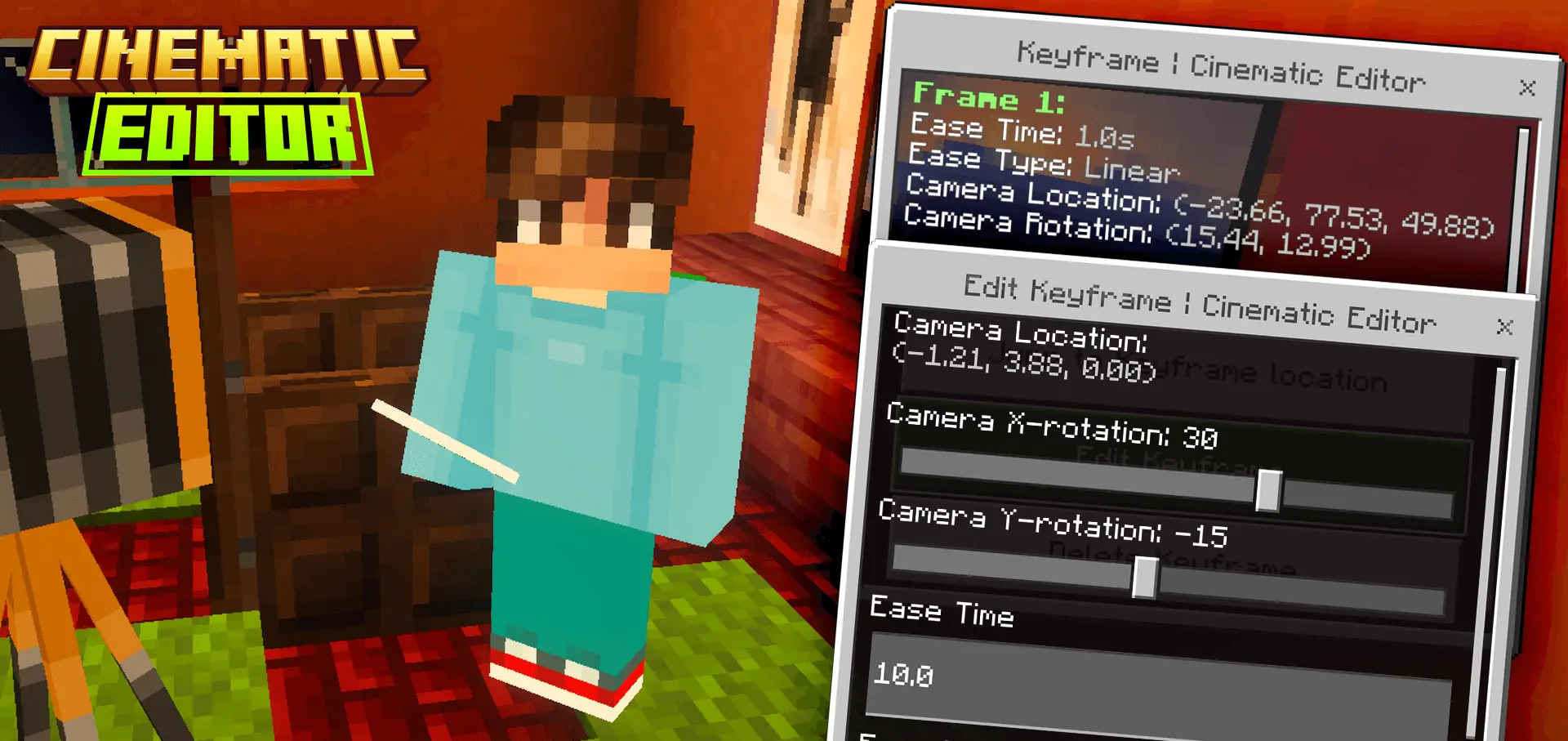
Cinematic Runtime Mod is basically a filmmaking tool inside Minecraft Bedrock. Instead of being stuck in the usual player camera, you can control perspectives and design actual cinematic shots for intros, trailers, role-play cutscenes, or “server montage� moments. The cool part is it’s built to work on mobile and console too, so it’s not just a PC-only creator toy.
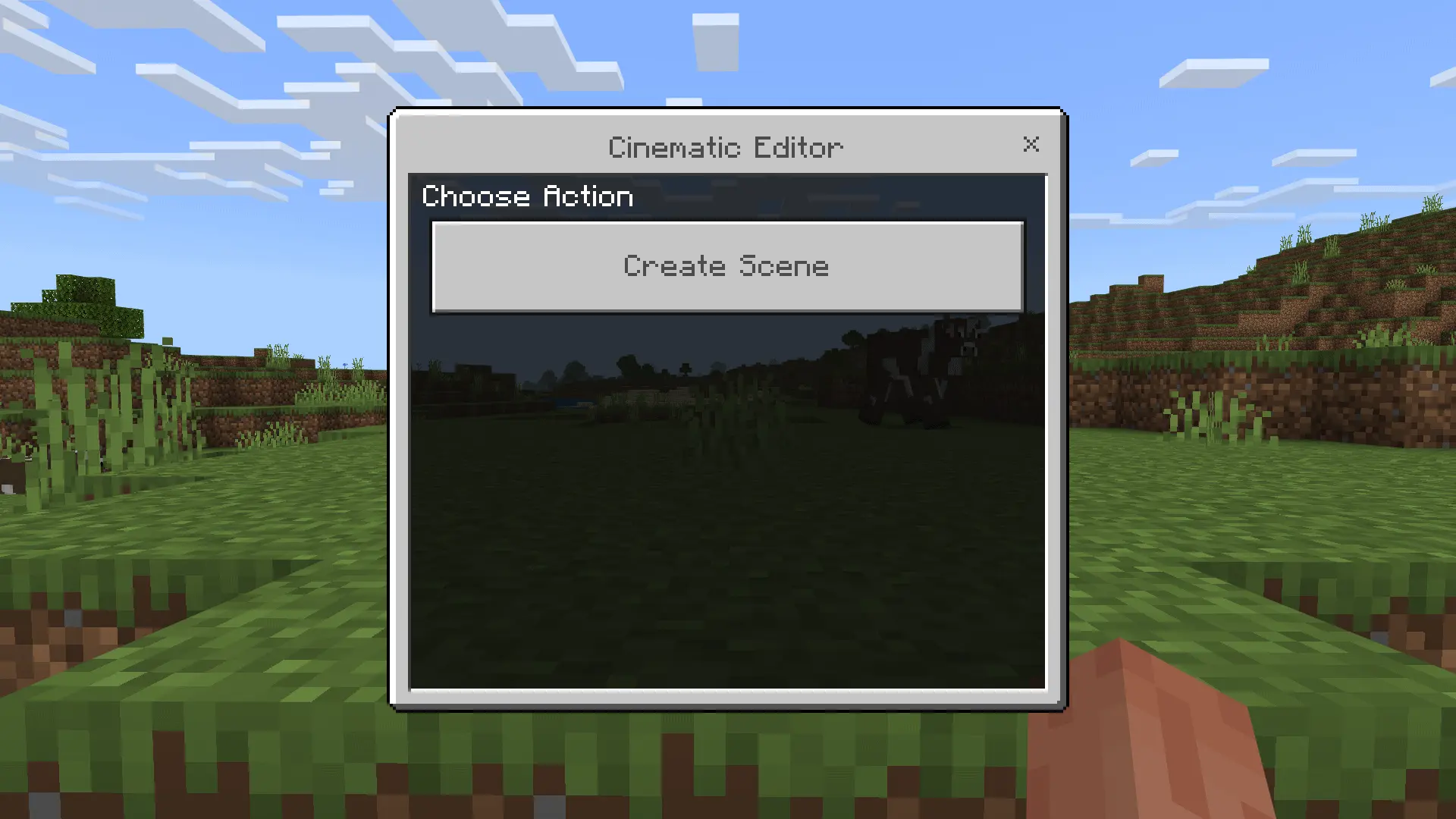
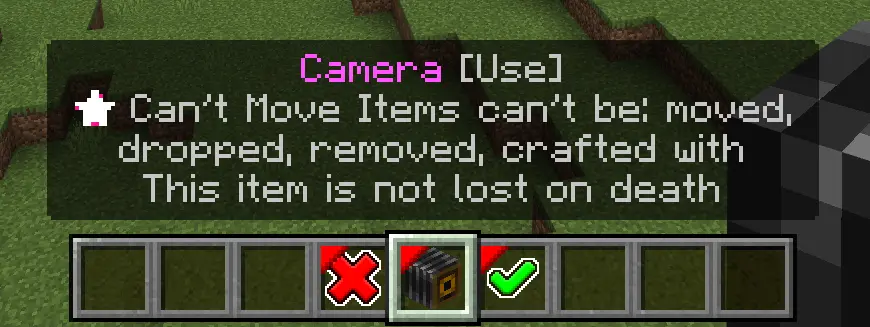
Setting up a scene starts with running /function cinematic/editor. If you haven’t created a scene yet, it opens a runtime editor form where you can create one, and from there you drop into Scene Editor mode. That’s where the addon switches into “focused editing� mode: you get three special items in your hotbar, and your entire inventory is cleared until you exit the editor. It sounds intense, but it keeps things clean so you’re not accidentally mixing your survival items with camera tools.
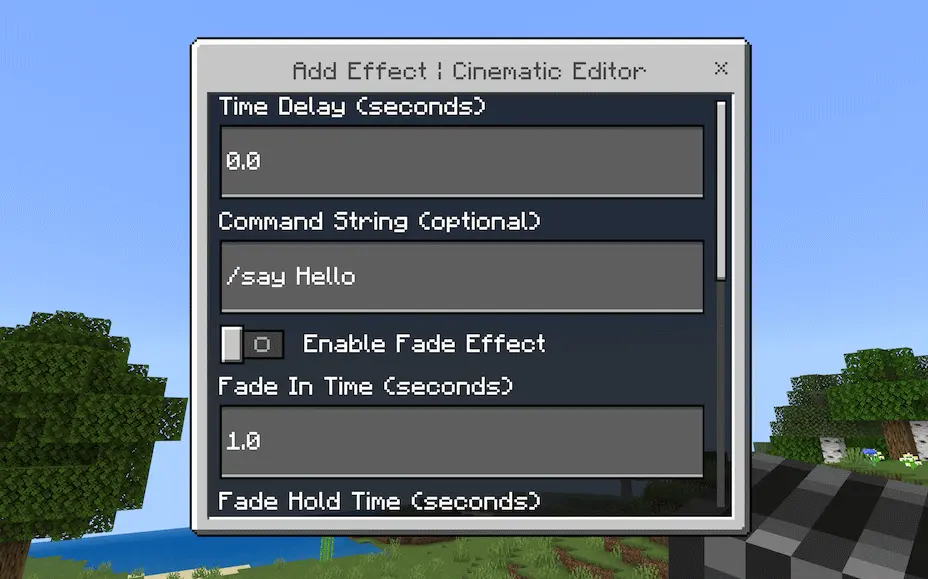
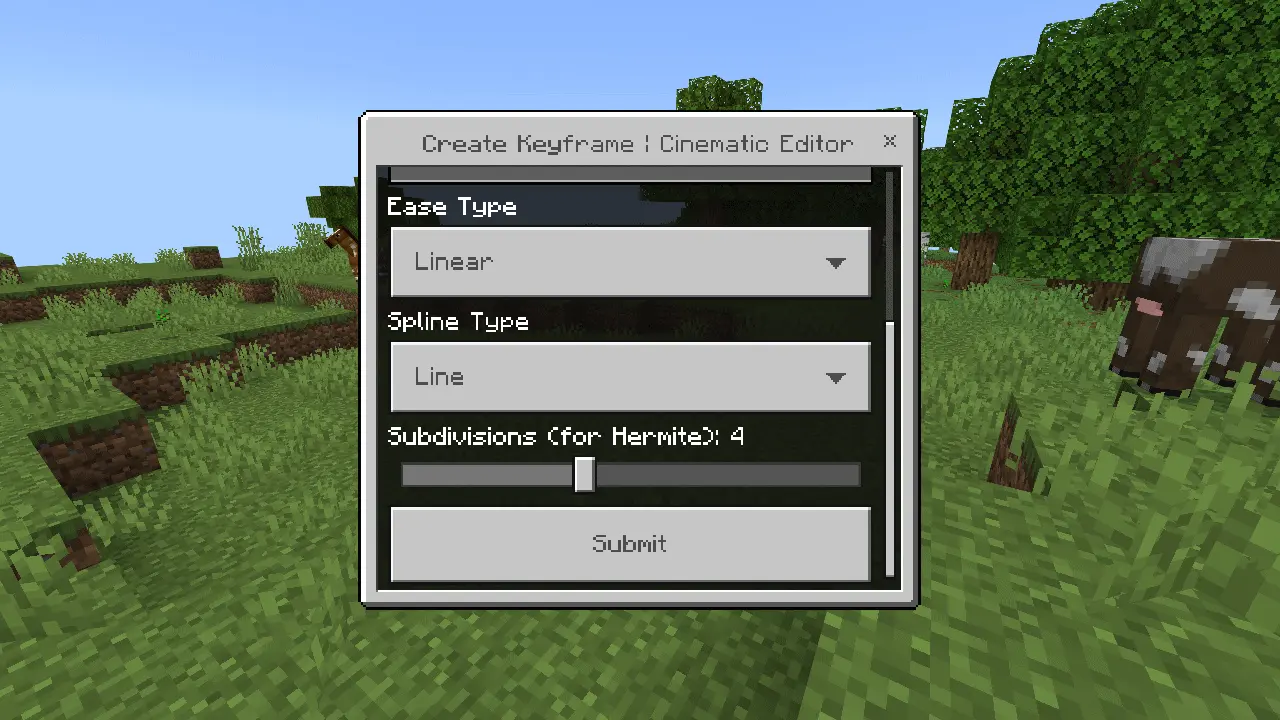
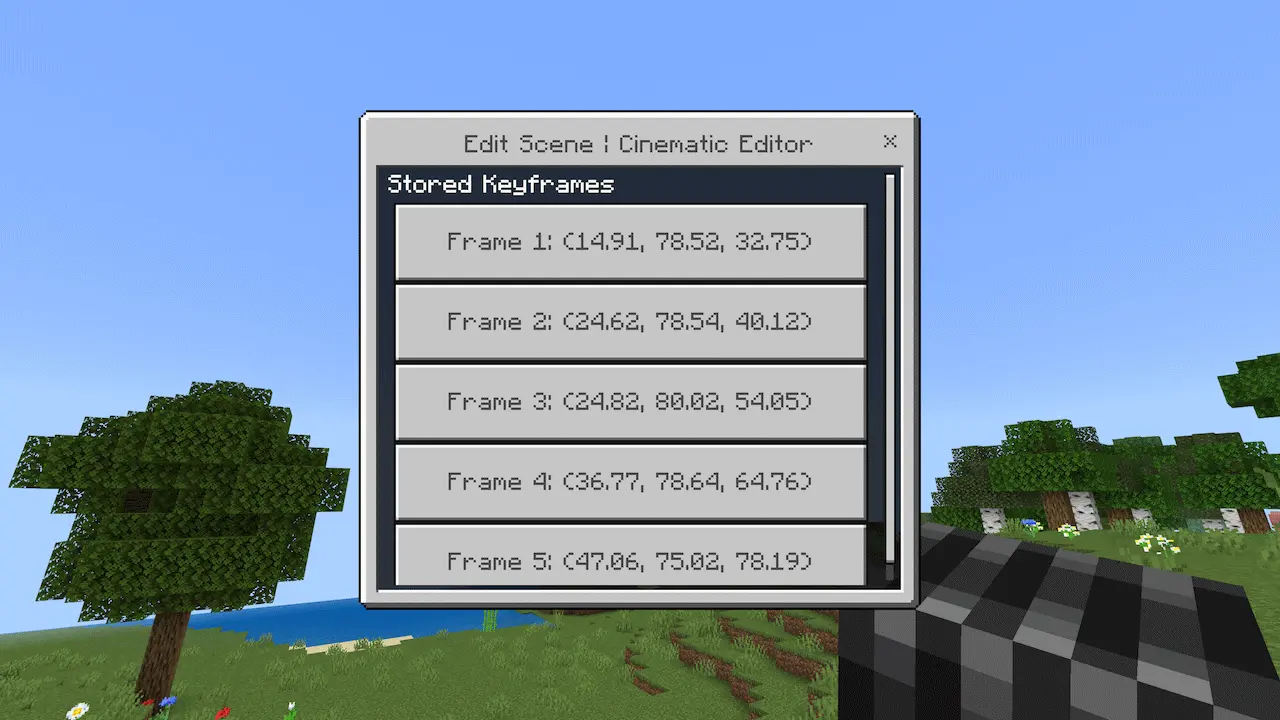
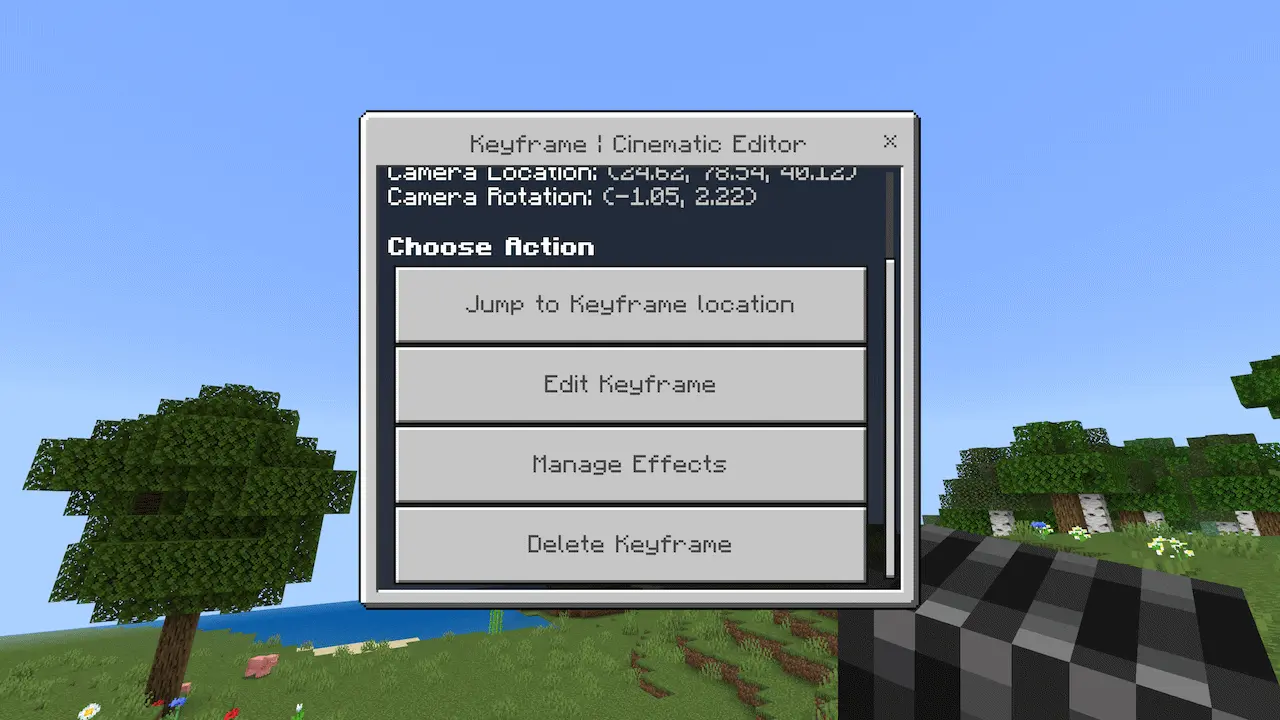
In practice, this addon is best when you treat it like a dedicated filming session. Build your set, hop into the editor, block out your camera moves and angles, then record the moments you want. Cinematic Runtime Mod is perfect for creators who want smoother shots without needing the full Minecraft Editor engine UI, and it’s especially useful when you’re trying to make Bedrock gameplay look more like a real cinematic sequence instead of a shaky first-person walk.
Installation guile:
- Download file Addon;
- Use minecraft
- Open the downloaded file to install;
- Activate the settings;
- Play with the new mod!
Comments (0)