Adventures Structures Mod
- 24-09-2026, 07:51
- 268
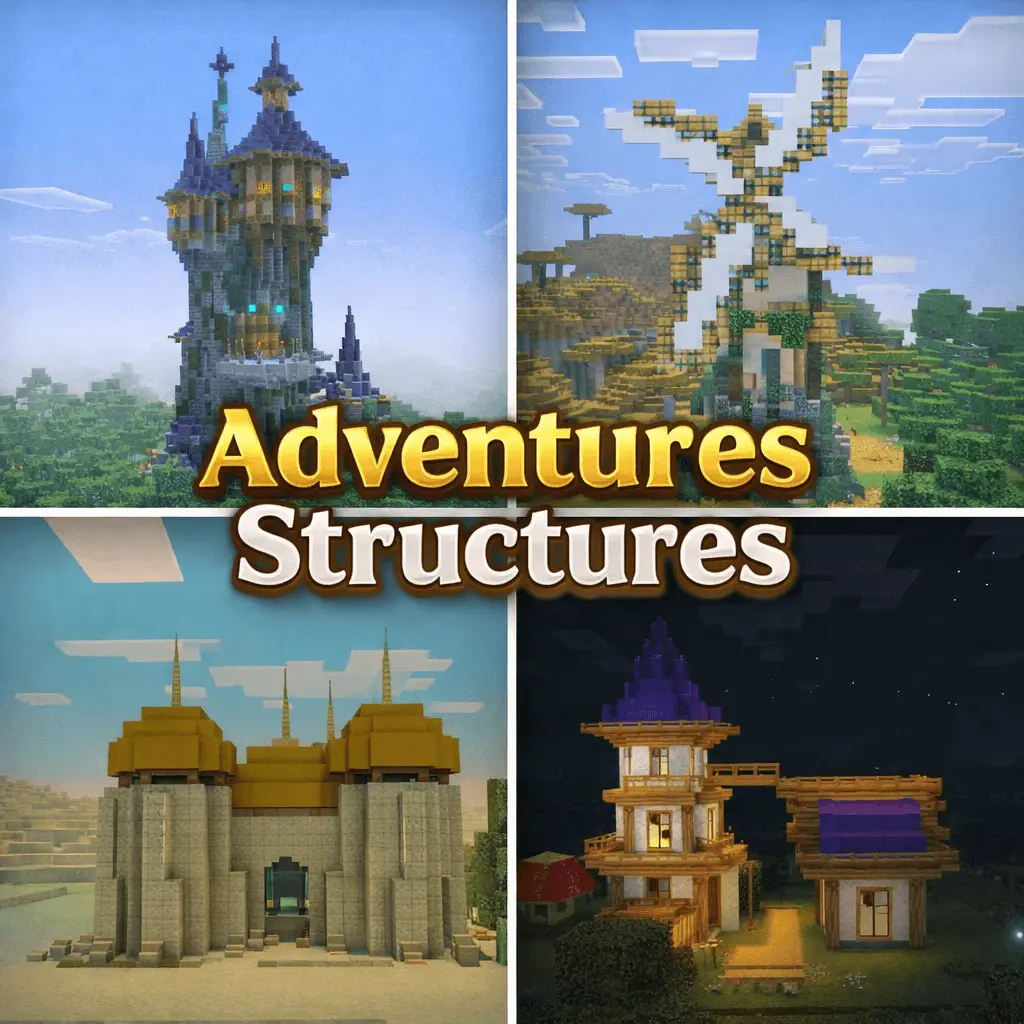
Adventures Structures Addon more interesting and useful structures for adventures.
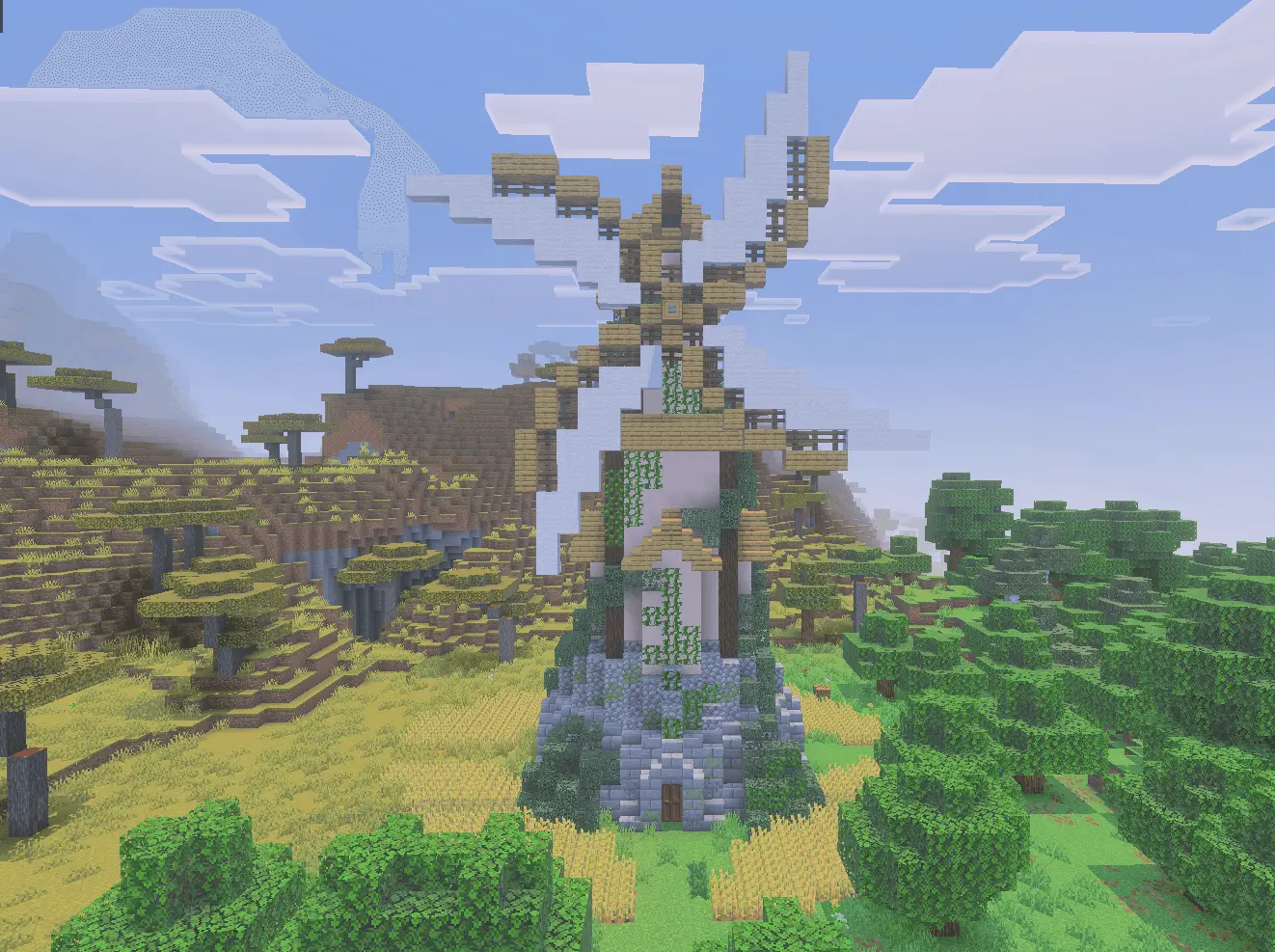
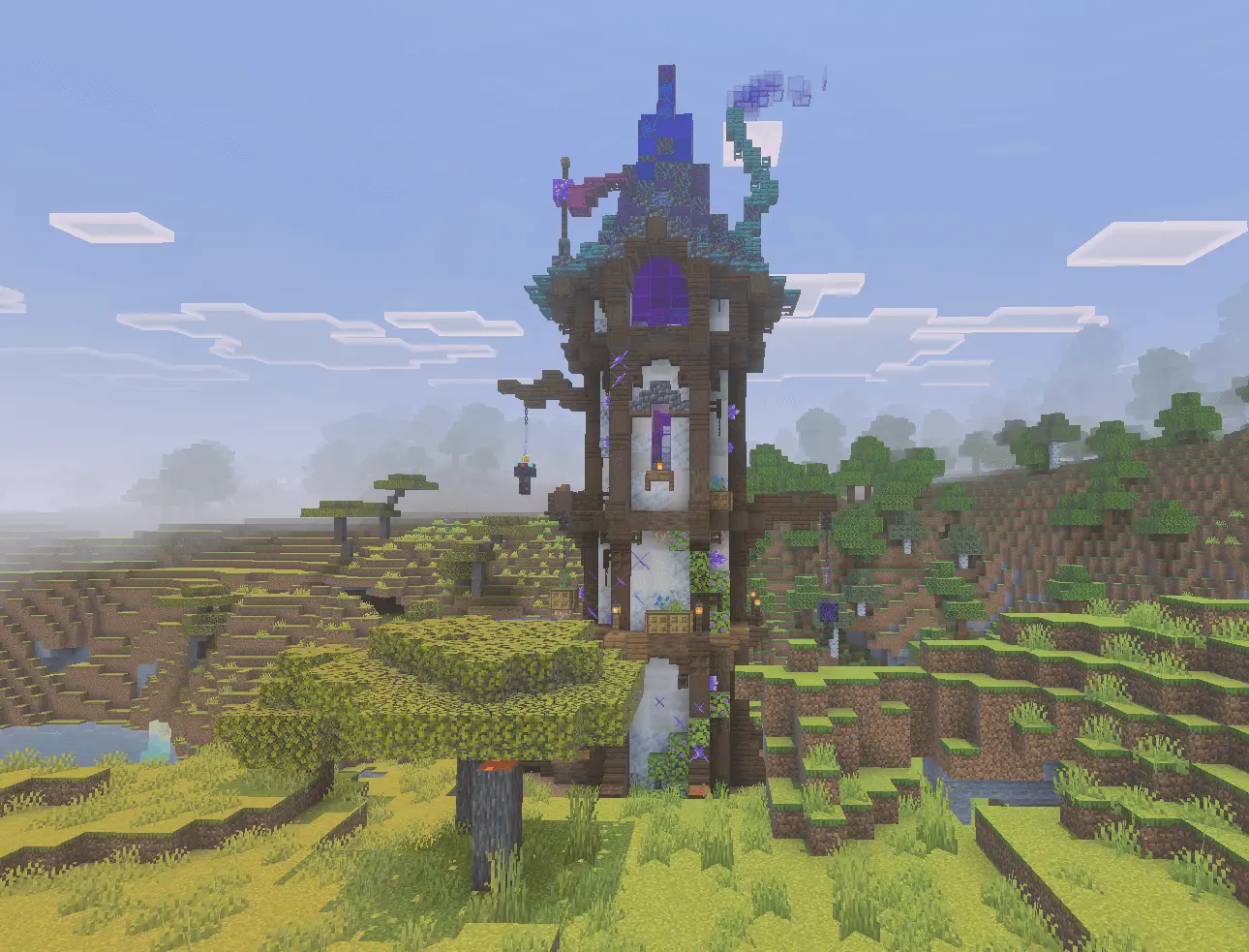
Vanilla Minecraft exploration gets stale quickly once you have seen your fifth identical desert temple or standard plains village. Traveling thousands of blocks across vast swamps or snowy tundras often leaves you with nothing interesting to look at and no reason to stop. The Adventures Structures addon fixes that emptiness by injecting 75 handcrafted builds across nine distinct biome themes, turning barren terrain into actual points of interest. It populates the world with everything from coastal docks and fisherman shacks along the beaches to rustic taverns, wizard towers, and pillager encampments.
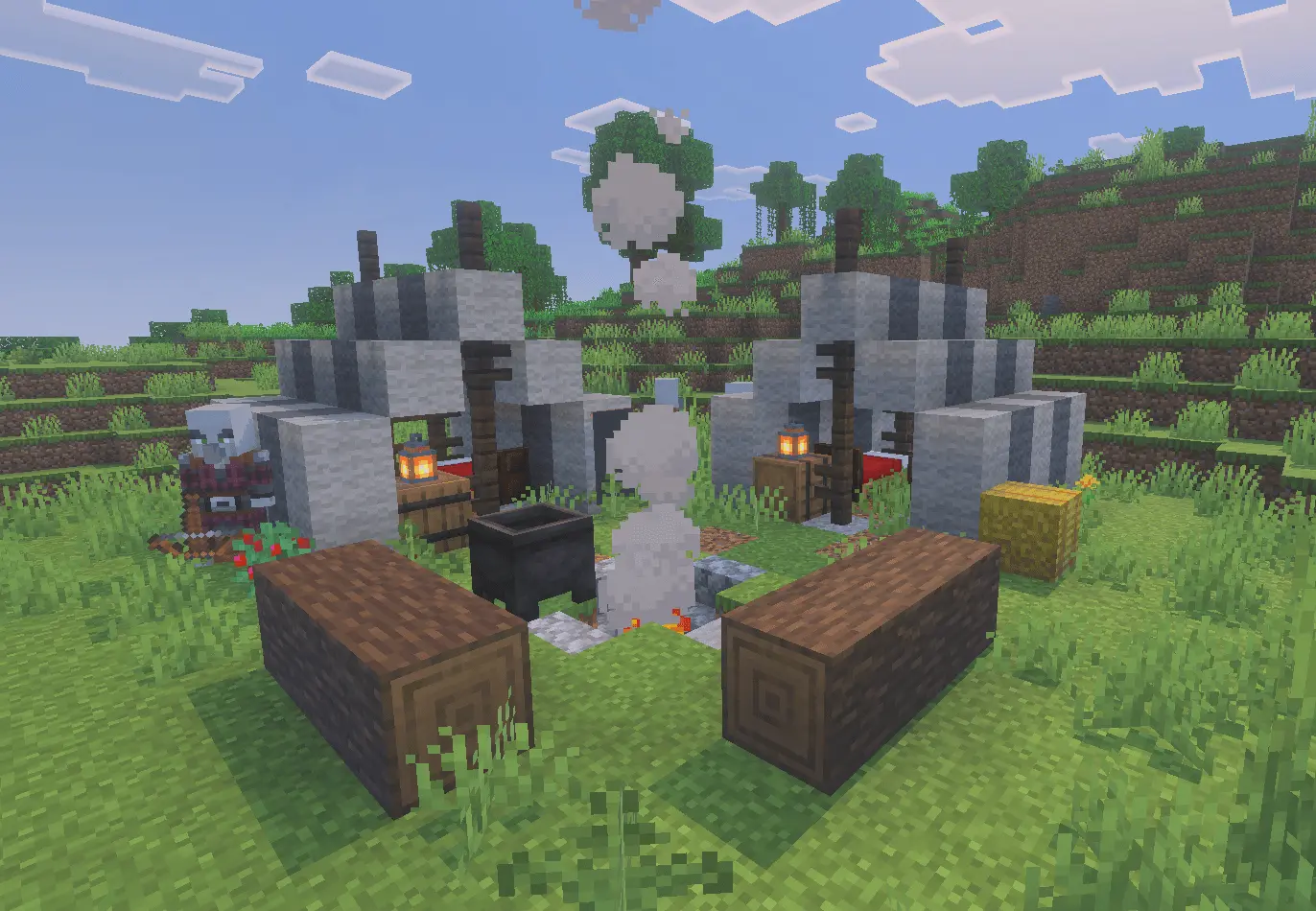
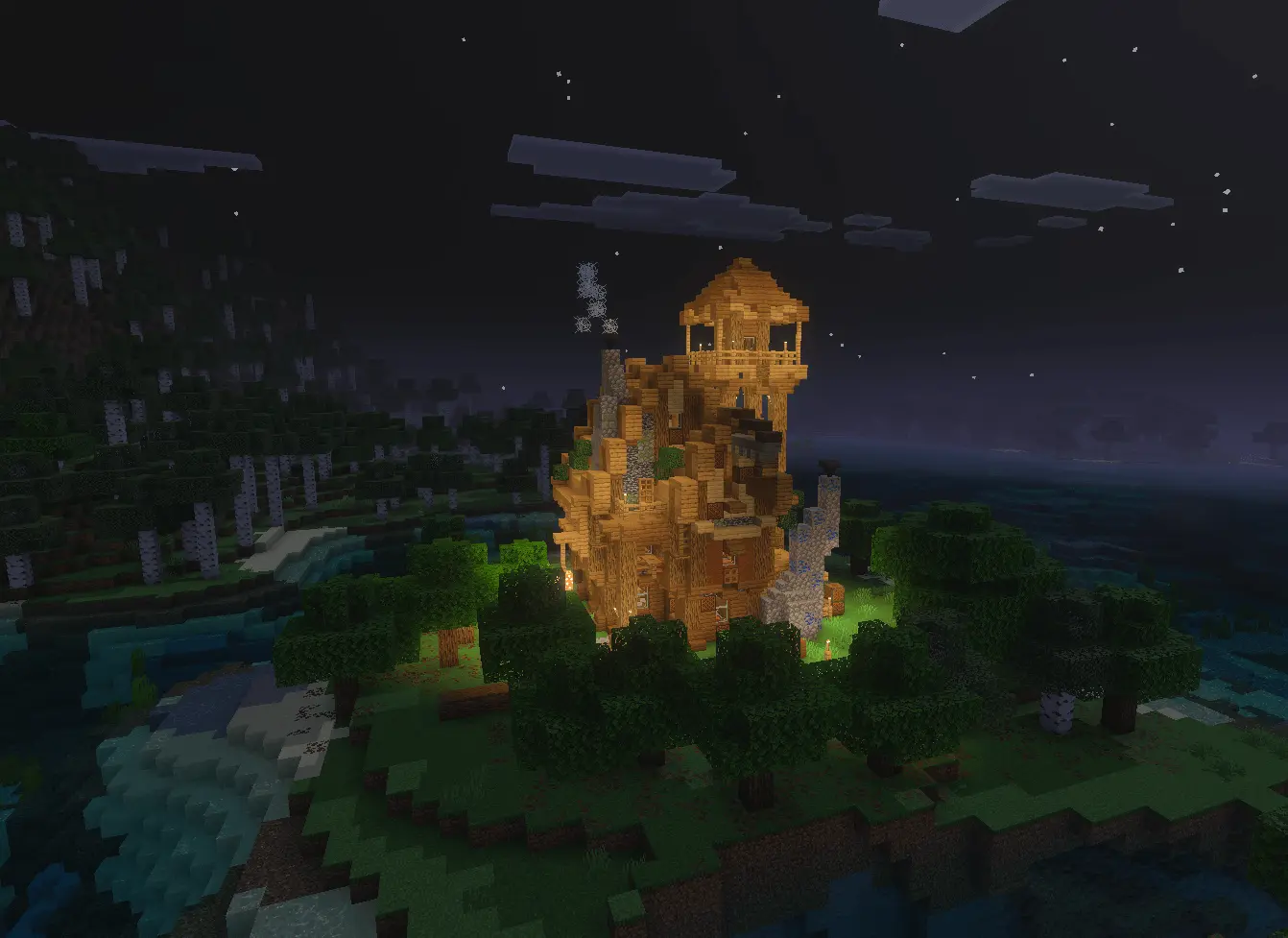
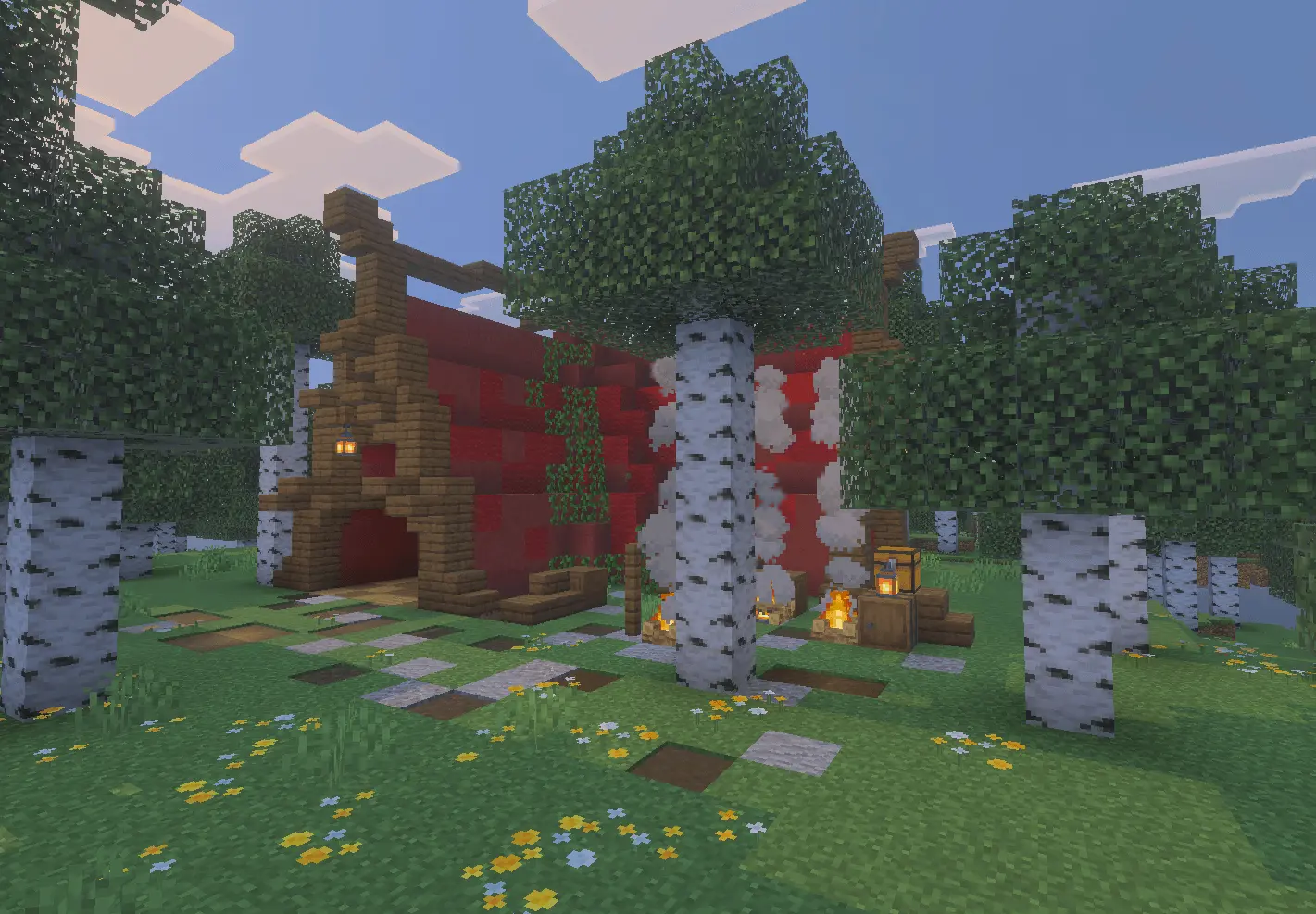
What keeps these buildings from becoming hollow scenery is how the addon handles loot. A common issue with structure mods is that they either leave chests completely empty or dump overpowered gear into random shacks, immediately ruining survival progression. Here, the loot tables are tailored strictly to where you are. You will find basic crops, seeds, and bread in a windmill, alchemy supplies and potions in a wizard tower, and save the enchanted diamond gear for high-threat phantom citadels and ender castles in the End. Because it hooks cleanly into Bedrock's Jigsaw world generation, the structures carve naturally into hillsides and coastlines rather than spawning as awkward, floating cubes.
It also introduces variety to spaces players usually ignore, particularly the sky and the End dimension. Flying around with an Elytra becomes much more interesting when you can run into drifting airships and hot air balloons hanging in the clouds. Meanwhile, the outer End islands stop feeling like endless stretches of empty chorus plants and instead offer monolithic ruins that work well as late-game raiding targets.
Are you planning to let these spawn naturally across a brand-new survival seed, or are you looking to manually paste specific structures to flesh out your own custom towns?
Installation guile:
- Download file Addon;
- Use minecraft
- Open the downloaded file to install;
- Activate the settings;
- Play with the new mod!
Comments (0)