Item Physics PLUS Addon
- 1-09-2026, 12:26
- 201
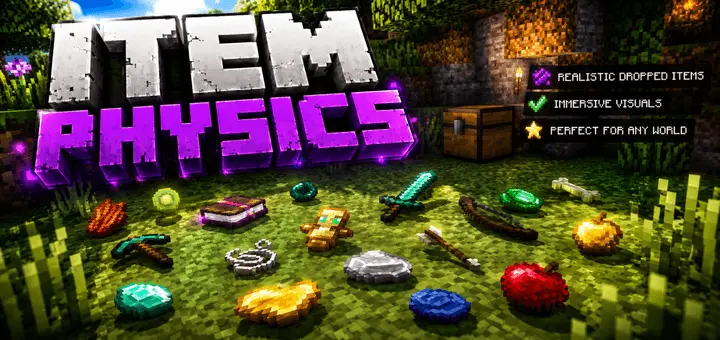
Item Physics PLUS Addon - Ditch the Floating Blocks
Have you ever cleared out a massive creeper crater or chopped down a giant spruce biome, and suddenly your screen is just flooded with dozens of spinning, hovering blocks? It honestly looks super goofy and totally kills the immersion of a hardcore survival grind. Tossing this physics overhaul into your world files permanently deletes that weird visual clutter. Instead of bobbing up and down like cheap holograms, your scattered loot actually drops and rests flat on the terrain exactly like it would in real life. It is a super subtle tweak, but accidentally tossing your enchanted sword and watching it physically clatter onto the floor planks just hits different. You get a massive visual glow-up that makes the environment feel incredibly polished without altering a single core vanilla mechanic.
Patching your client for better visuals is usually a quick way to tank your frame rate, but this specific tweak is optimized perfectly, easily making it one of the best Minecraft Bedrock realism addons out there. If you are hosting a massive SMP or building out a bustling player-run marketplace, seeing a rival's gear actually scatter across the dirt after they get eliminated makes the aftermath of a duel look insanely cinematic. It is an absolute requirement if your squad is hunting for top multiplayer roleplay mods to make your server's economy feel legit. Throwing a handful of emeralds onto a trading counter and watching them physically rest on the surface brings a heavy dose of immersion that the base engine completely lacks.
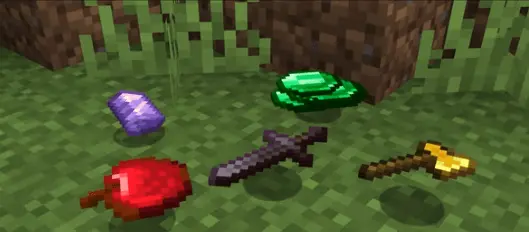
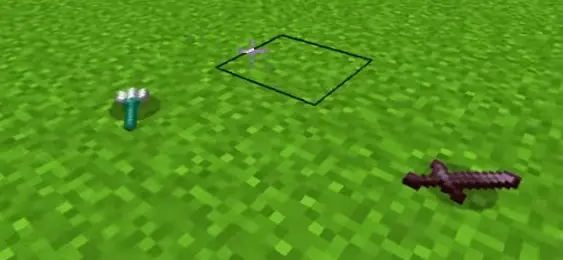
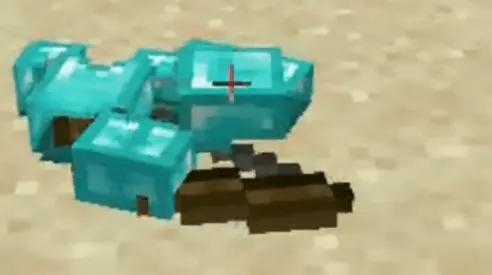
Nobody wants to accidentally brick their long-term realm with a bloated file just to get better gravity. Luckily, sliding this physics upgrade into your active server is completely painless. Just lock in the custom MCPE addon download, activate the pack in your world settings, and immediately let the new engine do the work. Stop dealing with those annoying floating pixels, clear up your screen, and give your survival world the clean, next-gen visual upgrade it desperately needs.
Installation guile:
- Download file Addon;
- Use minecraft
- Open the downloaded file to install;
- Activate the settings;
- Play with the new mod!
Comments (0)