1500 Days Hardcore Survival World Map
- 2-10-2026, 12:16
- 117
Survival Maps / Adventure Maps
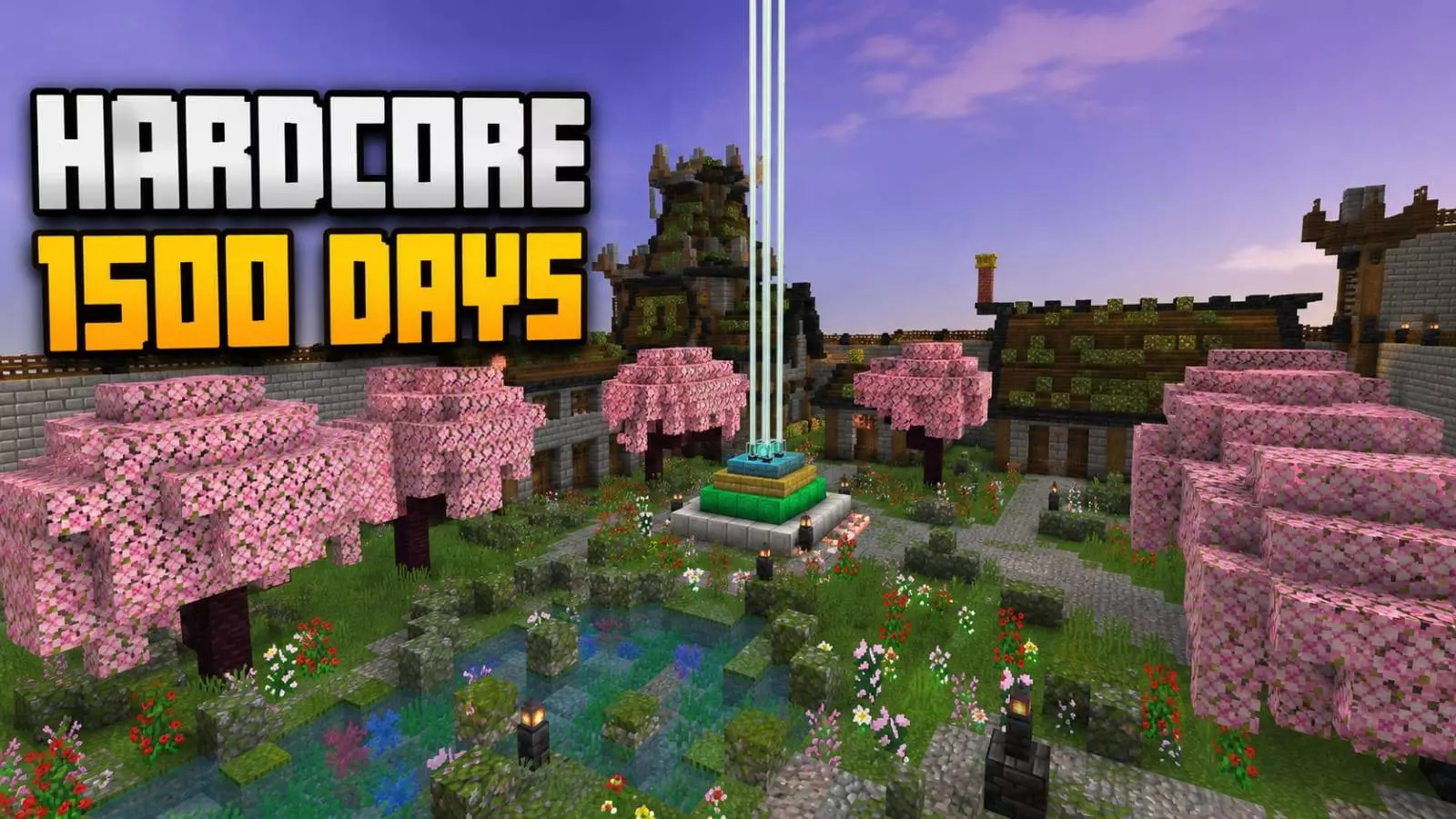
The transition from a basic starter base to a fully detailed medieval civilization is usually where survival runs die of burnout. You spend a hundred days building functional infrastructure and immediately lose motivation before laying a single decorative brick. This 1500-day map completely bypasses that mid-game fatigue, dropping you straight into a massive, highly curated medieval settlement. You aren't just inheriting a random cobblestone box; you are stepping into a sprawling fortress protected by massive defensive stone walls, custom wooden architecture, and meticulously planned survival infrastructure.
The aesthetic pacing of the settlement is incredibly deliberate. Instead of just spamming standard spruce and stone brick, the map integrates massive cherry blossom gardens, custom decorative ponds, and dense landscaping to break up the heavy masonry. More importantly, the vital survival mechanics are woven directly into the town’s design. The organized farms, resource facilities, and wooden buildings are seamlessly connected by detailed pathways. You do not have to ruin the medieval immersion just to gather food or restock your supplies—every practical area has been given a strict visual identity that matches the wider fortress.
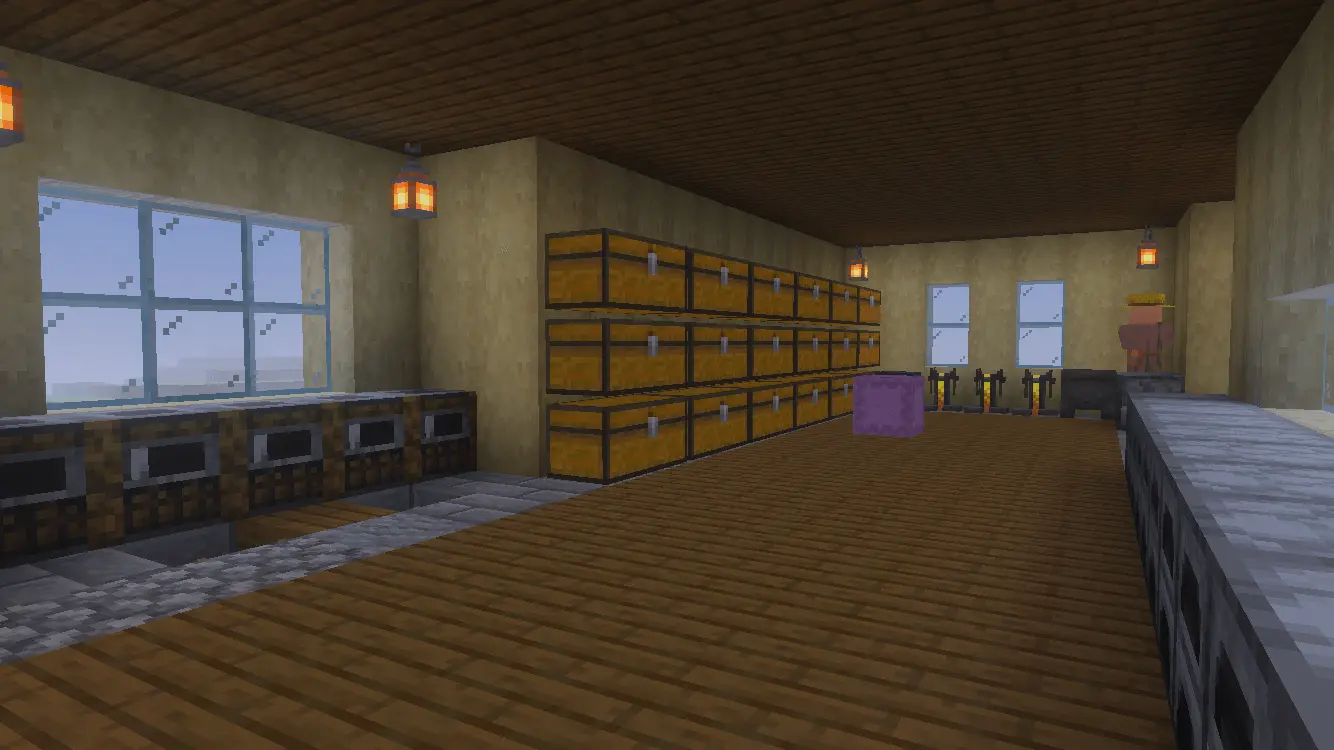
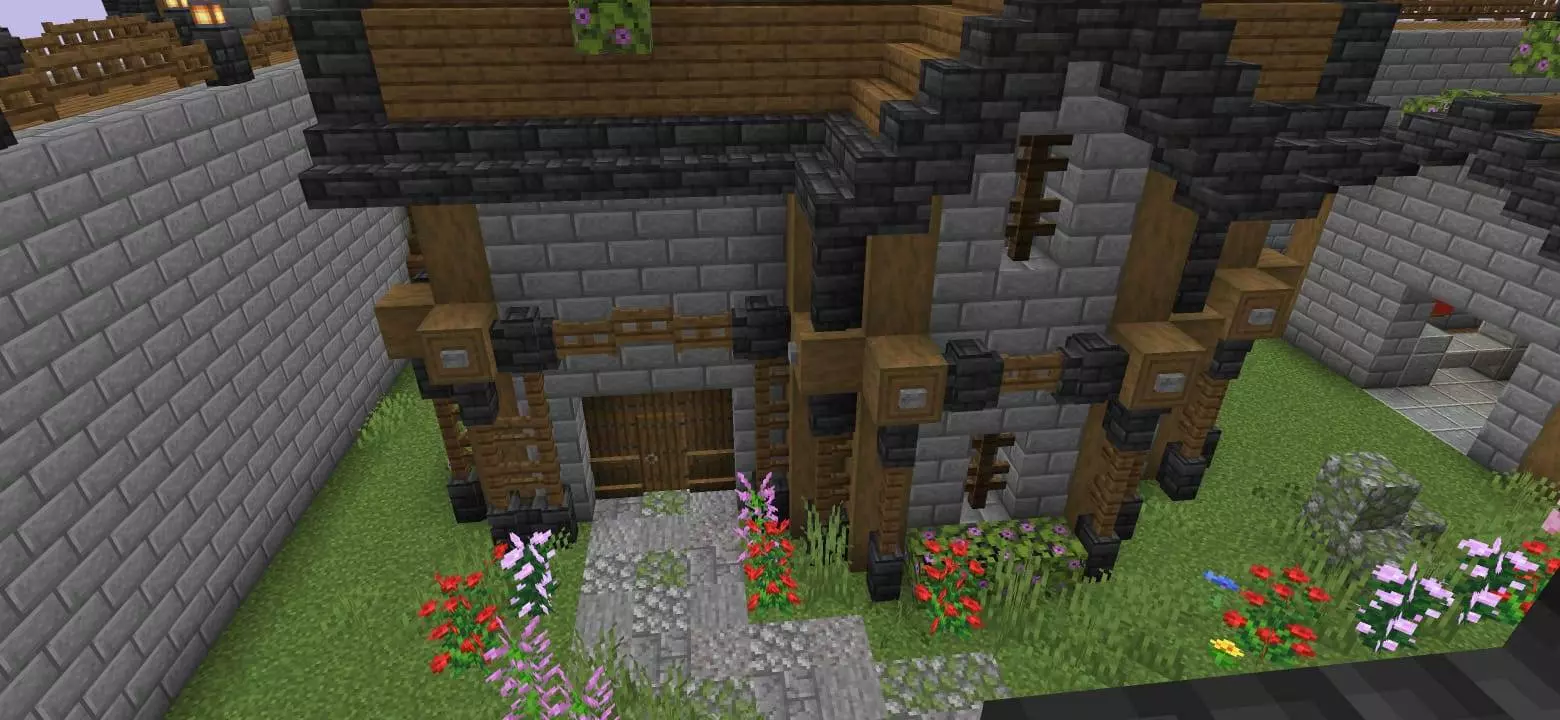
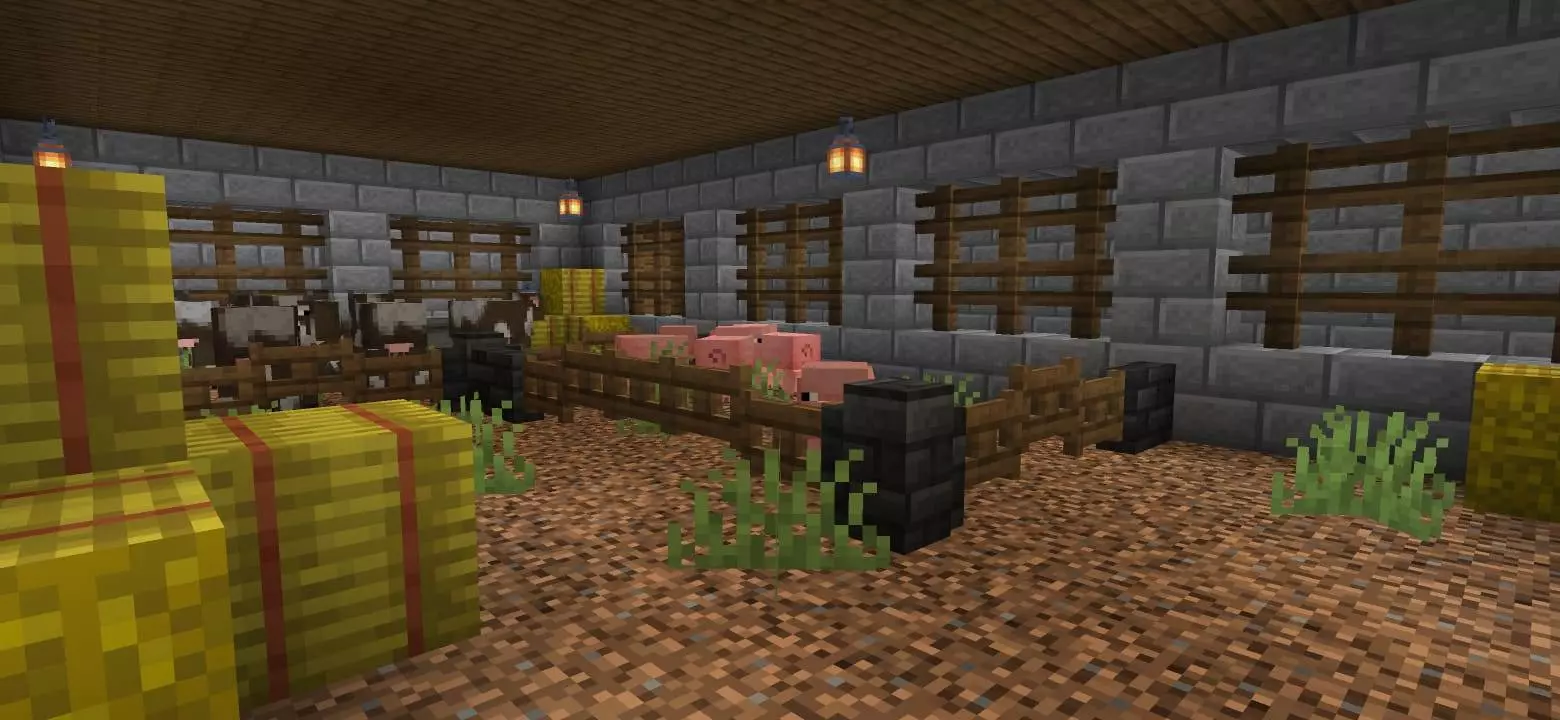
Rendering dense custom foliage, packed farm areas, and complex resource hubs simultaneously usually pushes the Bedrock engine to its breaking point. On consoles and mobile devices, cramming too many entities and block-state updates into a single chunk results in severe frame drops and that infuriating block desync where broken crops instantly reappear. Because this settlement was built organically in survival over thousands of in-game days rather than forcefully pasted in with external world-edit tools, the heavy resource zones are intelligently spaced out. Chunk loading stays incredibly stable, allowing you to sprint through the cherry blossom districts without the internal tick rate freezing to process background entity pathing.
Are you loading this up just to reverse-engineer the integrated farming layouts and defensive wall scaling for your own Realm, or are you actually going to keep the hardcore save alive and try to push the day counter to 2,000?
Installation instructions:
Android: use the file manager, go to the directory with the downloaded map file and open it.
Windows 10: open the folder with the downloaded file and activate the mcworld file.
IOS: after downloading, your mobile device will prompt you to install the map.
Comments (0)